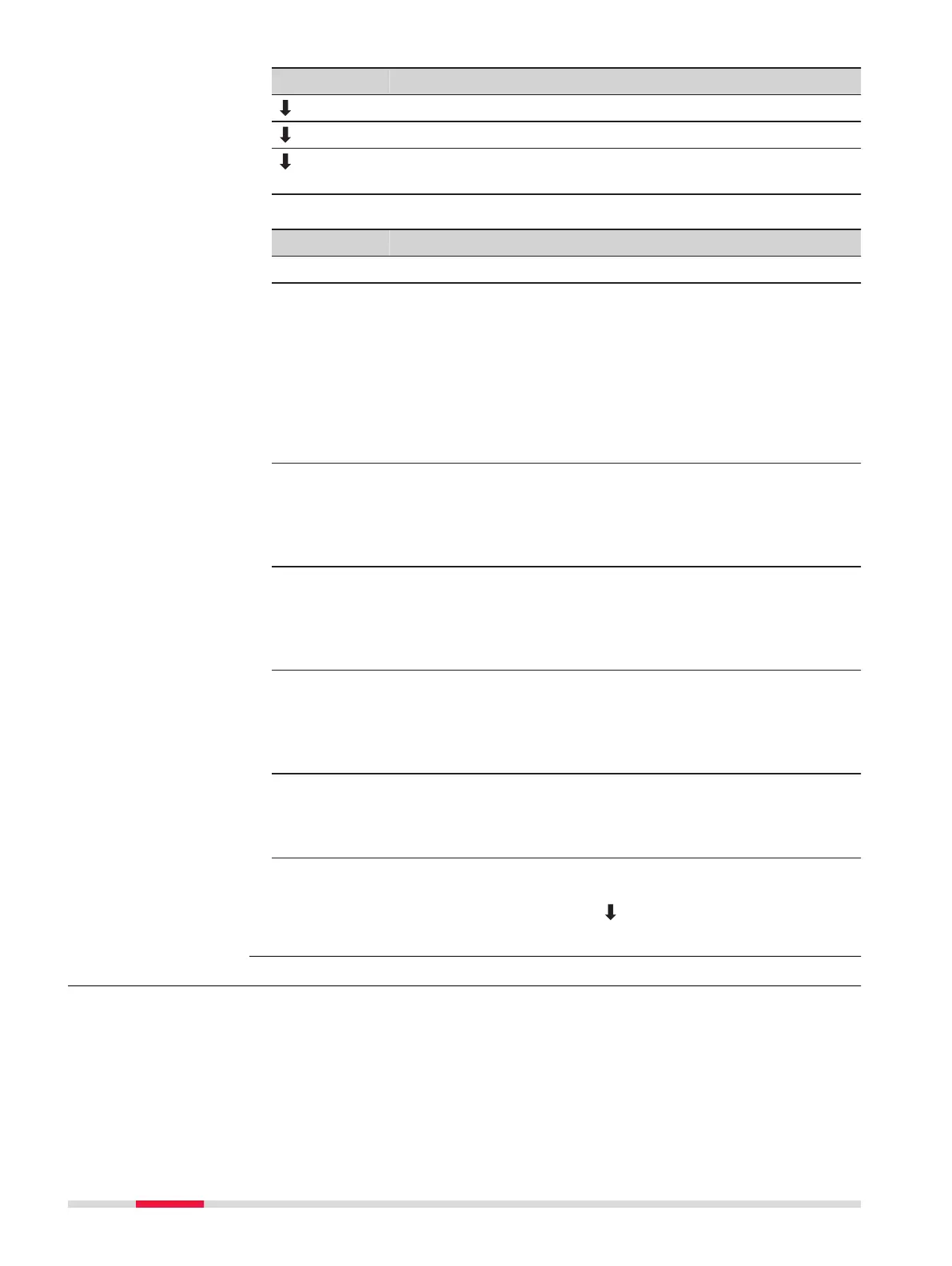
Key Description
NewBL To define a new base line.
Shift=0 To reset all offset values to 0.
Segment To subdivide a reference line into a definable number of seg-
ments and stake out the new points on the reference line.
Description of fields
Field Option Description
Length Display only Length of the base line.
Ref. Height Point 1 Height differences are computed relative to
the height of the first reference point.
Point 2 Height differences are computed relative to
the height of the second reference point.
Interpolated Height differences are computed along the
reference line.
No Height Height differences are not computed or
shown.
Offset Display only Parallel offset of the reference line relative to
the base line (P1-P2). Available on page 2/2
for TS03 or on page Shifts for TS07.
Positive values are to the right of the base
line.
Line Display only Longitudinal offset of the start point, refer-
ence point (P3), of the reference line in the
direction of base point 2. Available on page
2/2 for TS03 or on page Shifts for TS07.
Positive values are towards base point 2.
Height Display only Height offset of the reference line to the
selected reference height. Available on page
2/2 for TS03 or on page Shifts for TS07.
Positive values are higher than the selected
reference height.
Rotate Display only Rotation of the reference line clockwise
around the reference point (P3). Available on
page 2/2 for TS03 or on page Shifts for
TS07.
Next step
Select a softkey option, Meas Pt, Setout or Segment, to proceed to a sub-
app.
7.5.4 Measure Line & Offset
The Measure Line & Offset subapp calculates from measurements or coordi-
nates, longitudinal offsets, parallel offsets and height differences of the target
point relative to the reference line.
Description
86 Apps



 To Next Page