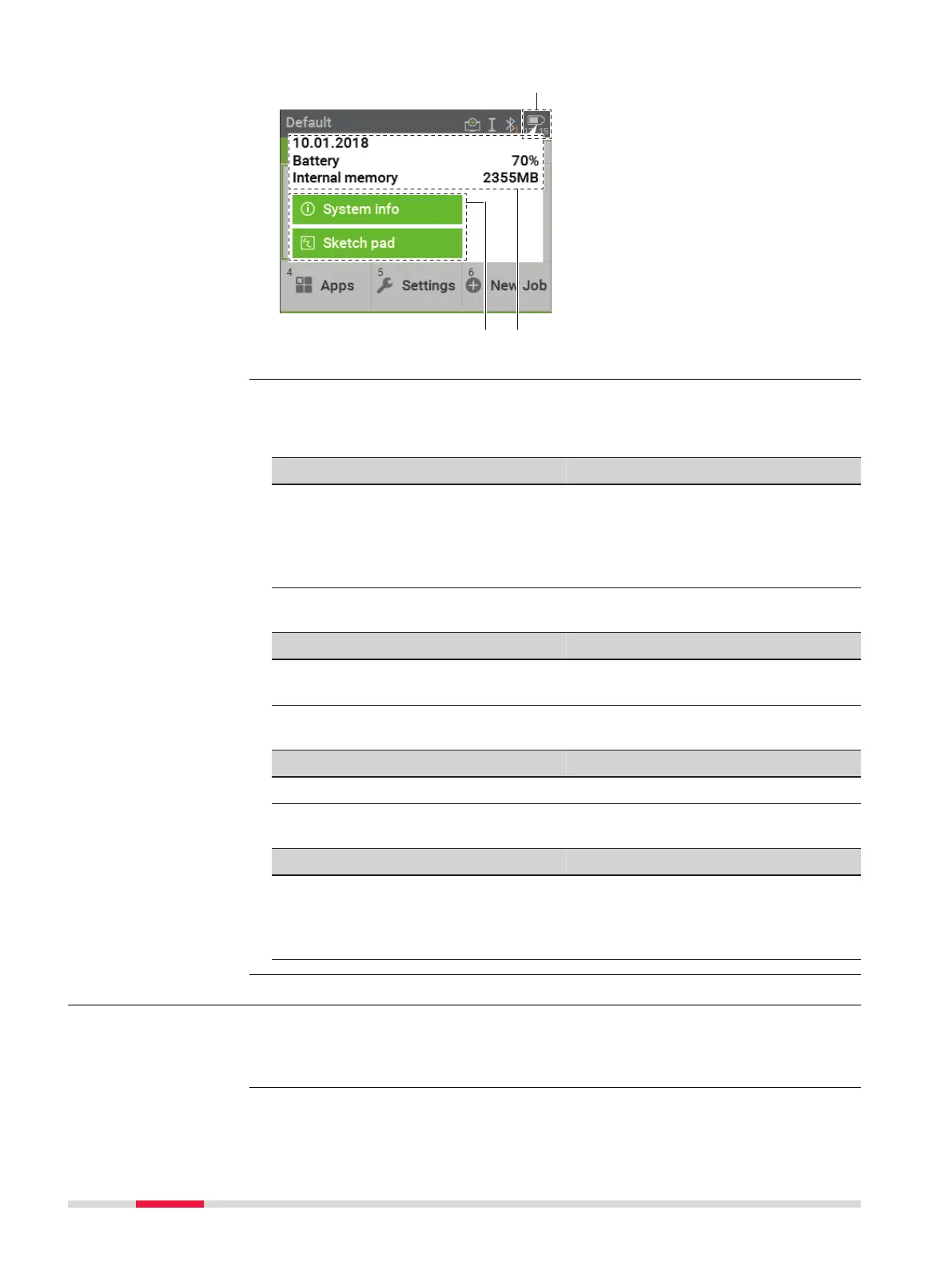
a Status icon
b Status information
c Bubble icon
Refer to the individual chapters for more information.
EDM & Target
Status Information
Functionality
•
Current target with defined con-
stants
•
Type of distance measurement
•
Switch between non-priam and
prism mode
•
Turn the red laser of the reflec-
torless EDM on/off
•
Select targets
Instrument
Status Information
Functionality
•
Current setup ID, instrument
height and level status
•
Electronic level bubble and com-
pensator settings
Connectivity
Status Information
Functionality
•
Current interface setting
•
Start Interface Settings
Battery and date
Status Information
Functionality
•
Date
•
Remaining power capacity for
the battery
•
Active internal memory
•
View the system information
•
Create a sketch on a virtual piece
of paper
3.5 Softkeys
Softkeys are selected using the relevant F1 to F4 function key. This chapter
describes the functionality of the common softkeys used by the system. The
more specialised softkeys are described with the apps where they appear.
Description of the
icon pop-up bubbles
Description
30 User Interface



 To Next Page