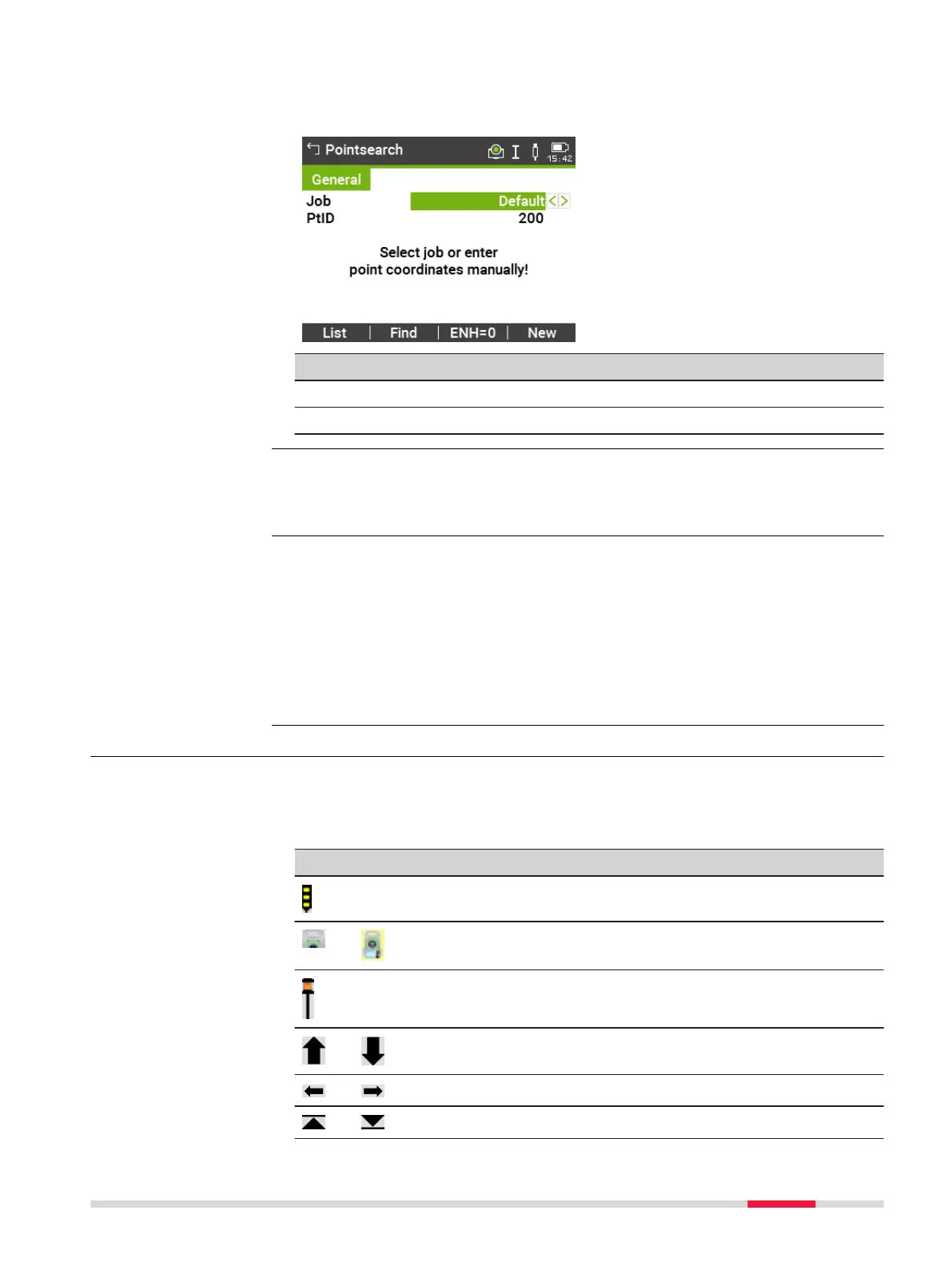
By entering an actual point number, for example 402, and pressing Find, all
points within the selected job and with the corresponding point number are
found.
Key Description
Find To search for matching points within the selected job.
ENH=0 To set all ENH coordinates for the point ID to 0.
The wildcard search is indicated by a "*". The asterisk is a place holder for any
following sequence of characters. Wildcards should be used if the point num-
ber is not fully known, or to search for a batch of points.
*
All points are found.
A All points with exactly the point number "A" are found.
A* All points starting with "A" are found, for example, A9, A15, ABCD,
A2A.
*1 All points containing only one "1" are found, for example, 1, A1, AB1.
A*1 All points starting with "A" and containing only one "1" are found, for
example, A1, AB1, A51.
3.8 Graphic Symbols
In some apps, a graphical display is shown. The graphical display
•
provides a guide to find the point to be staked out.
•
allows for a better overall understanding of how the data being used and
measured relates to each other.
Element Description
Point to be staked / known point
Instrument
Current position of prism (measurement with Dist)
Forward/backwards distance to point
Side distance to point
Height distance to point
Direct search
Wildcard search
Examples of point
searches
Graphic symbols
User Interface 33



 To Next Page