•
If a target point is measured several times in the same face, only the last
valid measurement is used for computation.
•
For Method: Resection:
•
The prism used for face I and face II measurements must be the same.
•
If different codes for face I and II are used, then the code of face I is
used. If only face II is measured with a code, then the code of face II
is assigned to the point.
•
If the scale is calculated, then the standard deviation of the position with
two targets is 0.0000. With flexible scale, the resection is fitted perfectly
into the geometry without redundancy.
7.3 Surveying
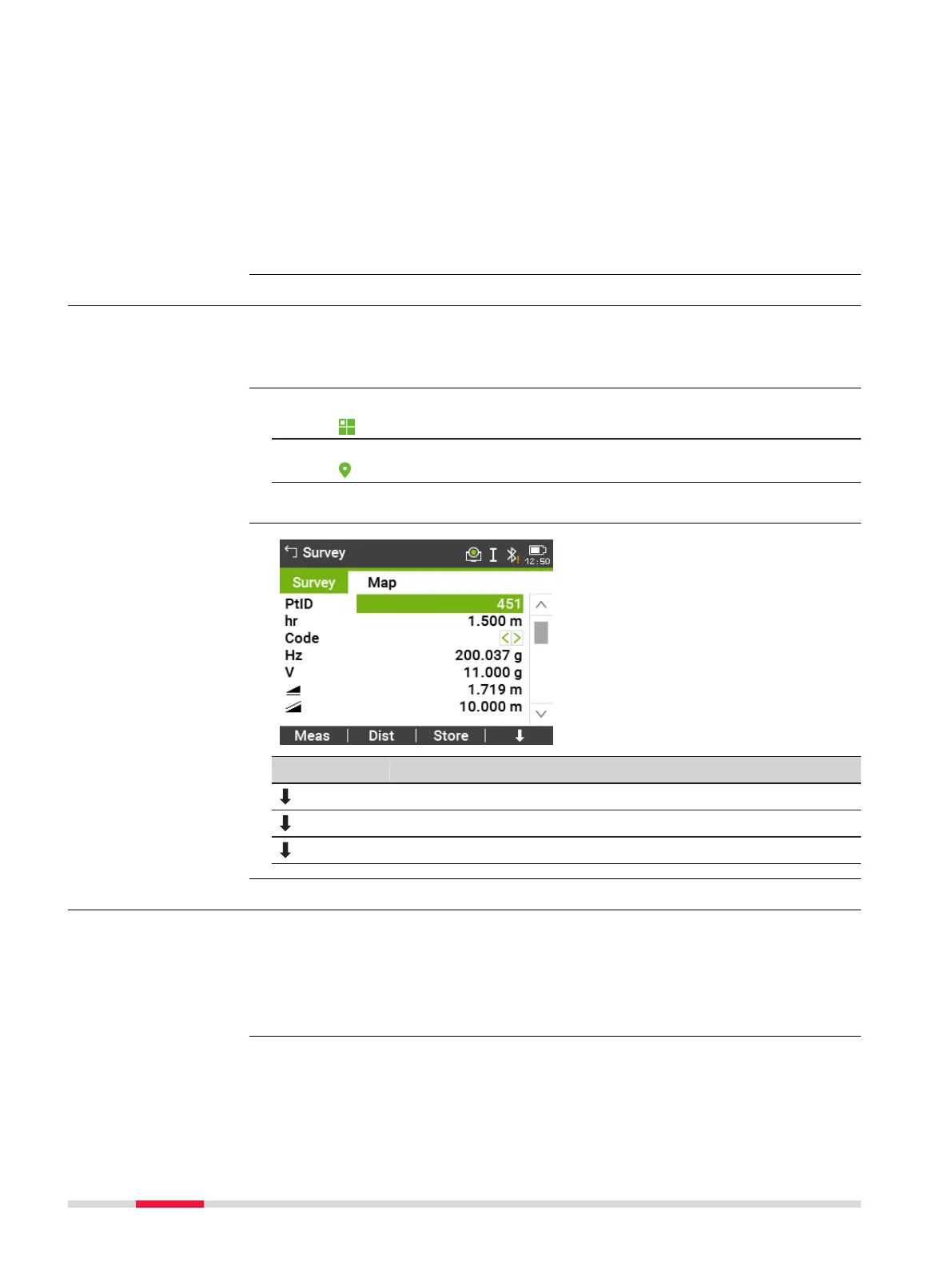
Survey is an app used for the measurement of an unlimited number of points.
It includes pre-settings for the job, station and orientation prior to beginning a
survey.
1.
Select Apps from the Main Menu.
2. Select Survey from the Programs Menu.
3. Complete app pre-settings. Refer to "6 Apps - Getting Started".
Key Description
Q-Code To activate quick coding. Refer to "9.2 Quick Coding".
IndivPt To switch between individual and running point numbers.
Manage To view measurement data.
7.4 Setout
Setout is an app used to place marks in the field at predetermined points.
These predetermined points are the points to be staked. The points to be
staked may already exist in a job on the instrument, or be manually entered.
The app can continuously display differences, between current position and
desired stake out position.
Points can be staked using different modes: Polar mode, Orthogonal to station
mode and Cartesian mode.
☞
Description
Access
Survey
Description
Stakeout modes
80 Apps



 To Next Page