After installing the top cover, complete the parts replacement. See “Complete the parts replacement” on
page 152.
Air baffle replacement
Use this information to remove and install the air baffle.
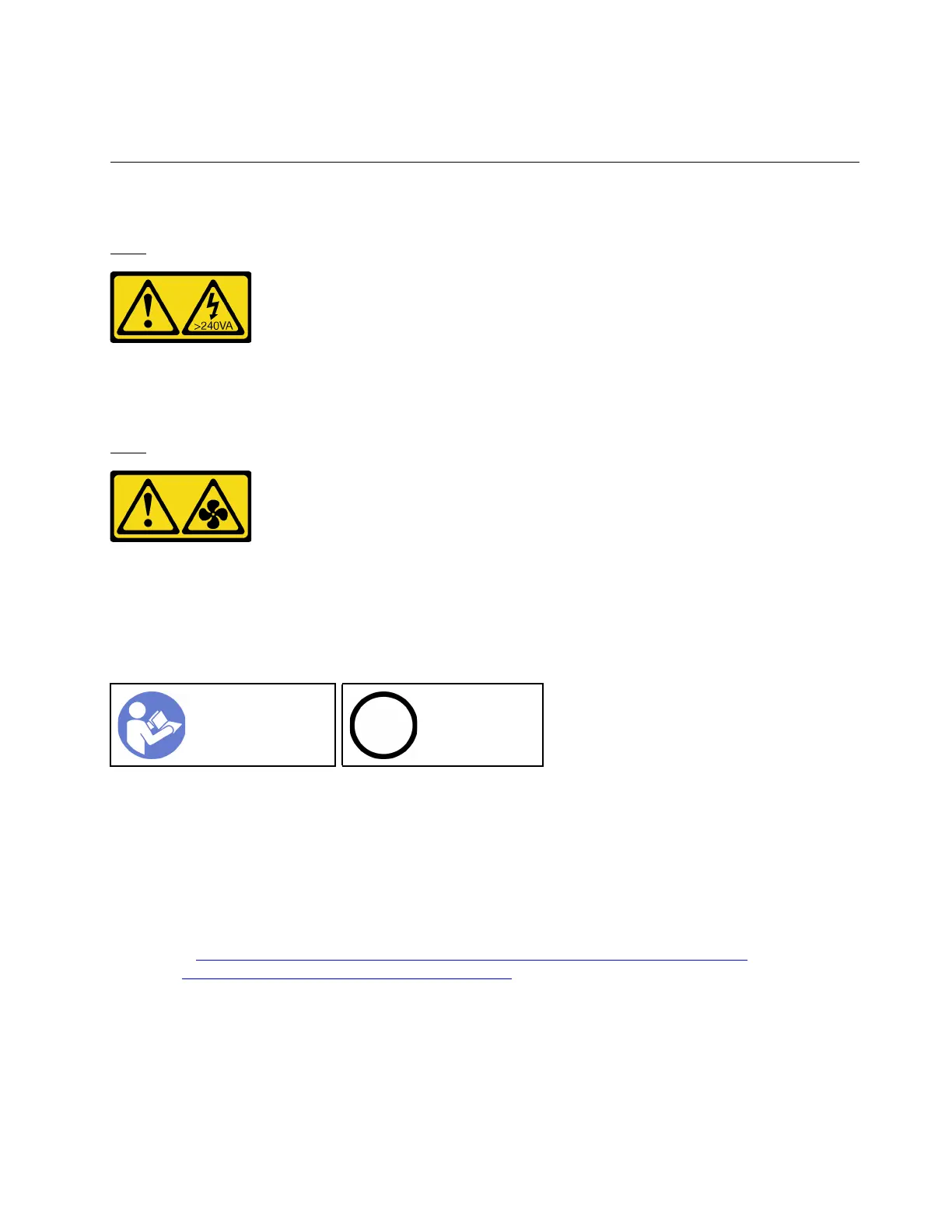
S033
CAUTION:
Hazardous energy present. Voltages with hazardous energy might cause heating when shorted with
metal, which might result in spattered metal, burns, or both.
S017
CAUTION:
Hazardous moving fan blades nearby. Keep fingers and other body parts away.
Remove the air baffle
Use this information to remove the air baffle.
“Read the
installation
Guidelines” on
page 49
“Power off the
server for this
task” on page
14
Before removing the air baffle:
1. Remove the top cover. See “Remove the top cover” on page 52.
2. If there is a RAID super capacitor module installed on the bottom of the air baffle, disconnect the RAID
super capacitor module cable first.
To remove the air baffle, complete the following step:
Watch the procedure. A video of the removal process is available:
• Youtube:
https://www.youtube.com/playlist?list=PLYV5R7hVcs-CjaaAyvBOOZ749SC-2SK2C
• Youku: http://list.youku.com/albumlist/show/id_51276391
Chapter 3. Hardware replacement procedures 55










 To Next Page