Step 2. Press the system fan down until it is seated correctly in the slot. Ensure that the fan connector is
installed correctly to the connector on the system board.
After installing the system fan, complete the parts replacement. See “Complete the parts replacement” on
page 152.
Memory module replacement
Use this information to remove and install a memory module.
Remove a memory module
Use this information to remove a memory module. This section applies to both DRAM DIMMs and DCPMMs.
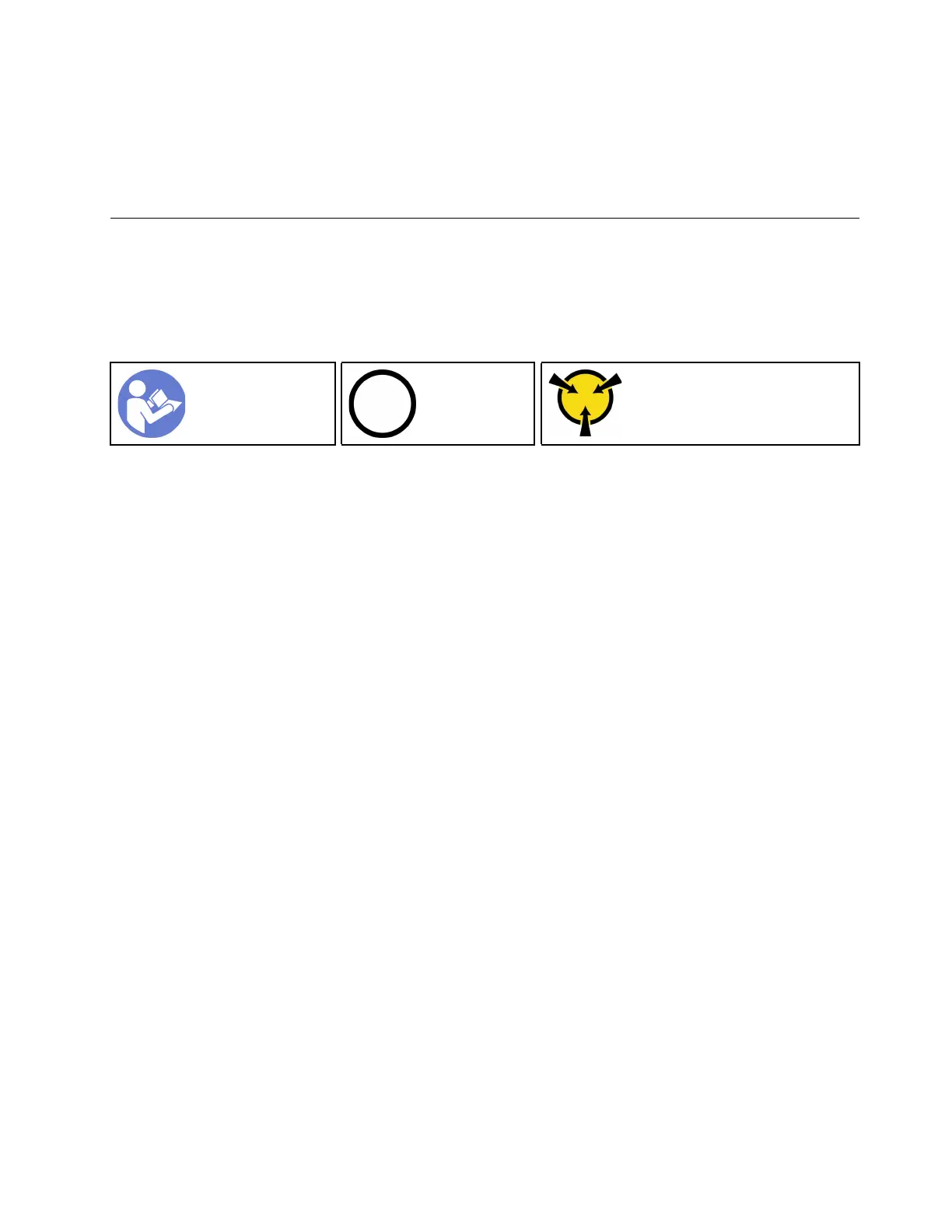
“Read the
installation
Guidelines” on
page 49
“Power off
the server for
this task” on
page 14
“ATTENTION:
Static Sensitive Device
Ground package before opening”
on page 52
Before removing a memory module:
1. If you are removing a DCPMM in App Direct or Mixed Memory Mode, make sure to:
a. Back up the stored data.
b. If the App Direct capacity is interleaved:
1) Delete all the created namspaces and filesystems in the operating system.
2) Perform secure erase on all the DCPMMs that are installed. Go to Intel Optane DCPMMs ➙
Security ➙ Press to Secure Erase to perform secure erase.
Note: If one or more DCPMMs are secured with passphrase, make sure security of every unit is
disabled before performing secure erase. In case the passphrase is lost or forgotten, contact Lenovo
service.
If the App Direct capacity is not interleaved:
1) Delete the namespace and filesystem of the DCPMM unit to be replaced in the operating
system.
2) Perform secure erase on the DCPMM unit that is to be replaced. Go to Intel Optane DCPMMs
➙ Security ➙ Press to Secure Erase to perform secure erase.
2. Remove the top cover. See “Remove the top cover” on page 52.
3. Remove the air baffle. See “Remove the air baffle” on page 55.
Attention:
• Disconnect all power cords for this task.
• Memory modules are sensitive to static discharge and require special handling. In addition to the standard
guidelines for “Handling static-sensitive devices” on page 52:
– Always wear an electrostatic-discharge strap when removing or installing memory modules.
Electrostatic-discharge gloves can also be used.
– Never hold two or more memory modules together so that they touch. Do not stack memory modules
directly on top of each other during storage.
– Never touch the gold memory module connector contacts or allow these contacts to touch the outside
of the memory module connector housing.
Chapter 3. Hardware replacement procedures 69






 To Next Page