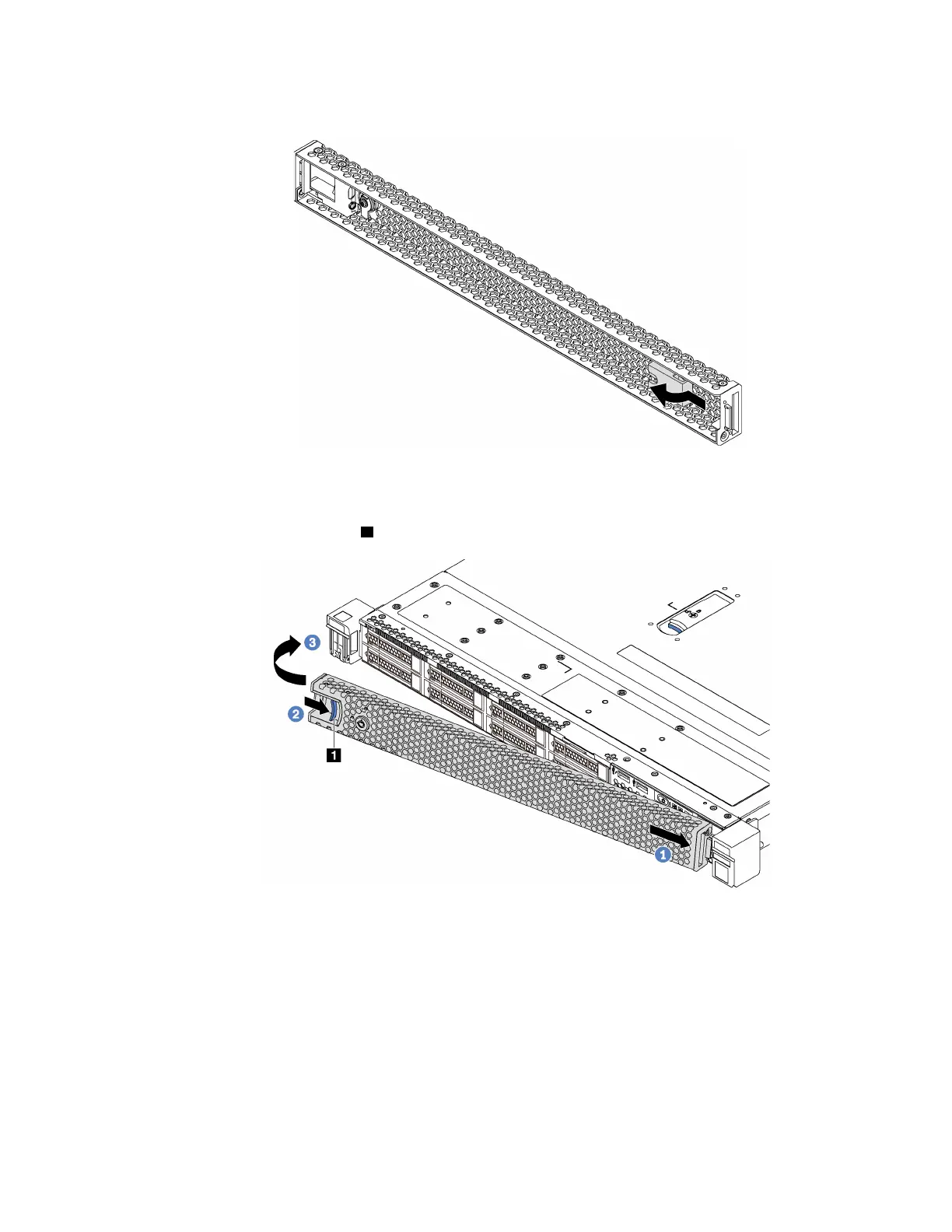
Step 1. If the key is held inside the security bezel, remove it out of the security bezel.
Figure 38. Key removal
Step 2. Insert the tab on the security bezel into the slot on the right side of the chassis. Then, press and
hold the blue release latch
1 and pivot the security bezel inward until it clicks into place.
Figure 39. Security bezel installation
Chapter 3. Hardware replacement procedures 65










 To Next Page