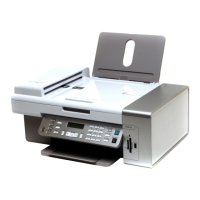
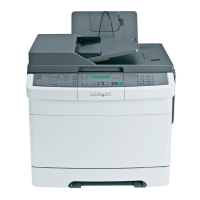
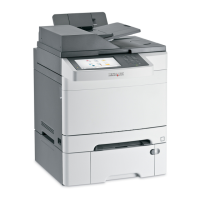
If your telecommunications equipment uses a US-style (RJ11) telephone line, follow these steps to connect the
equipment:
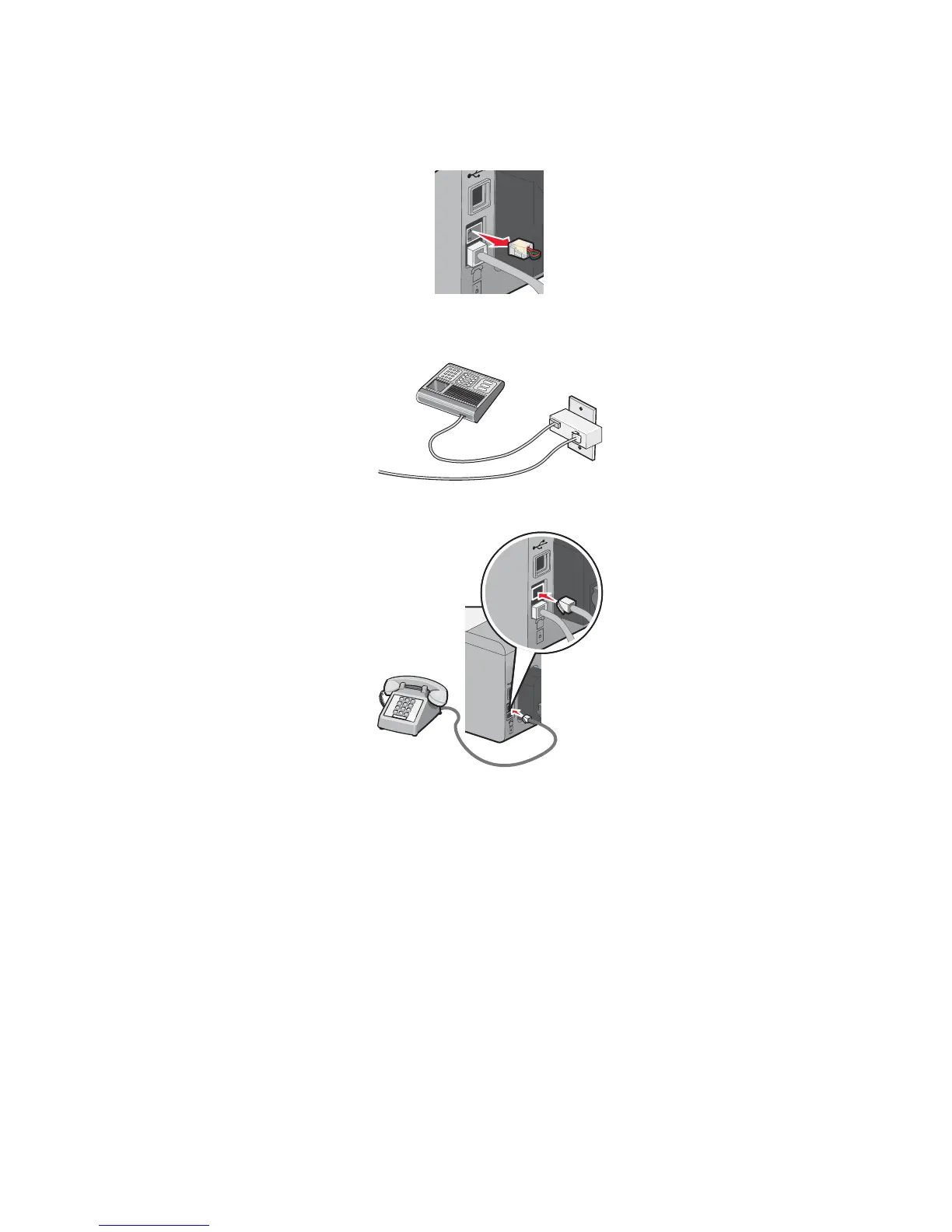
1 Remove the plug from the EXT port on the back of the printer.
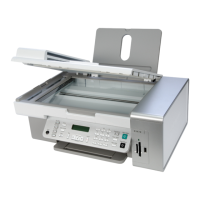
Note: Once this plug is removed, any country- or region-specific equipment you connect to the printer by the
adapter, as shown, will not function properly.
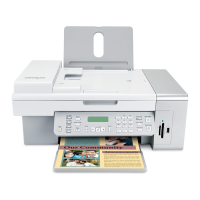
2 Connect your telecommunications equipment directly to the EXT port on the back of the printer.
Warning: Do not touch cables or the printer in the area shown while actively sending or receiving a fax.
Country/region
• Saudi Arabia
• United Arab Emirates
• Egypt
• Bulgaria
• Czech Republic
• Belgium
• Australia
• South Africa
• Greece
• Israel
• Hungary
• Poland
• Romania
• Russia
• Slovenia
• Spain
• Turkey
18



 To Next Page