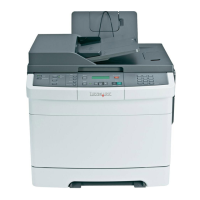
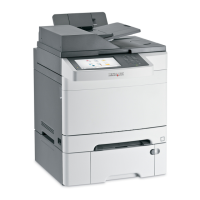
Load up to Make sure
30 sheets of:
• Custom-size paper
• Prepunched paper
• Reinforced-edge copier paper
• Preprinted forms
• Letterhead paper
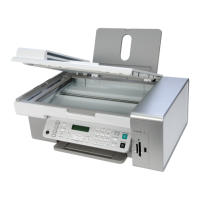
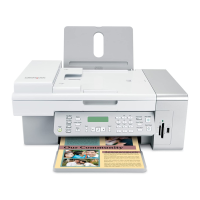
• The document is loaded facedown.
• The paper guides rest against the edges of the paper.
• The paper size fits within these dimensions:
Width:
– 76.2 mm–215.9 mm
– 3.5 in.–8.5 in.
Length:
– 127.0 mm–355.6 mm
– 5.0 in.–14.0 in.
• You allow preprinted media to dry thoroughly before loading
into the ADF.
• You do not use media printed with metallic ink particles.
• You avoid embossed designs.
39



 To Next Page