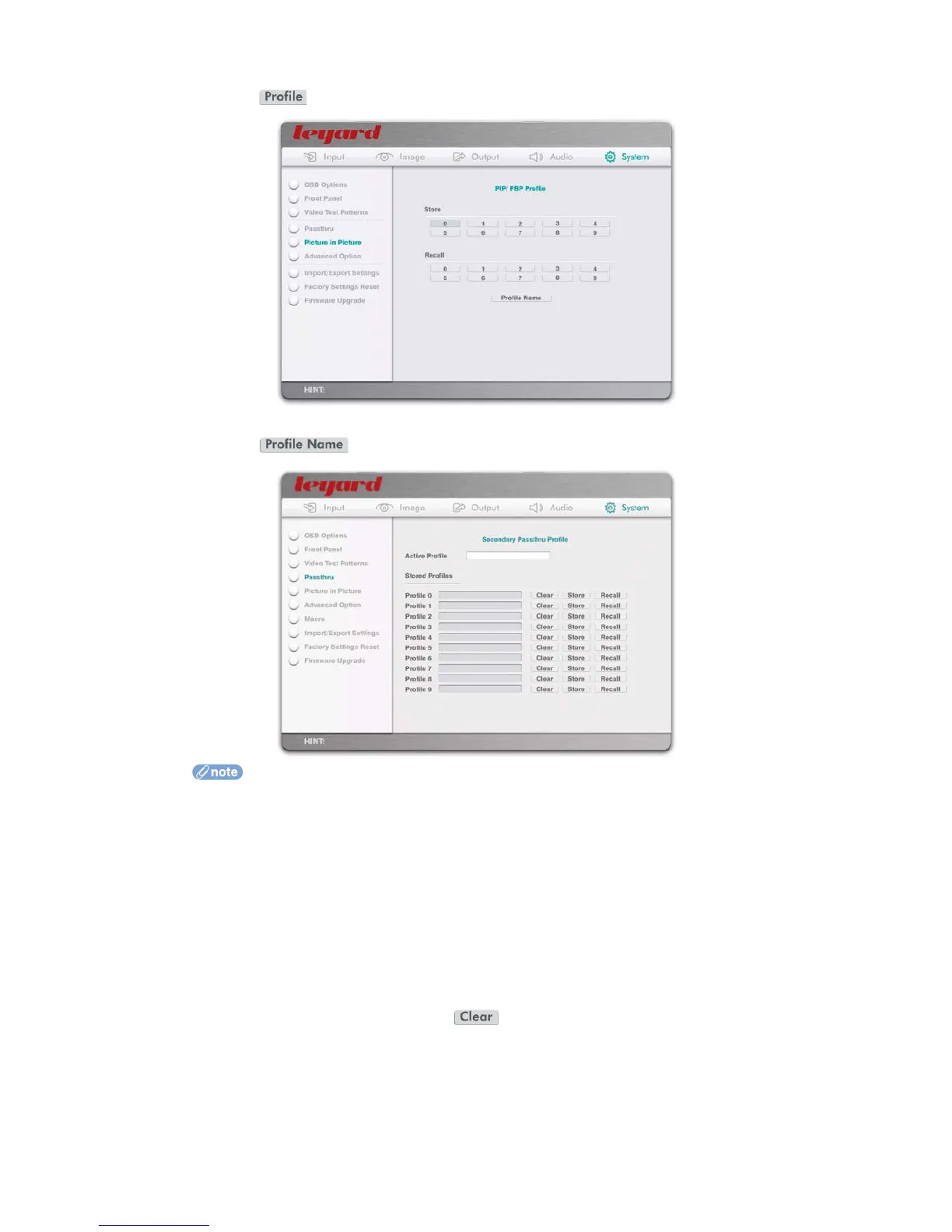
When the action button is pressed, the OSD turns to the following page:
When the action button is pressed, the OSD turns to the following page:
PIP/PBP profile contains the following:
PIP/PBP mode (includes OFF, PIP, and PBP)
Sub-Picture source
Sub-Picture size
Sub-Picture position
Sub-Picture crop
Sub-Picture transparency
Sub-Picture/Main Picture frame (and color of frame)
Sub-Picture audio output port
You can define names for each PIP/PBP profile, to help with identification
Maximum number of characters in the text box is 20
Clear the name by pressing the action button
76



 To Next Page