EasyManua.ls Logo

LG 42PG20D - Page 108

LG 42PG20D
130 pages
Print Icon
To Next Page IconTo Next Page
To Previous Page IconTo Previous Page
Loading...
106
APPENDIX
APPENDIX
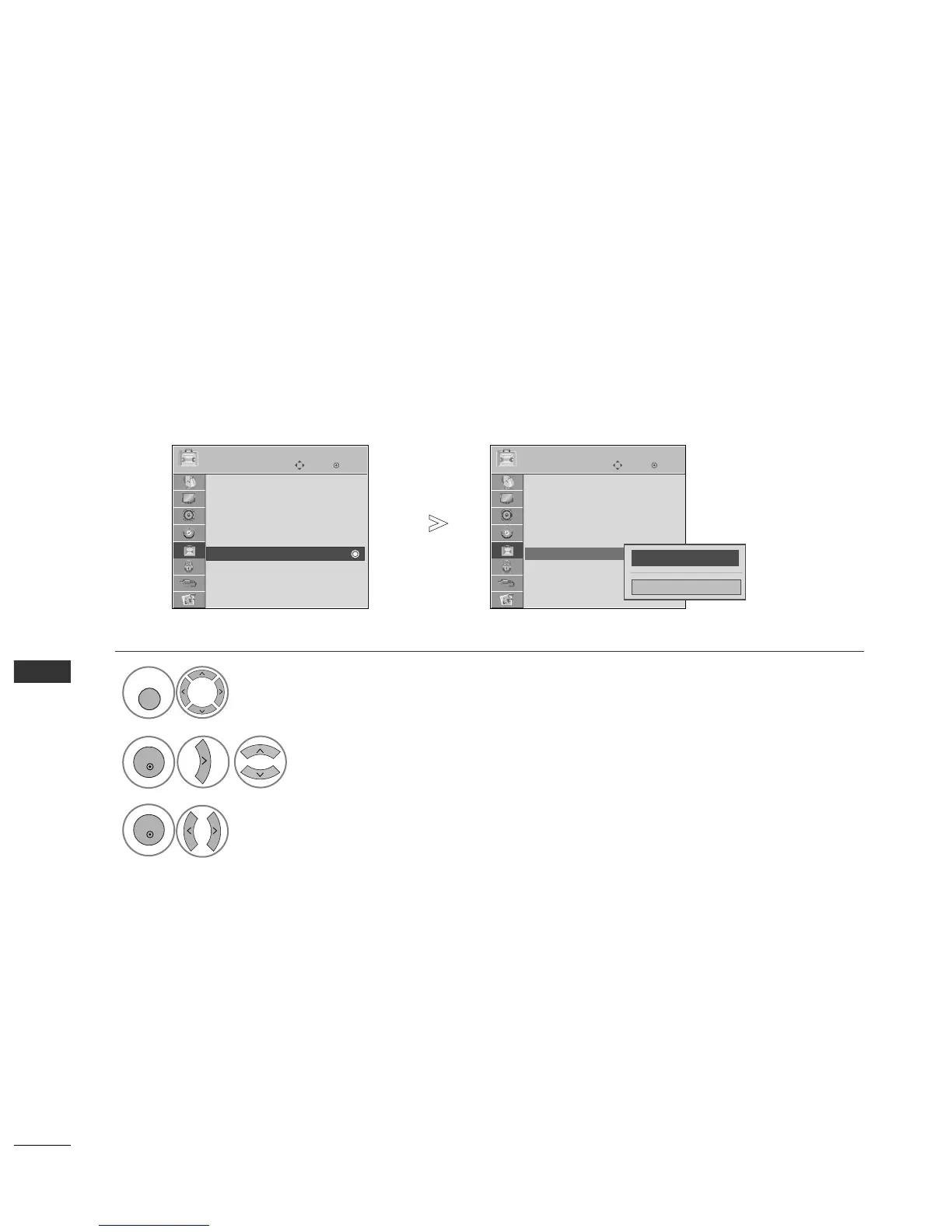
Use this function to specify a set ID number.
Refer to ‘Real Data Mapping’.
G
pp..111100
Set ID
Select
OOPPTTIIOONN
.
Select
SSeett IIDD
.
adjust
SSeett IIDD
to choose the desired TV ID number.
The adjustment range of SET ID is 1~99.
OK
Move
Subtitle : On
Input Label
SIMPLINK : On
Key Lock : Off
Set ID : 1
ISM Method : Normal
Power Saving : Level 0
Factory Reset
OPTION
Set ID
OK
Move
Subtitle : On
Input Label
SIMPLINK : On
Key Lock : Off
Set ID : 1
ISM Method : Normal
Power Saving : Level 0
Factory Reset
OPTION
Set ID : 1
FF
1
GG
Close
1
MENU
3
2
OK
OK
Press
BBAACCKK
to move to the previous menu screen.

Table of Contents

Other manuals for LG 42PG20D

Related product manuals