85
SOUND & LANGUAGE CONTROL
OK
Move
• 470Hz 0
• 1KHz 0
• 2.2KHz 0
• 4.7KHz 0
• 12KHz 0
• Reset
Digital Audio Out : PCM
TV Speaker : On
AUDIO
E
OK
Move
• 470Hz 0
• 1KHz 0
• 2.2KHz 0
• 4.7KHz 0
• 12KHz 0
• Reset
Digital Audio Out : PCM
TV Speaker : On
AUDIO
E
Digital Audio Out : PCM
Digital Audio Out : PCM
Dolby Digital
PCM
Dolby Digital
Select
AAUUDDIIOO
.
Select
DDiiggiittaall AAuuddiioo OOuutt
.
Select
DDoollbbyy DDiiggiittaall
or
PPCCMM
.
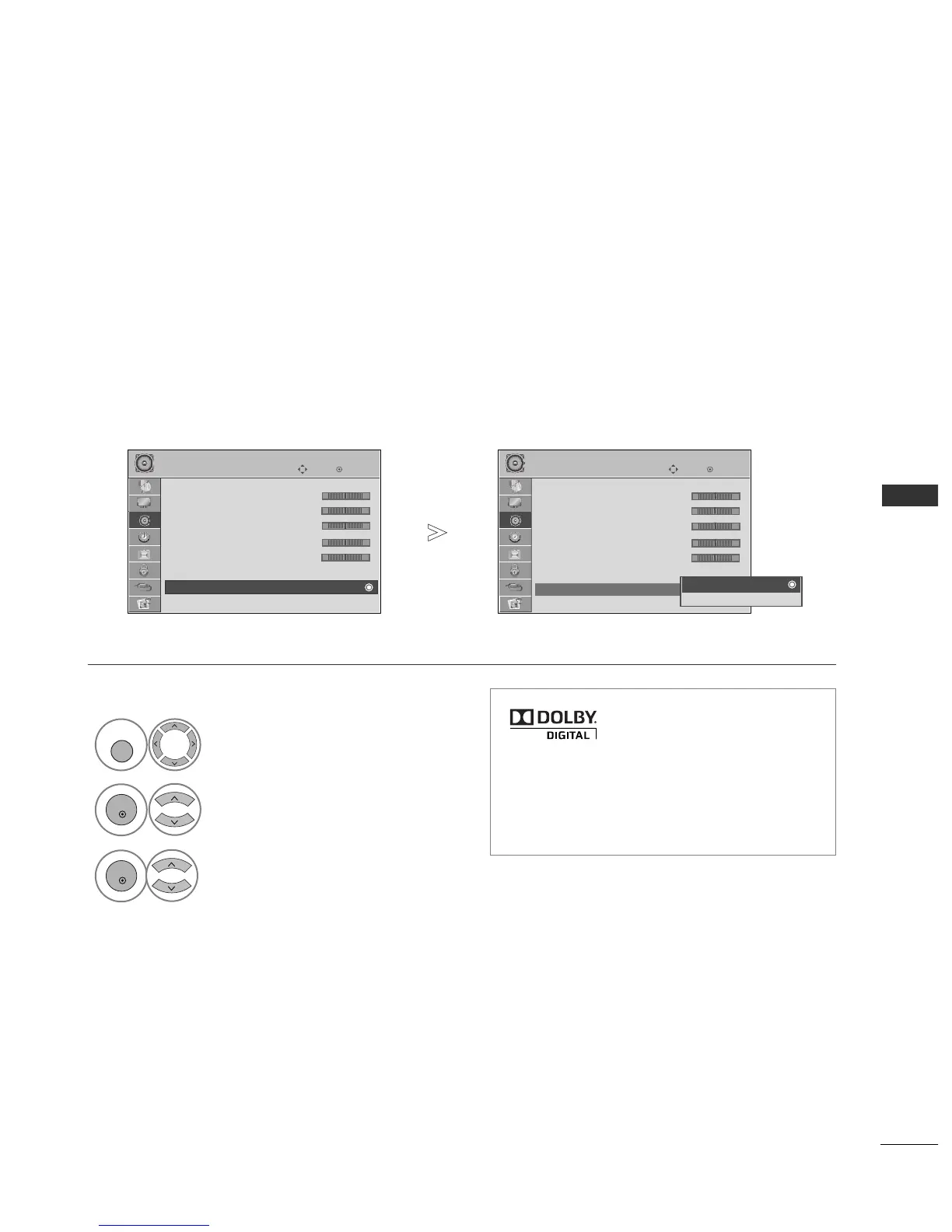
SELECTING DIGITAL AUDIO OUT
This function allows you to select your preferred Digital Audio Output.
The TV can only output DOLBY Digital if a channel is broadcast with Dolby Digital audio.
When Dolby digital is available, selecting Dolby Digital in the Digital Audio Out menu will set SPDIF output to
Dolby Digital
If Dolby Digital is selected in the digital audio out menu when dolby digital is not available, SPDIF output will be
PCM.
Even if both Dolby Digital and Audio language have been set in a channel which broadcast Dolby Digital Audio,
only Dolby Digital will be played.
Manufactured under license from
Dolby Laboratories. “
Dolby
“and
the double-D symbol are trade-
marks of Dolby Laboratories.
1
• Press the
MMEENNUU
button to return to normal TV viewing.
• Press the
RREETTUURRNN
button to move to the previous menu screen.
-+
-+
-+
-+
-+
-+
-+
-+
-+
-+
• There is a possibility that when HDMI mode, some
DVD player do not make SPDIF sound, At that
time, set the output of the digital audio of the
DVD player to PCM.



 To Next Page