49
WATCHING TV / PROGRAMME CONTROL
SELECTING THE PROGRAMME TABLE
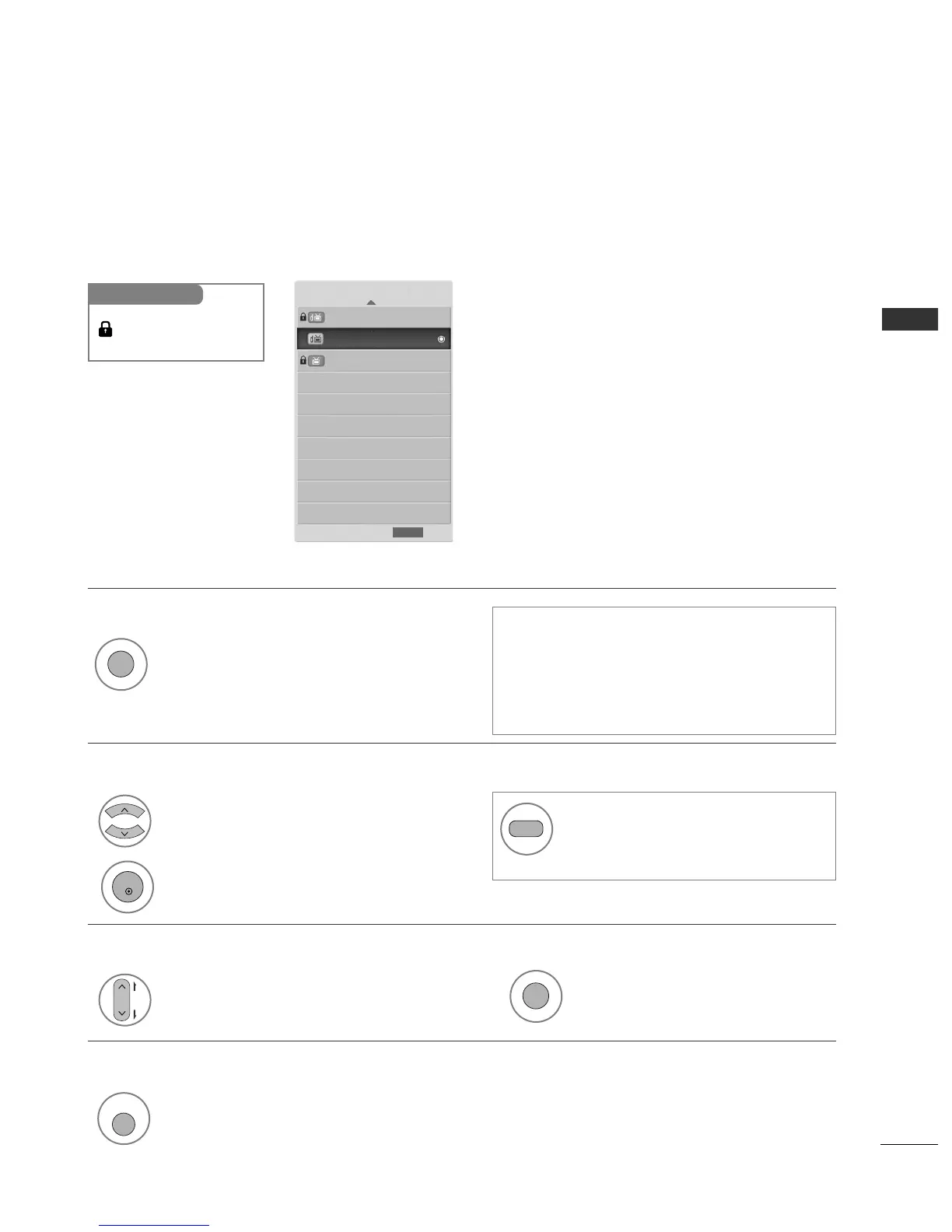
You can check which programmes are stored in the memory by displaying the programme table.
Displayed when the
Locked Programme.
Mini Glossary
Display the PROGRAMME LIST.
Select a programme.
2
Switch to the chosen programme number.
1
A Displaying programme LIST
A Selecting a programme in the programme list
• You may find some blue programmes. These
have been set up to be skipped by auto pro-
gramming or in the programme edit mode.
• Some programmes with the channel number
shown in the programme LIST indicate there is
no station name assigned.
Turn the pages.
2
Return to normal TV viewing.
A Paging through a programme list
1
Display the Favourite Programme table.
A
Displaying the favourite programme table
Programme List
1 TEN Digital
9 Nine Digital
10 TEN Digital
Exit
RETURN
1
1
From the programme you are current-
ly watching, the mode will change
from TV to DTV to Radio.



 To Next Page