37
WATCHING TV / PROGRAMME CONTROL
•
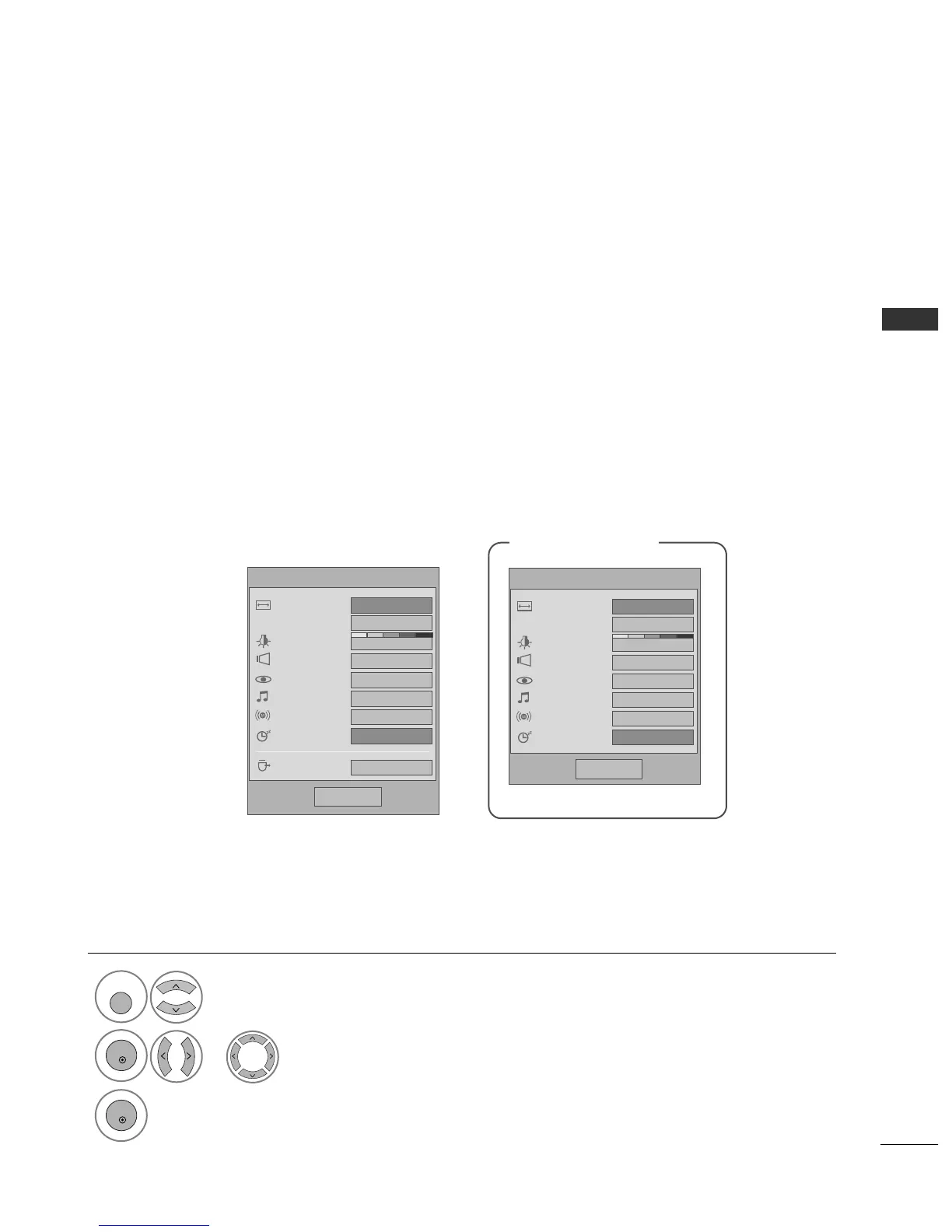
AAssppeecctt RRaattiioo
: Selects your desired picture format.
For Zoom Setting, select 14:9, Zoom1 and Zoom2 in
Ratio Menu. After completing Zoom Setting, the dis-
play goes back to Q.Menu.
•
PPoowweerr SSaavviinngg
: Adjusts screen brightness to reduce
the power consumption of the TV.
•
CClleeaarr VVooiiccee
: By differentiating the human sound
range from others, it helps users listen to human
voices better.
•
PPiiccttuurree MMooddee
: Selects your desired Picture Mode.
•
SSoouunndd MMooddee
: It is a feature to automatically set the
sound combination which it deems the best for the
images being watched. Selects your desired Sound
Mode.
•
AAuuddiioo
: Selects the sound output.
•
SSlleeeepp TTiimmeerr
: Sets the sleep timer.
•
UUSSBB EEjjeecctt
: Select “USB Eject” in order to eject USB
device.(except 42/50PG2
***
)
QUICK MENU
Display each menu.
Select your desired Source.
Your TV's OSD (On Screen Display) may differ slightly from that shown in this manual.
Q.Menu (Quick Menu) is a menu of features which users might use frequently.
1



 To Next Page