EasyManua.ls Logo

LG 42PG20D - Screen Setup for PC Mode

LG 42PG20D
130 pages
Print Icon
To Next Page IconTo Next Page
To Previous Page IconTo Previous Page
Loading...
27
EXTERNAL EQUIPMENT SETUP
1
MENU
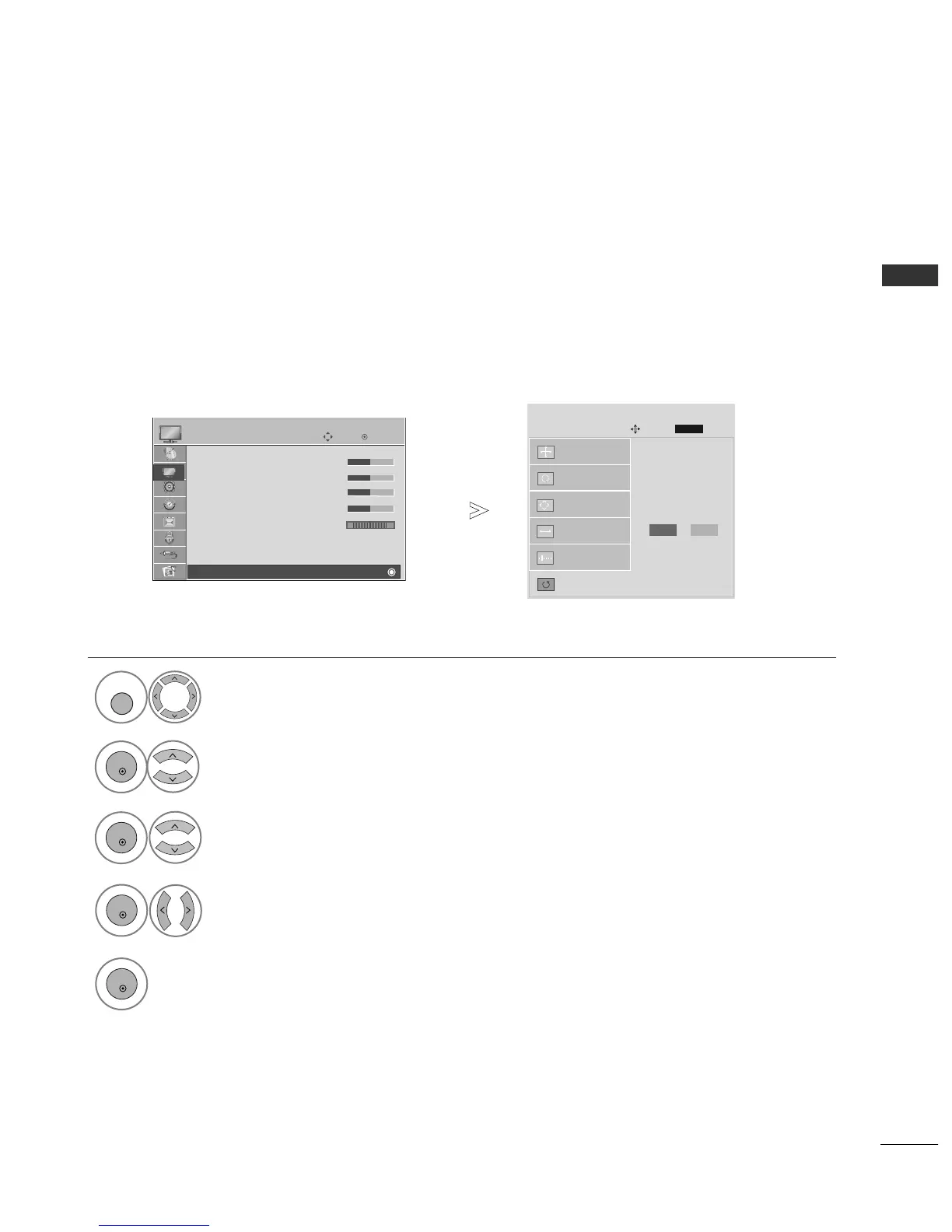
Screen Setup for PC mode
Returns Position, Size and Phase to the factory default settings.
This function works in the following mode : RGB[PC].
Screen Reset
Select
PPIICCTTUURREE
.
Select
SSCCRREEEENN
.
3
Select
RReesseett
.
4
To Set
Auto Config.
SCREEN
Move
Prev.
RETURN
Resolution
Position
Size
Phase
Reset
G
OK
Move
• Contrast 50
• Brightness 50
• Sharpness 50
• Colour 50
• Tint 0
• Advanced Control
• Picture Reset
Screen
PICTURE
E
Screen
2
OK
OK
RG
Press the
MMEENNUU
button to return to normal TV viewing.
Press the
RREETTUURRNN
button to move to the previous menu screen.
Yes
No
OK
Select
YY ee ss
.
5
OK
Run
RReesseett
.

Table of Contents

Other manuals for LG 42PG20D

Related product manuals