94
PARENTAL CONTROL / RATINGS
PARENTAL CONTROL / RATINGS
OK
Move
Lock System : Off
Set Password
Block Programme
Parental Guidance
LOCK
OK
Move
Lock System : On
Set Password
Block Programme
Parental Guidance
LOCK
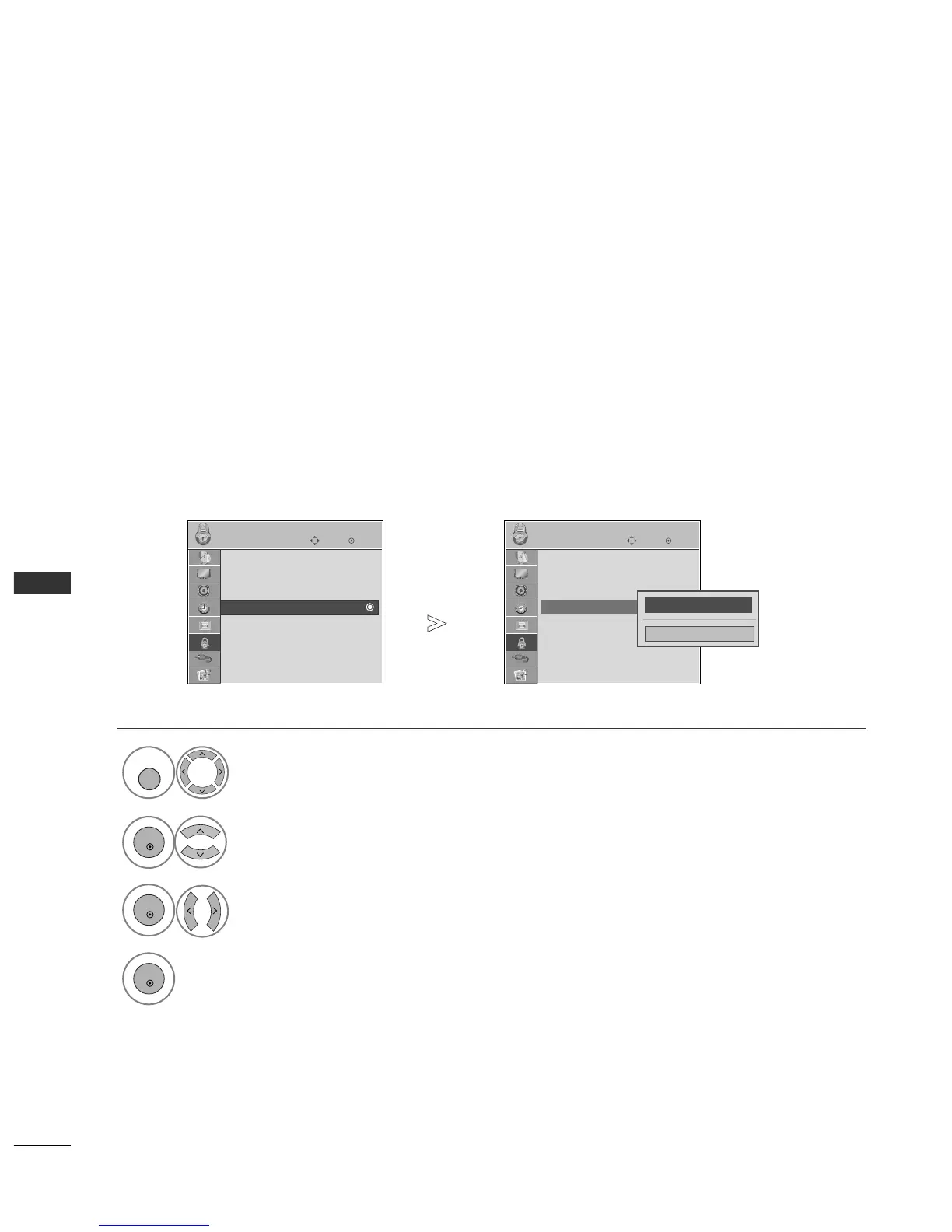
Parental Guidance
Parental Guidance : Off
PARENTAL CONTROL
This function operates according to information from the broadcasting station. Therefore if the signal has incor-
rect information, this function does not operate.
A password is required to gain access to this menu.
This set is programmed to remember which option it was last set to even if you switch the set off.
Prevents children from watching certain adult’s TV programmes, according to the ratings limit set.
Select
LLOOCCKK
.
Select
PPaarreennttaall GGuuiiddaannccee
.
Make appropriate adjustments.
Save.
FF
G
GG
Close
1



 To Next Page