22
EXTERNAL EQUIPMENT SETUP
EXTERNAL EQUIPMENT SETUP
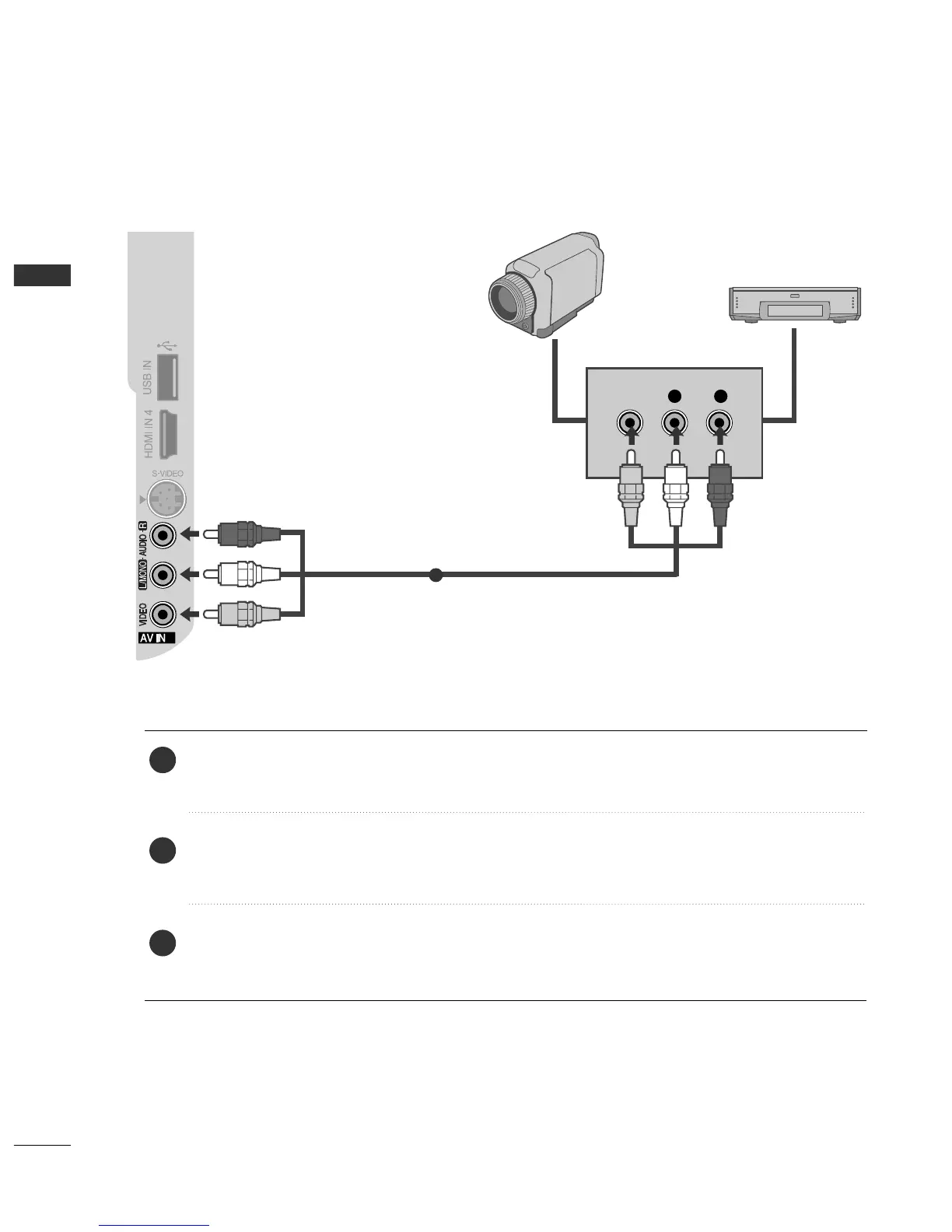
OTHER A/V SOURCE SETUP
Connect the
AAUUDDIIOO
/
VVIIDDEEOO
jacks between TV and external equipment. Match the jack colours
.
(
Video = yellow, Audio Left = white, and Audio Right = red
)
Select
AAVV22
input source with using the
IINNPPUUTT
button on the remote control.
If connected to
AAVV IINN 11
input, select
AAVV 11
input source.
Operate the corresponding external equipment.
Refer to external equipment operating guide.



 To Next Page