75
PICTURE CONTROL
OK
Move
• Contrast 90
• Brightness 50
• Sharpness 60
• Colour 60
• Tint 0
• Advanced Control
• Picture Reset
Screen
PICTURE
• Advanced Control
OK
Move
• Contrast 90
• Brightness 50
• Sharpness 60
• Colour 60
• Tint 0
• Advanced Control
• Picture Reset
Screen
PICTURE
EE
• Advanced Control
When you view a film this function adjusts the TV to best picture quality.
This function works in the following mode: AV (NTSC-M), HDMI or Component .
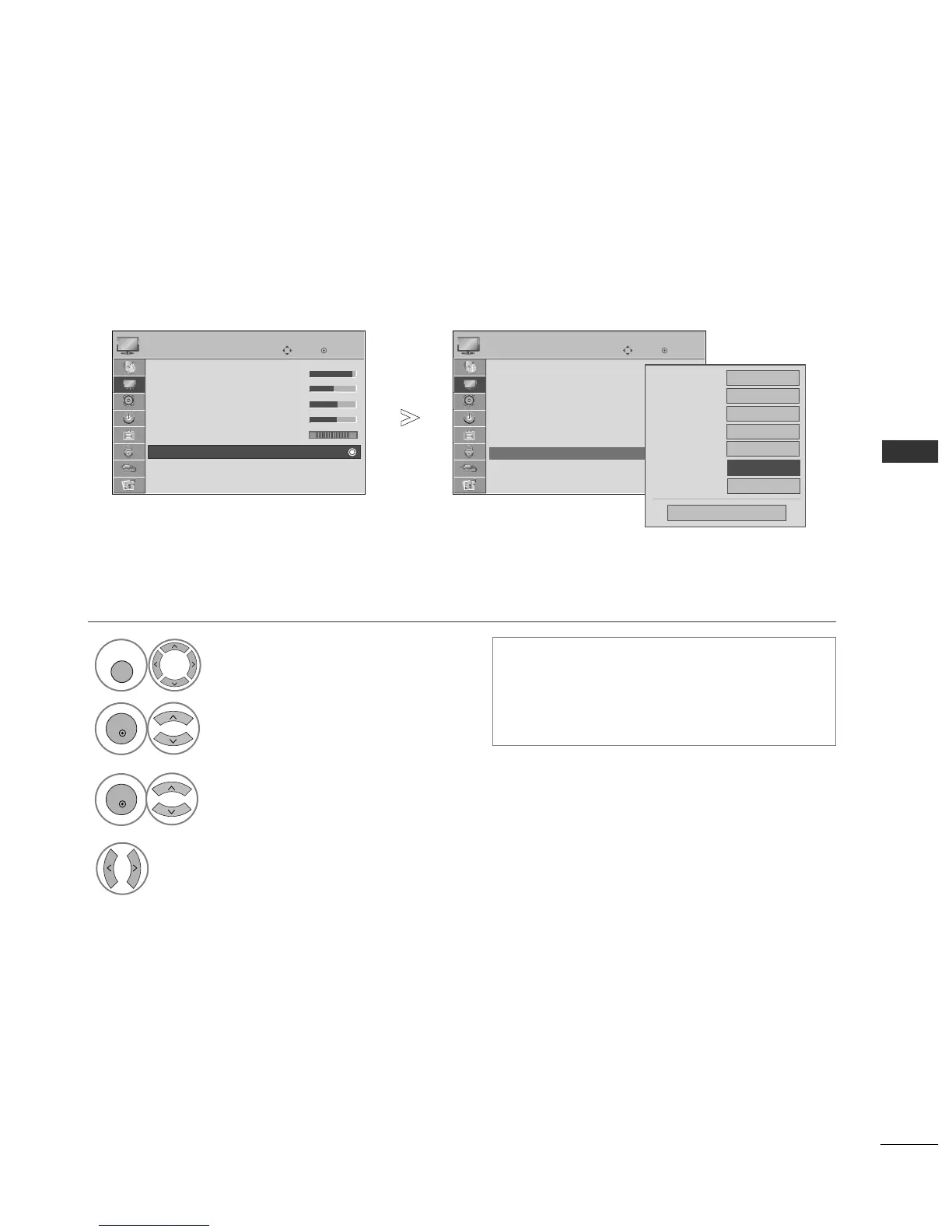
ADVANCED - BLACK(DARKNESS) LEVEL
Select
PPIICCTTUURREE
.
Select
AAddvvaanncceedd CCoonnttrrooll
.
Select
BBllaacckk LLeevveell
.
Select
LLooww
or
HHiigghh
.
•
LLooww
: The reflection of the screen gets darker.
•
HH ii gghh
: The reflection of the screen gets
brighter.
•
AAuuttoo
: Realizing the black level of the screen
and set it to High or Low automatically.
1



 To Next Page