EasyManua.ls Logo

LG 42PG20D - TV Speakers On; off Setup

LG 42PG20D
130 pages
Print Icon
To Next Page IconTo Next Page
To Previous Page IconTo Previous Page
Loading...
84
SOUND & LANGUAGE CONTROL
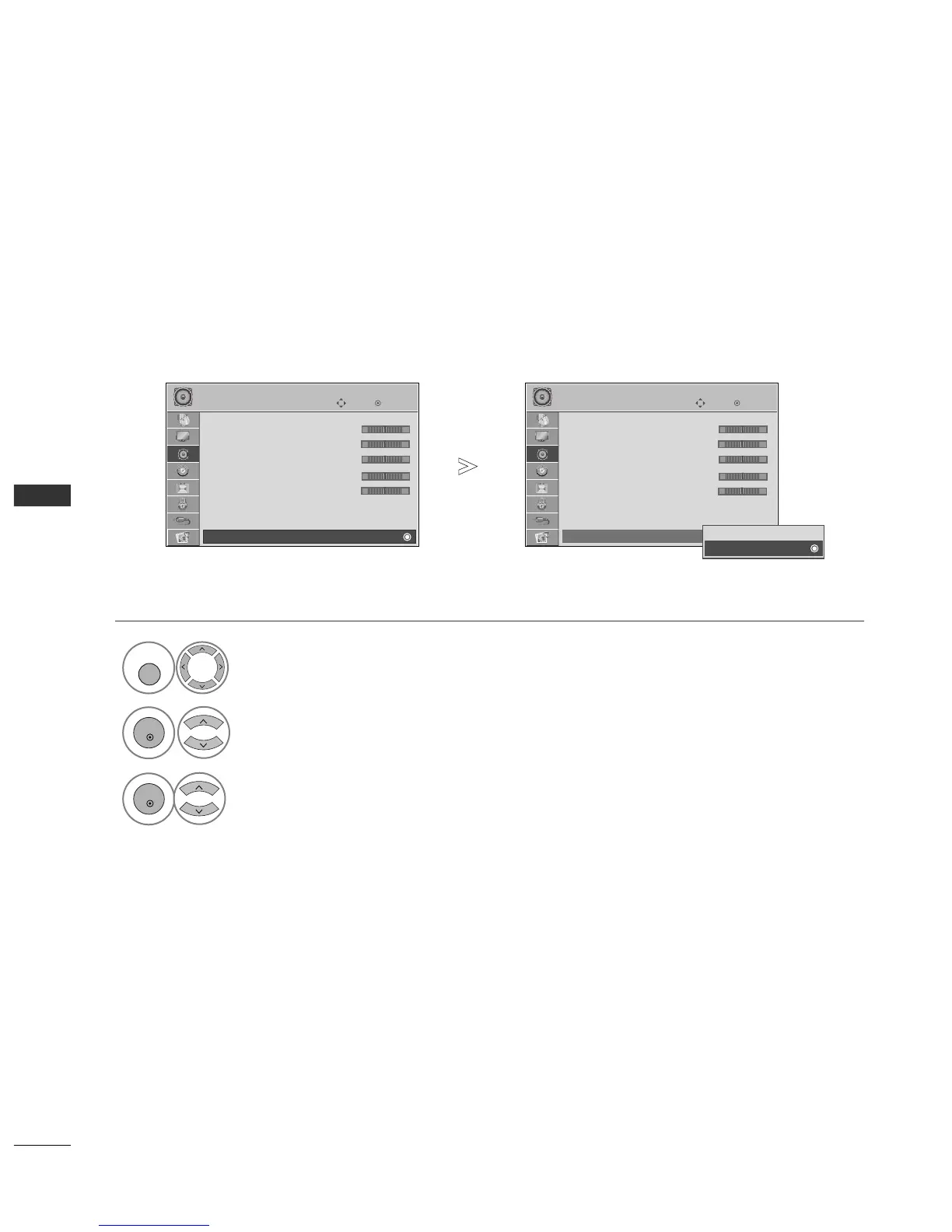
TV SPEAKERS ON/ OFF SETUP
You can adjust the TV internal speaker status.
In
AA VV
,
CCOOMMPPOONNEENNTT
,
RRGGBB
and
HHDDMMII11
with HDMI to DVI cable, the TV speaker can be operational even
when there is no video signal.
If you wish to use an external Hi-Fi system, turn off the TV internal speakers.
Select
AAUUDDIIOO
.
Select
TTVV SSppeeaakkeerr
.
Select
OO nn
or
OO ffff
.
1

MENU
3
2
OK
OK
Press the
MMEENNUU
button to return to normal TV viewing.
Press the
RREETTUURRNN
button to move to the previous menu screen.
OK
Move
• 470Hz 0
• 1KHz 0
• 2.2KHz 0
• 4.7KHz 0
• 12KHz 0
• Reset
Digital Audio Out : PCM
TV Speaker : On
AUDIO
E
OK
Move
• 470Hz 0
• 1KHz 0
• 2.2KHz 0
• 4.7KHz 0
• 12KHz 0
• Reset
Digital Audio Out : PCM
TV Speaker : On
AUDIO
E
TV Speaker : Off
TV Speaker : Off
Off
On
On
-+
-+
-+
-+
-+
-+
-+
-+
-+
-+

Table of Contents

Other manuals for LG 42PG20D

Related product manuals