. LG Network Storage via network drive
1
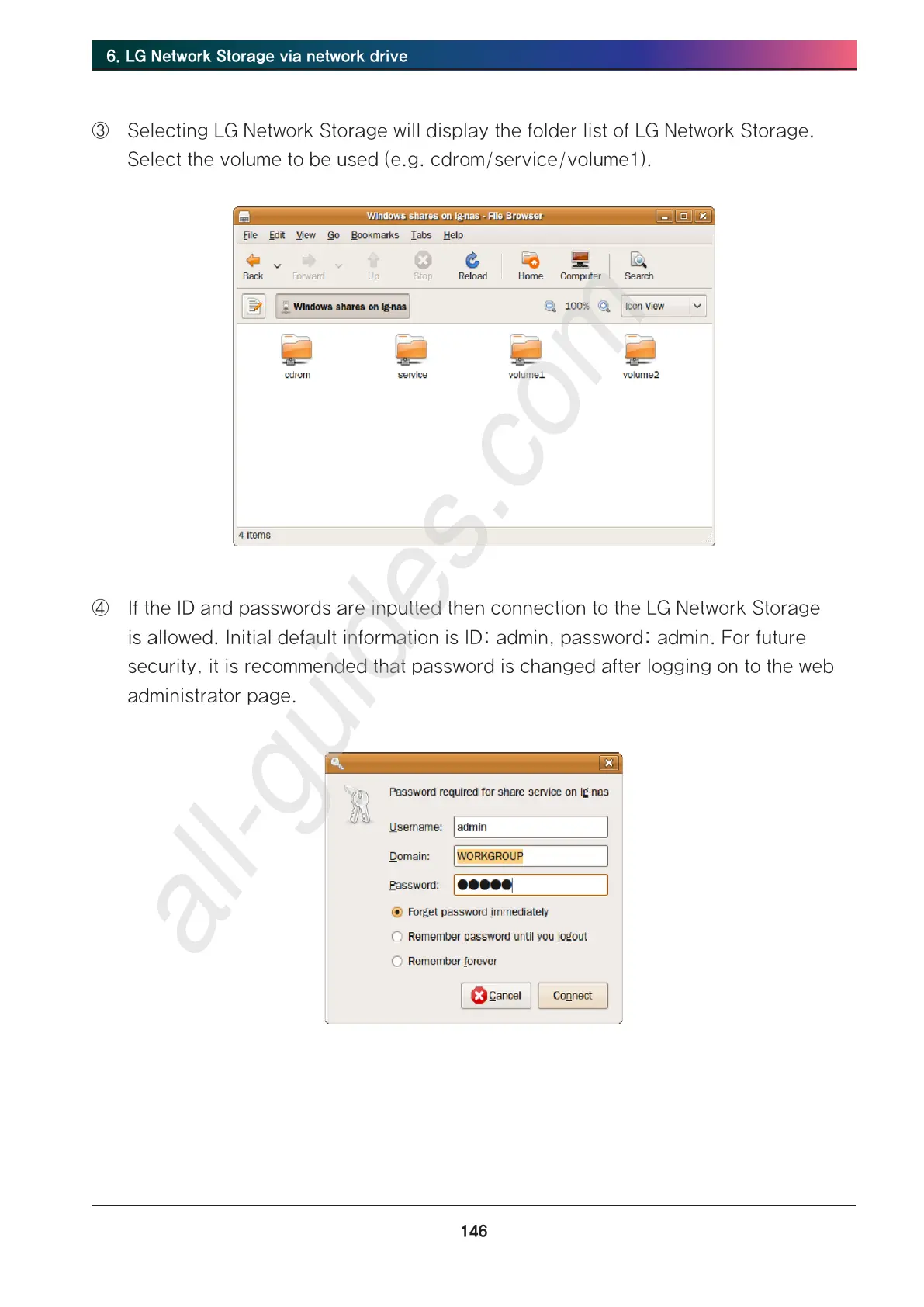
③ Selecting LG Network Storage will display the folder list of LG Network Storage.
Select the volume to be used (e.g. cdrom/service/volume1).
④ If the ID and passwords are inputted then connection to the LG Network Storage
is allowed. Initial default information is ID: admin, password: admin. For future
security, it is recommended that password is changed after logging on to the web
administrator page.



 To Next Page