. LCD panel and front button usage
Hibernation Mode
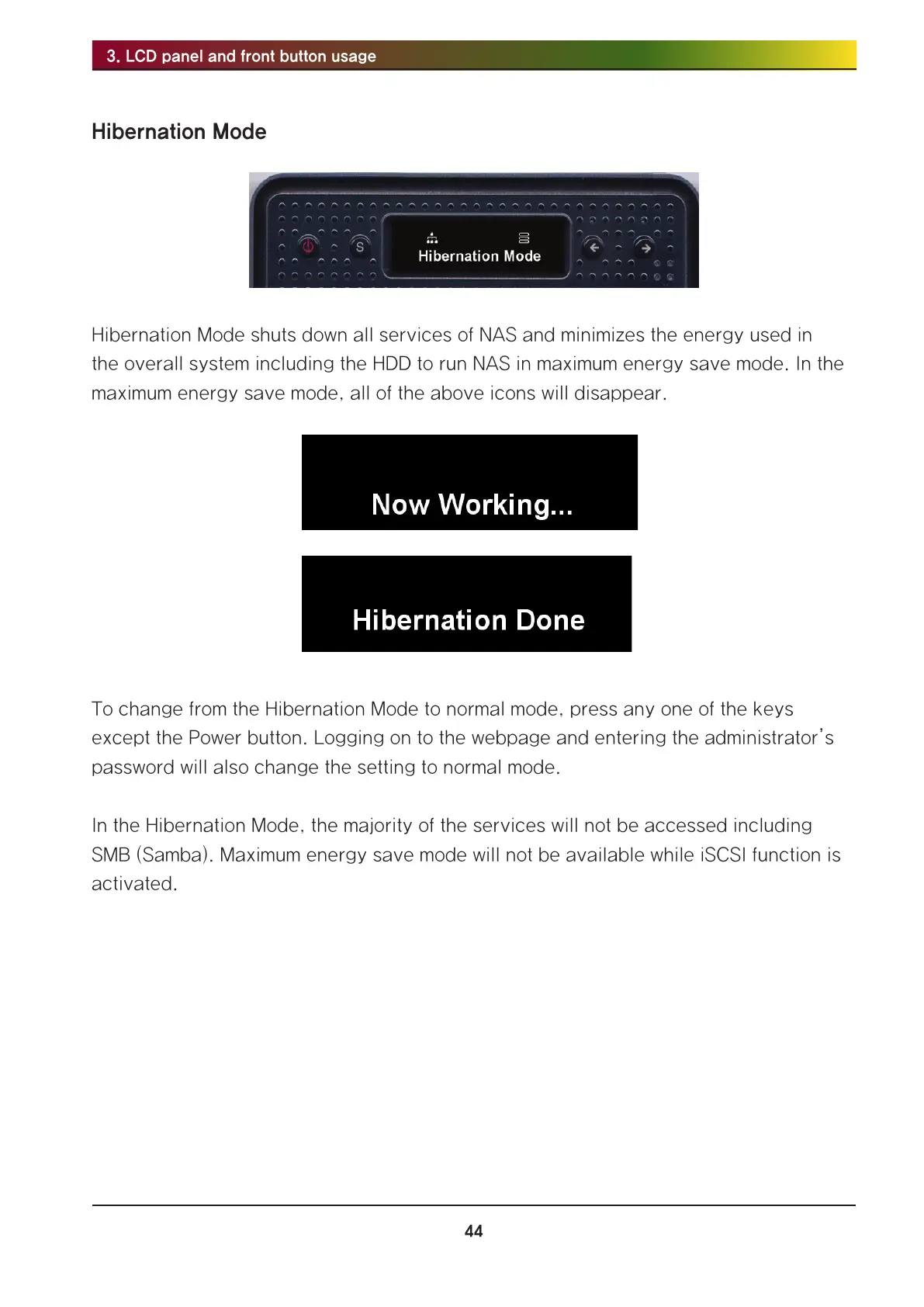
Hibernation Mode shuts down all services of NAS and minimizes the energy used in
the overall system including the HDD to run NAS in maximum energy save mode. In the
maximum energy save mode, all of the above icons will disappear.
To change from the Hibernation Mode to normal mode, press any one of the keys
except the Power button. Logging on to the webpage and entering the administrator’s
password will also change the setting to normal mode.
In the Hibernation Mode, the majority of the services will not be accessed including
SMB (Samba). Maximum energy save mode will not be available while iSCSI function is
activated.



 To Next Page