. RAID trouble shooting
12
. RAID trouble shooting
The LG Network Storage RAID configuration is abnormal when error messages appear,
hence resort to another solution:
Note: To avoid data obstacles, first perform a back-up of all important data from the LG
Network Storage.
1. RAID configuration error checkup
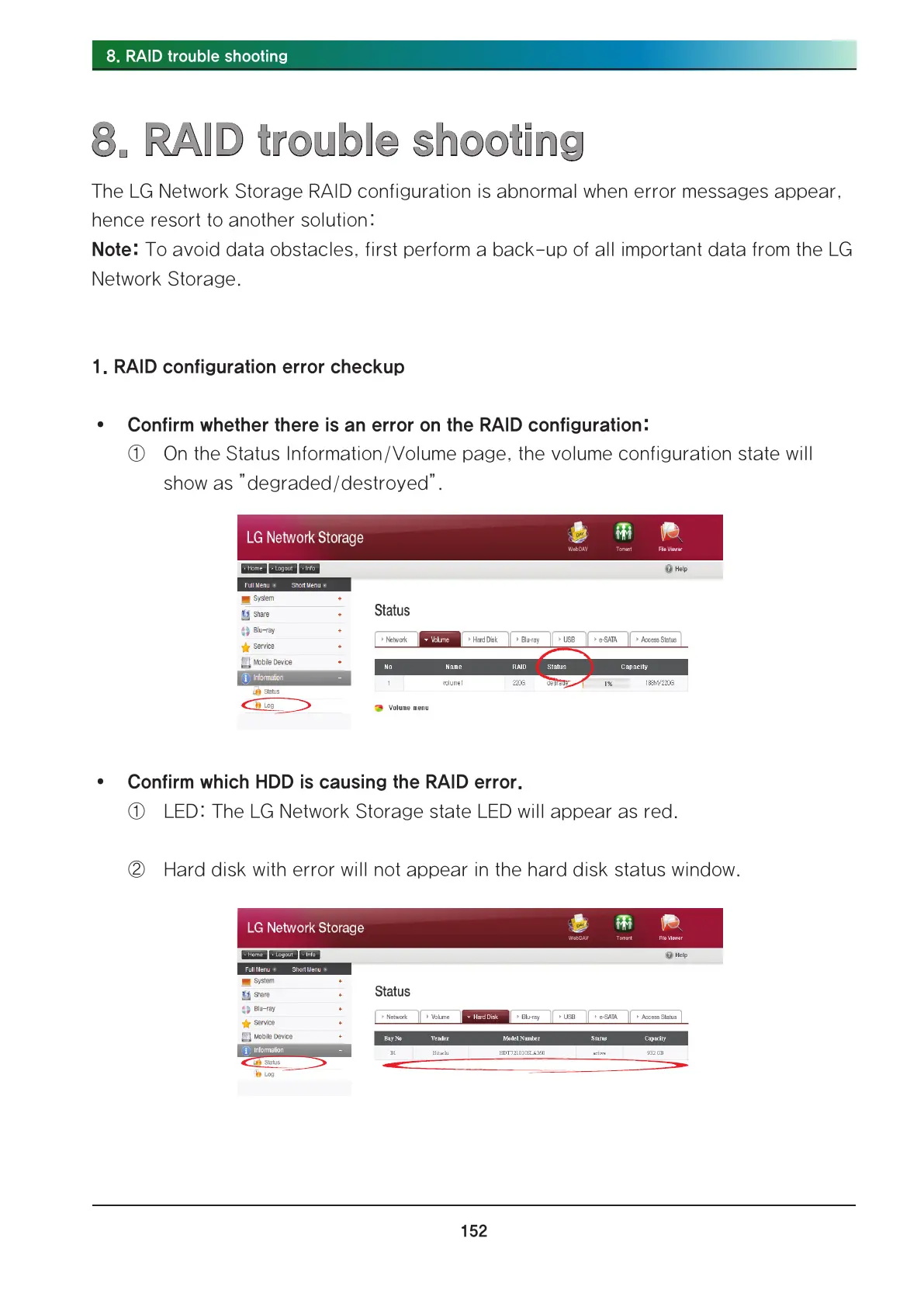
∙ Confirm whether there is an error on the RAID configuration:
① On the Status Information/Volume page, the volume configuration state will
show as ”degraded/destroyed”.
∙ Confirm which HDD is causing the RAID error.
① LED: The LG Network Storage state LED will appear as red.
② Hard disk with error will not appear in the hard disk status window.



 To Next Page