. LCD panel and front button usage
IP SETTING MODE
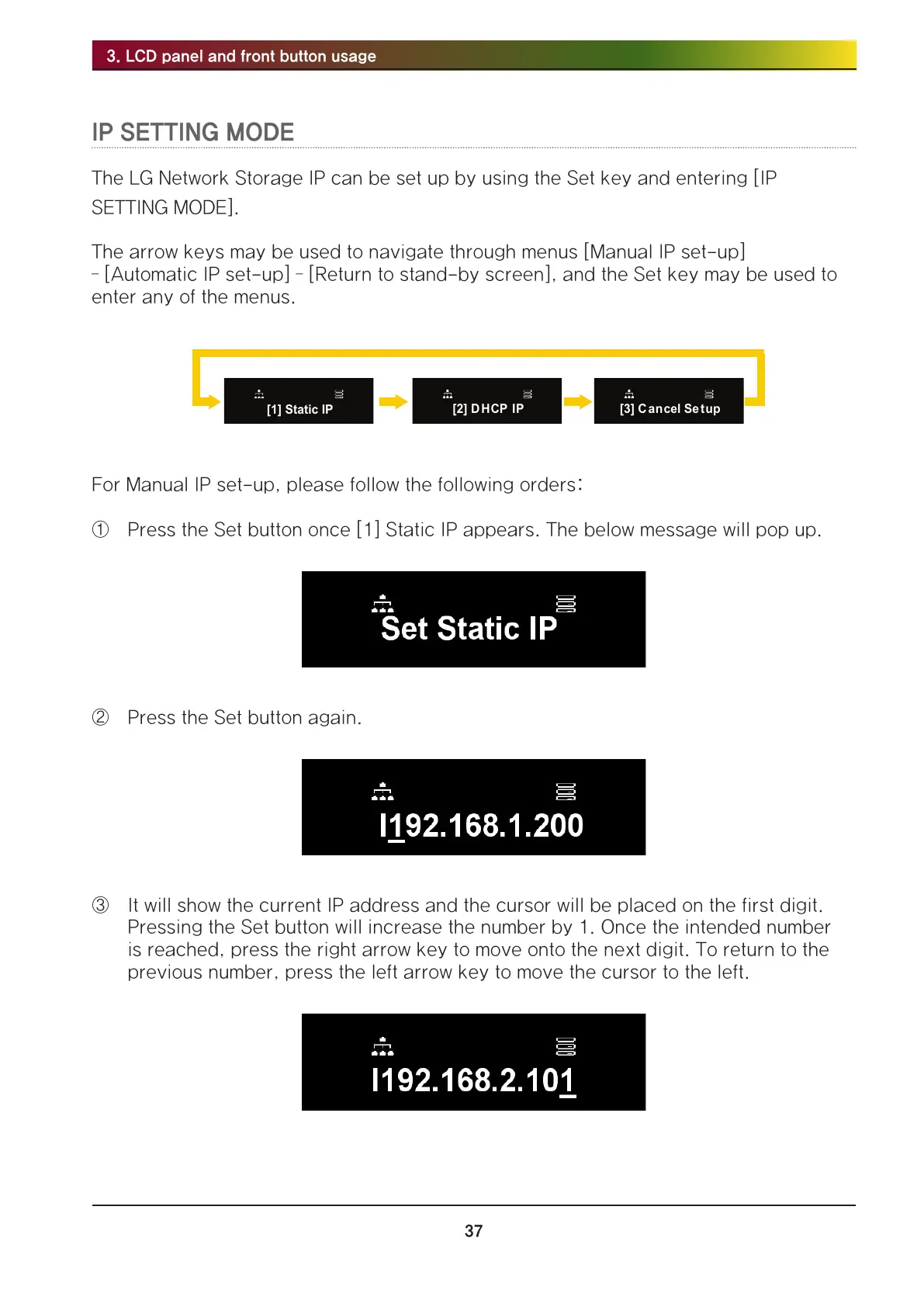
The LG Network Storage IP can be set up by using the Set key and entering [IP
SETTING MODE].
The arrow keys may be used to navigate through menus [Manual IP set-up]
– [Automatic IP set-up] – [Return to stand-by screen], and the Set key may be used to
enter any of the menus.
For Manual IP set-up, please follow the following orders:
① Press the Set button once [1] Static IP appears. The below message will pop up.
② Press the Set button again.
③ It will show the current IP address and the cursor will be placed on the first digit.
Pressing the Set button will increase the number by 1. Once the intended number
is reached, press the right arrow key to move onto the next digit. To return to the
previous number, press the left arrow key to move the cursor to the left.



 To Next Page