. LCD panel and front button usage
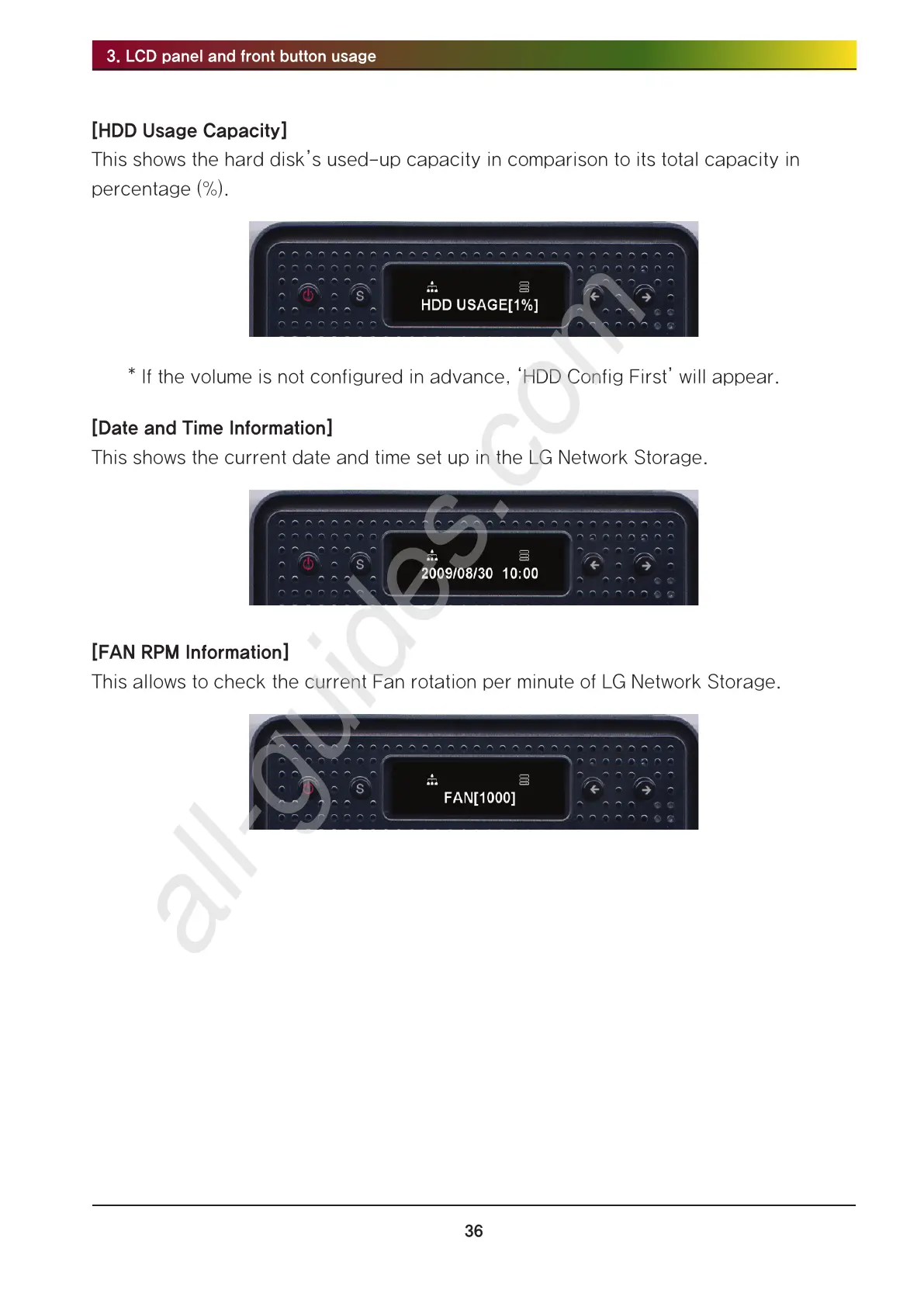
[HDD Usage Capacity]
This shows the hard disk’s used-up capacity in comparison to its total capacity in
percentage (%).
* If the volume is not configured in advance, ‘HDD Config First’ will appear.
[Date and Time Information]
This shows the current date and time set up in the LG Network Storage.
[FAN RPM Information]
This allows to check the current Fan rotation per minute of LG Network Storage.



 To Next Page