. LCD panel and front button usage
2
. LCD panel and front button usage
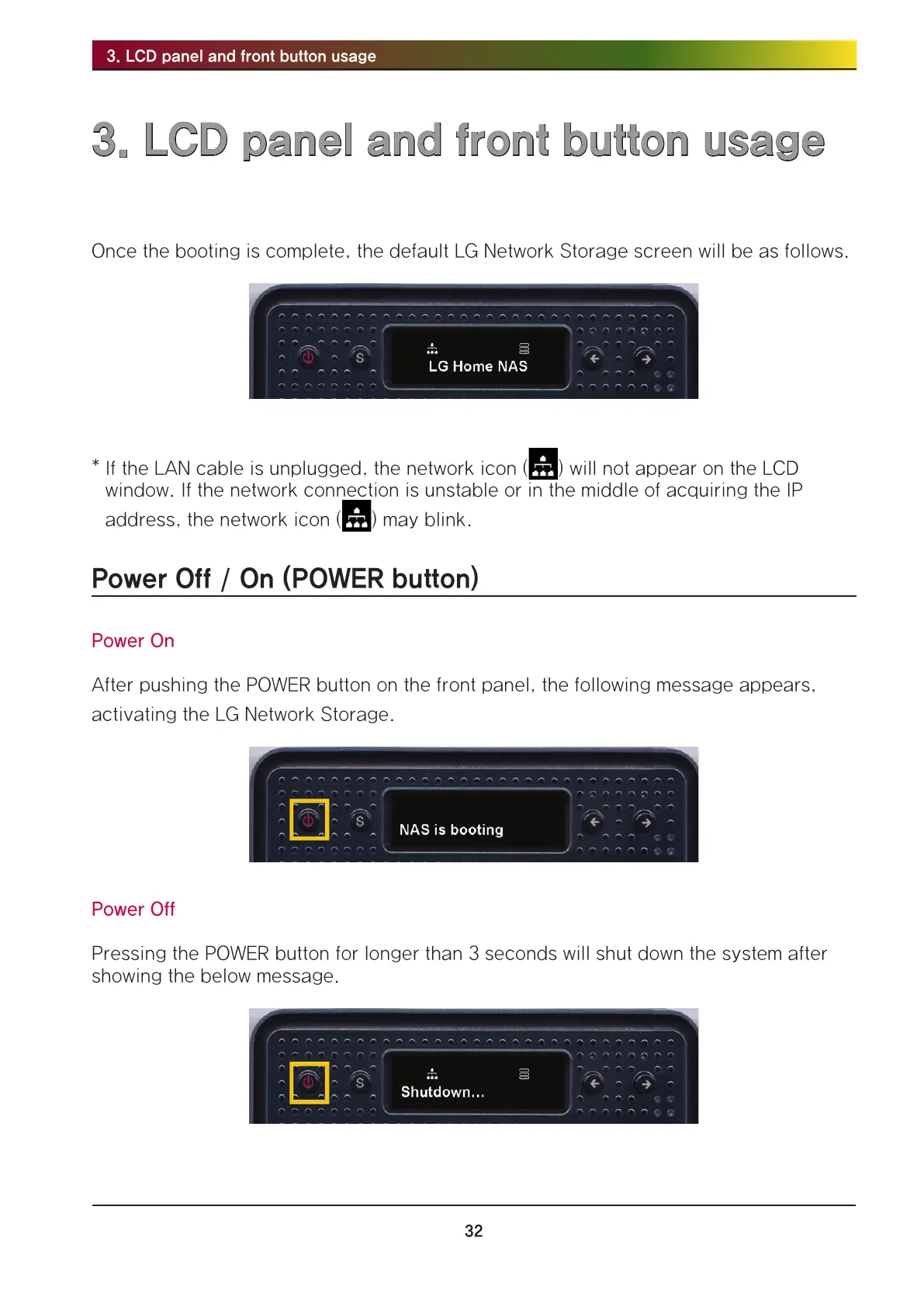
Once the booting is complete, the default LG Network Storage screen will be as follows.
* If the LAN cable is unplugged, the network icon ( ) will not appear on the LCD
window. If the network connection is unstable or in the middle of acquiring the IP
address, the network icon ( ) may blink.
Power Off / On (POWER button)
Power On
After pushing the POWER button on the front panel, the following message appears,
activating the LG Network Storage.
Power Off
Pressing the POWER button for longer than 3 seconds will shut down the system after
showing the below message.



 To Next Page