. LCD panel and front button usage
Action set-up (‘←’, ‘→’ buttons)
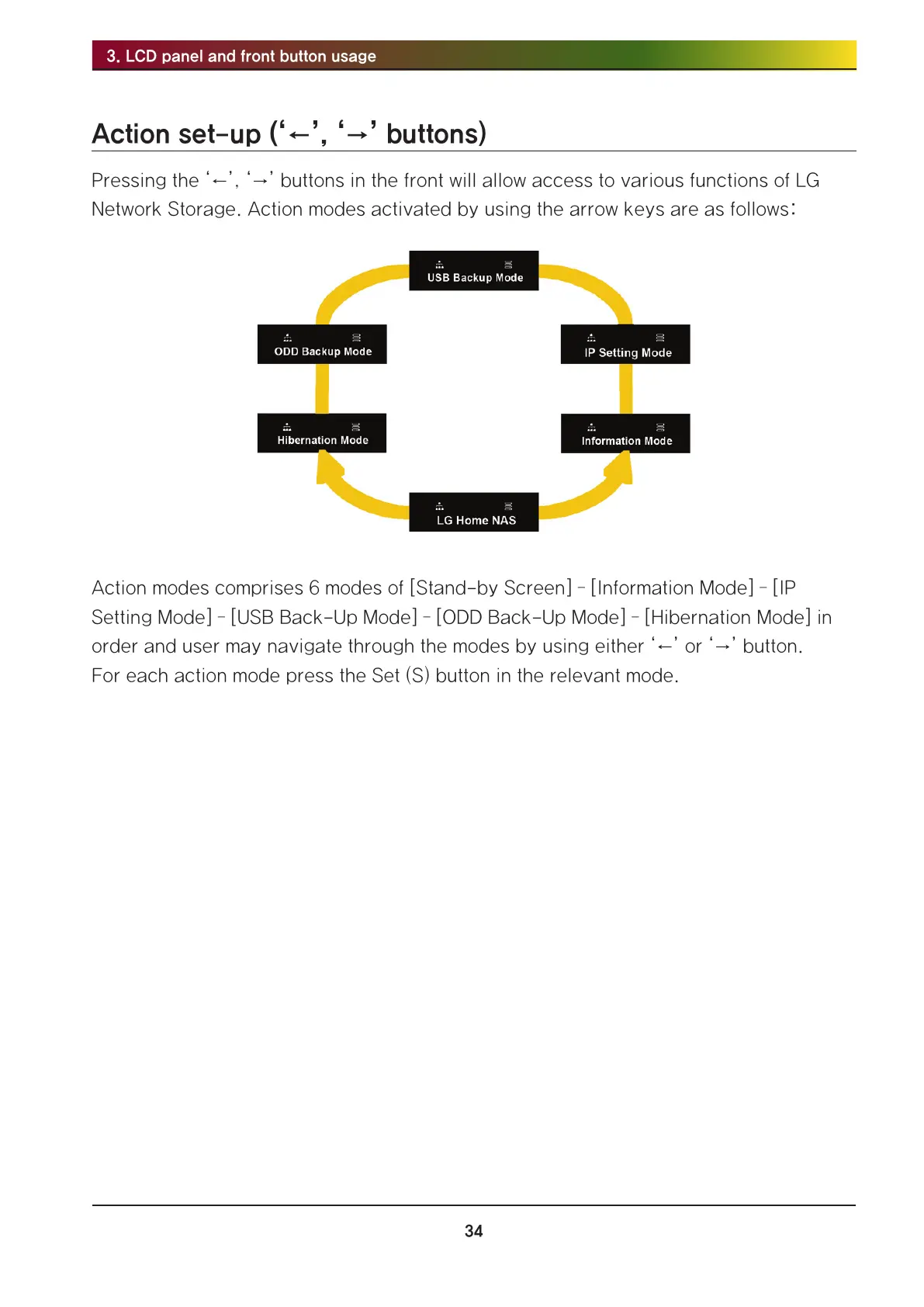
Pressing the ‘←’, ‘→’ buttons in the front will allow access to various functions of LG
Network Storage. Action modes activated by using the arrow keys are as follows:
Action modes comprises 6 modes of [Stand-by Screen] – [Information Mode] – [IP
Setting Mode] – [USB Back-Up Mode] – [ODD Back-Up Mode] – [Hibernation Mode] in
order and user may navigate through the modes by using either ‘←’ or ‘→’ button.
For each action mode press the Set (S) button in the relevant mode.



 To Next Page