. LCD panel and front button usage
Information Mode
Information Mode shows the current status and information of LG Network Storage.
Once in the [Information Mode], user may use the arrow keys to move through [IP
Address Information] – [System Firmware Version] – [HDD Usage Capacity] – [Date and
Time] – [Fan RPM Information].
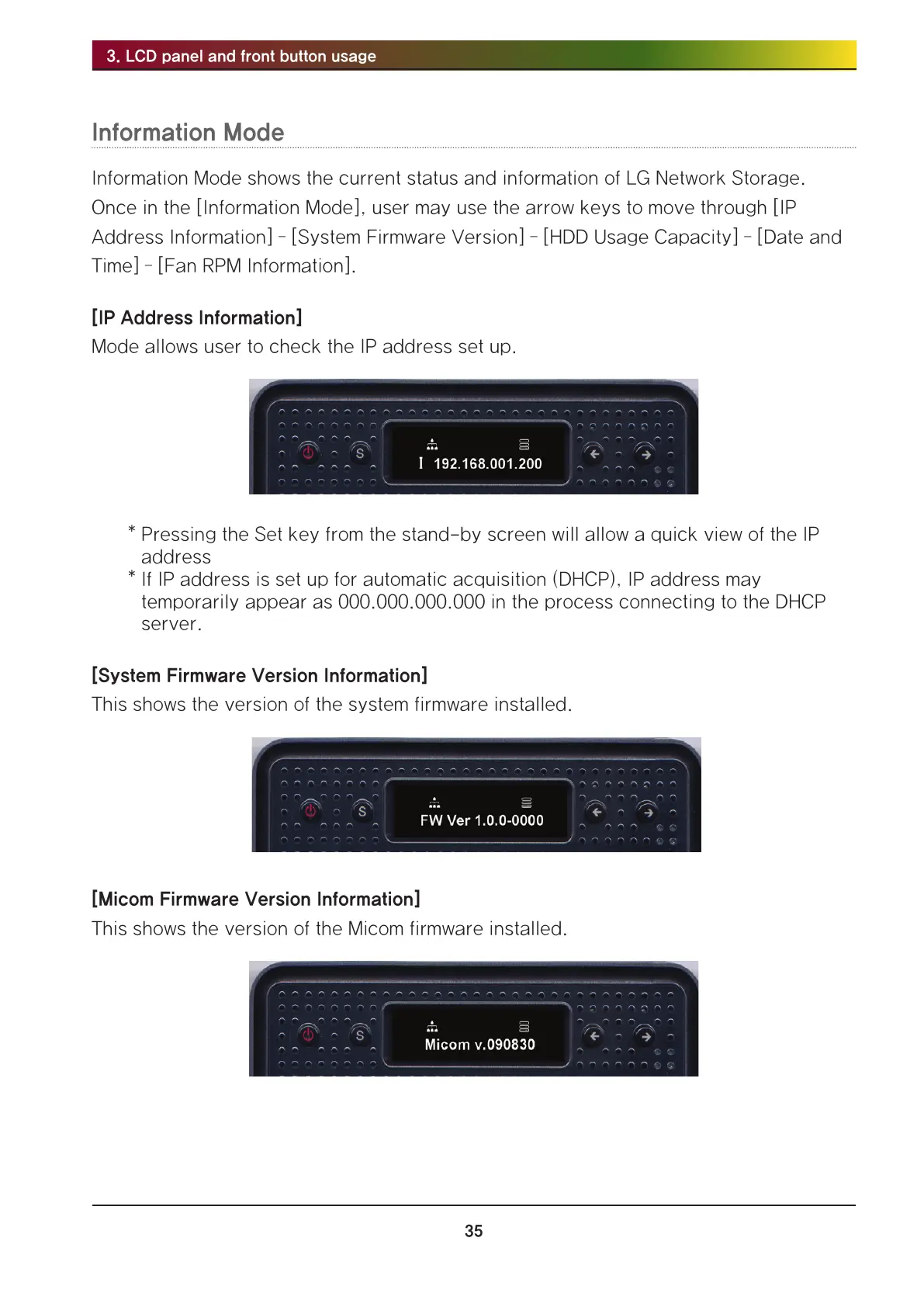
[IP Address Information]
Mode allows user to check the IP address set up.
* Pressing the Set key from the stand-by screen will allow a quick view of the IP
address
* If IP address is set up for automatic acquisition (DHCP), IP address may
temporarily appear as 000.000.000.000 in the process connecting to the DHCP
server.
[System Firmware Version Information]
This shows the version of the system firmware installed.
[Micom Firmware Version Information]
This shows the version of the Micom firmware installed.



 To Next Page