. LG Network Storage Web Menu Use (for LG Network Storage administrators)
2
Blu-ray / DVD
The built-in Blu-ray/DVD drive allows direct copy of data from discs to LG Network
Storage. Furthermore, secondary backup of data using the Blu-ray drive makes
data management safer and more efficient.
Burning
Burning the LG Network Storage data to disc is possible using the Blu-ray/DVD
drive.
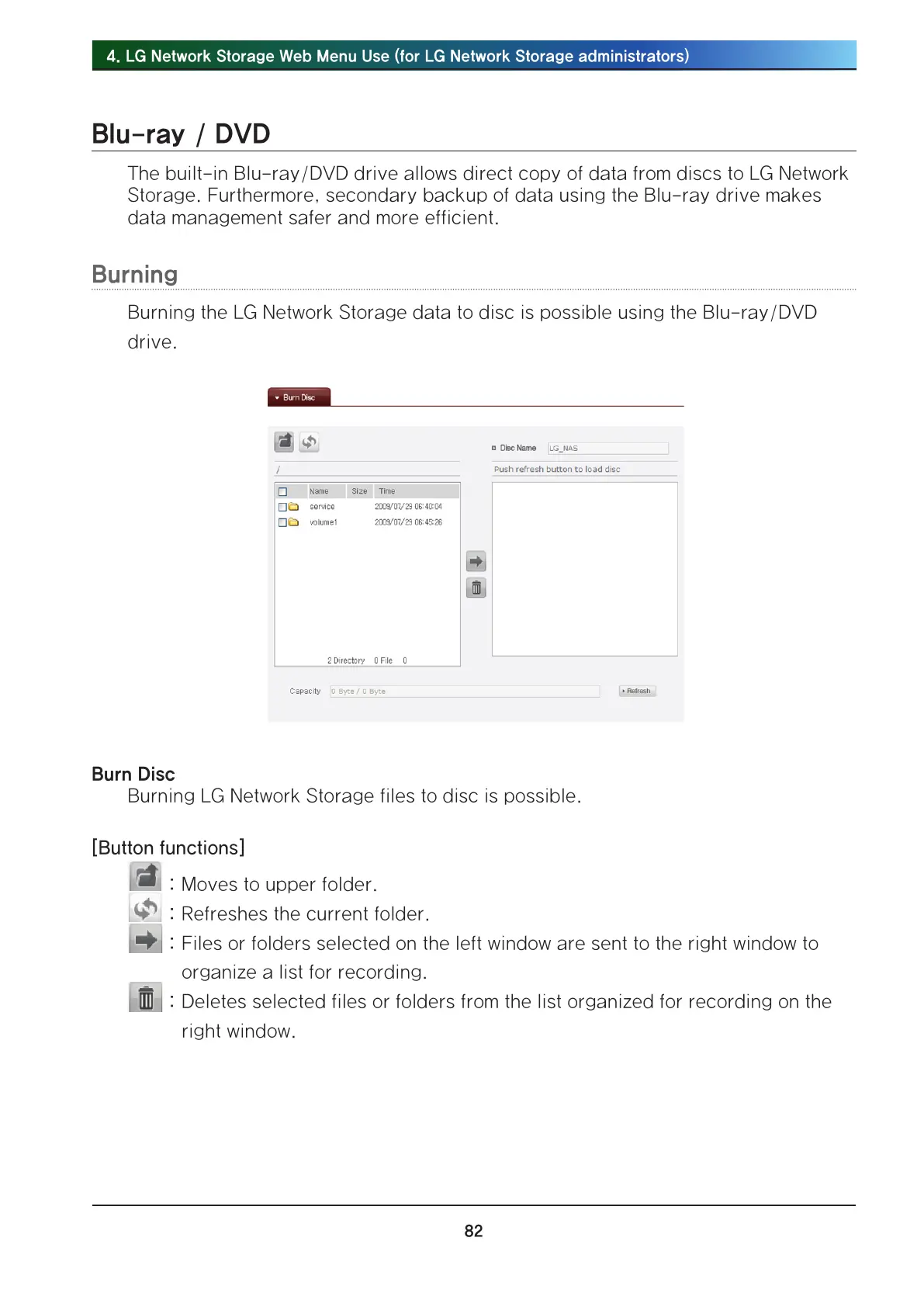
Burn Disc
Burning LG Network Storage files to disc is possible.
[Button functions]
: Moves to upper folder.
: Refreshes the current folder.
: Files or folders selected on the left window are sent to the right window to
organize a list for recording.
: Deletes selected files or folders from the list organized for recording on the
right window.



 To Next Page