. LG Network Storage Web Menu Use (for LG Network Storage administrators)
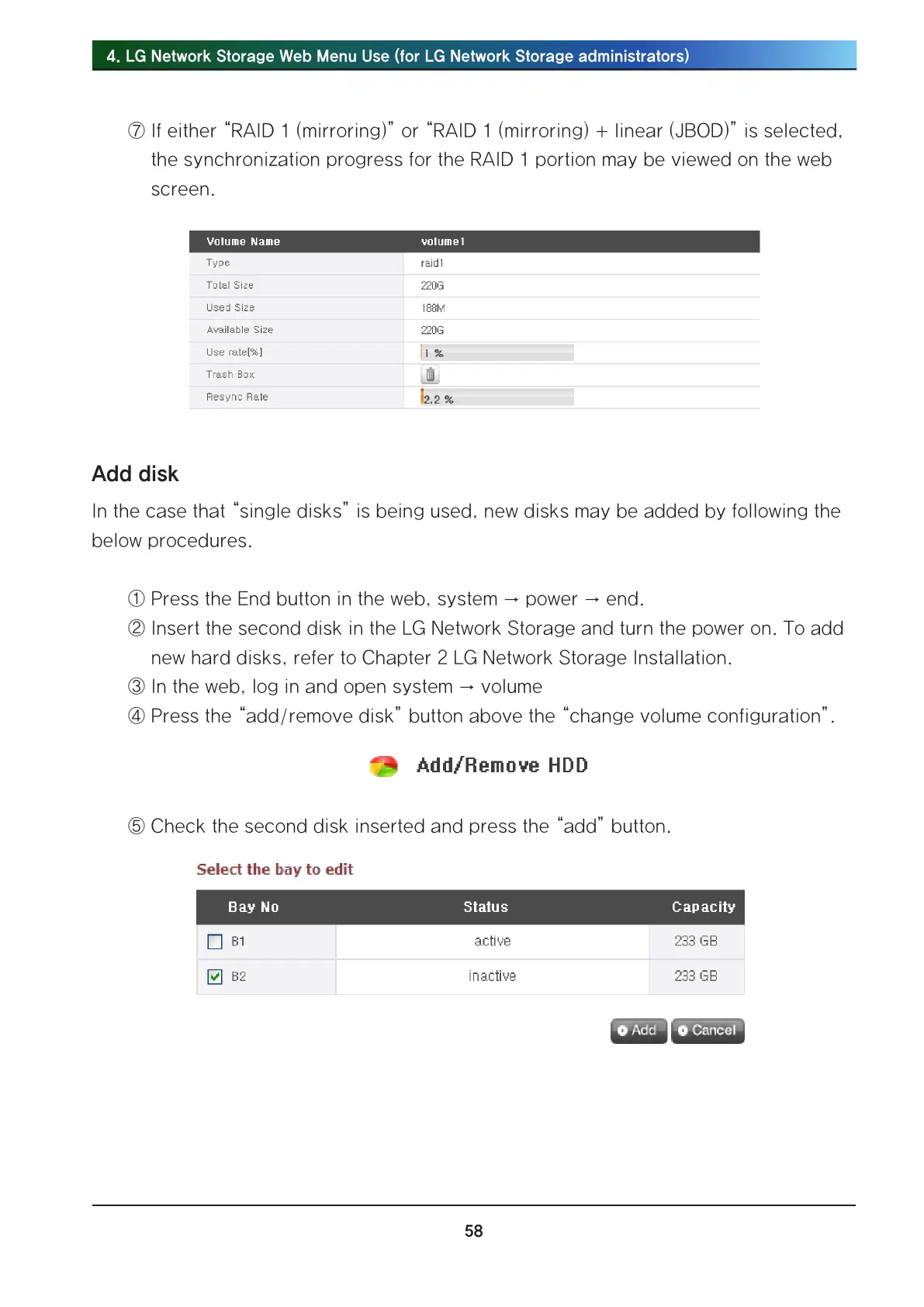
⑦ If either “RAID 1 (mirroring)” or “RAID 1 (mirroring) + linear (JBOD)” is selected,
the synchronization progress for the RAID 1 portion may be viewed on the web
screen.
Add disk
In the case that “single disks” is being used, new disks may be added by following the
below procedures.
① Press the End button in the web, system → power → end.
② Insert the second disk in the LG Network Storage and turn the power on. To add
new hard disks, refer to Chapter 2 LG Network Storage Installation.
③ In the web, log in and open system → volume
④ Press the “add/remove disk” button above the “change volume configuration”.
⑤ Check the second disk inserted and press the “add” button.



 To Next Page