. LG Network Storage Web Menu Use (for LG Network Storage administrators)
Configuration Back-up
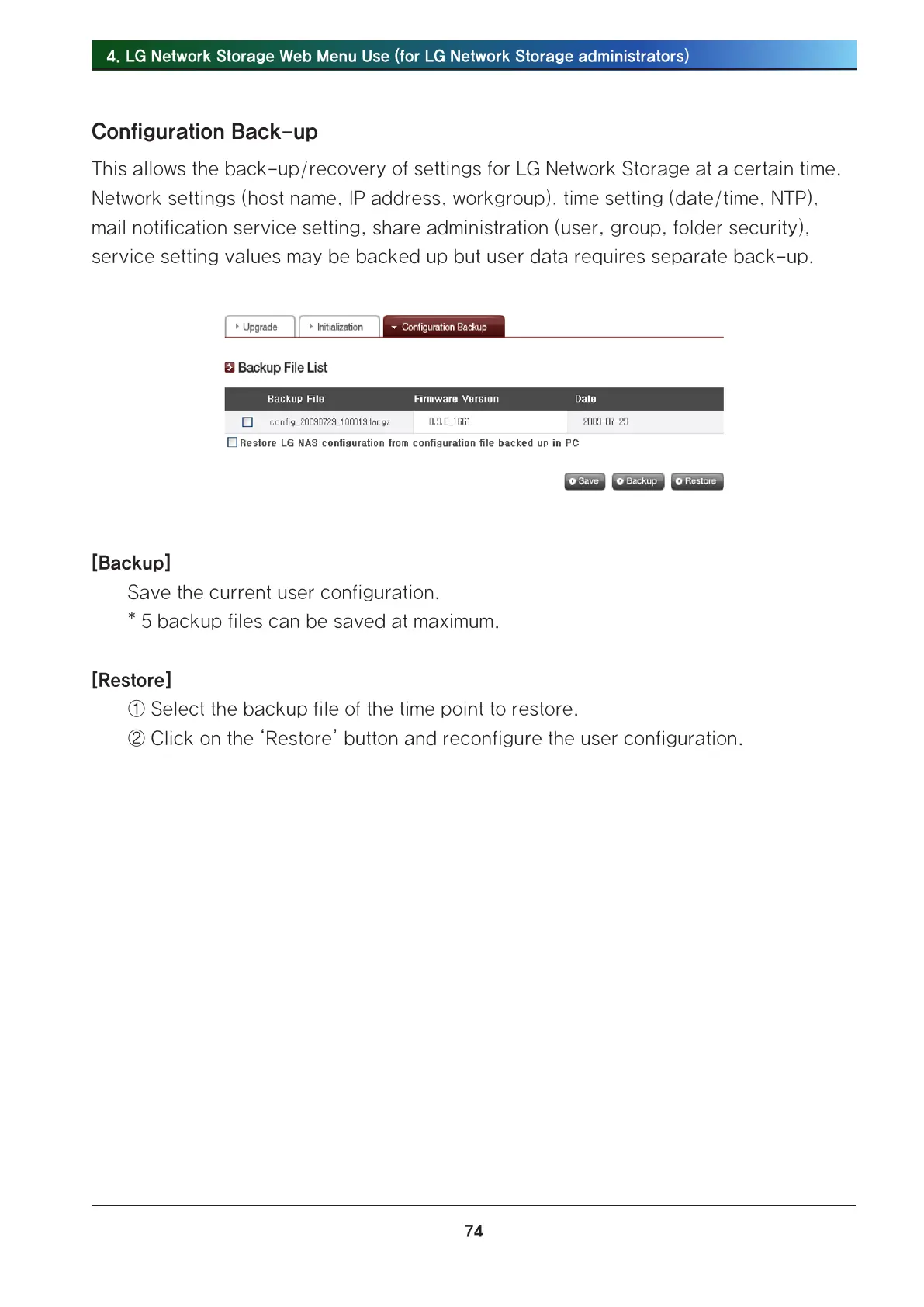
This allows the back-up/recovery of settings for LG Network Storage at a certain time.
Network settings (host name, IP address, workgroup), time setting (date/time, NTP),
mail notification service setting, share administration (user, group, folder security),
service setting values may be backed up but user data requires separate back-up.
[Backup]
Save the current user configuration.
* 5 backup files can be saved at maximum.
[Restore]
① Select the backup file of the time point to restore.
② Click on the ‘Restore’ button and reconfigure the user configuration.



 To Next Page