. LCD panel and front button usage
Icon Description
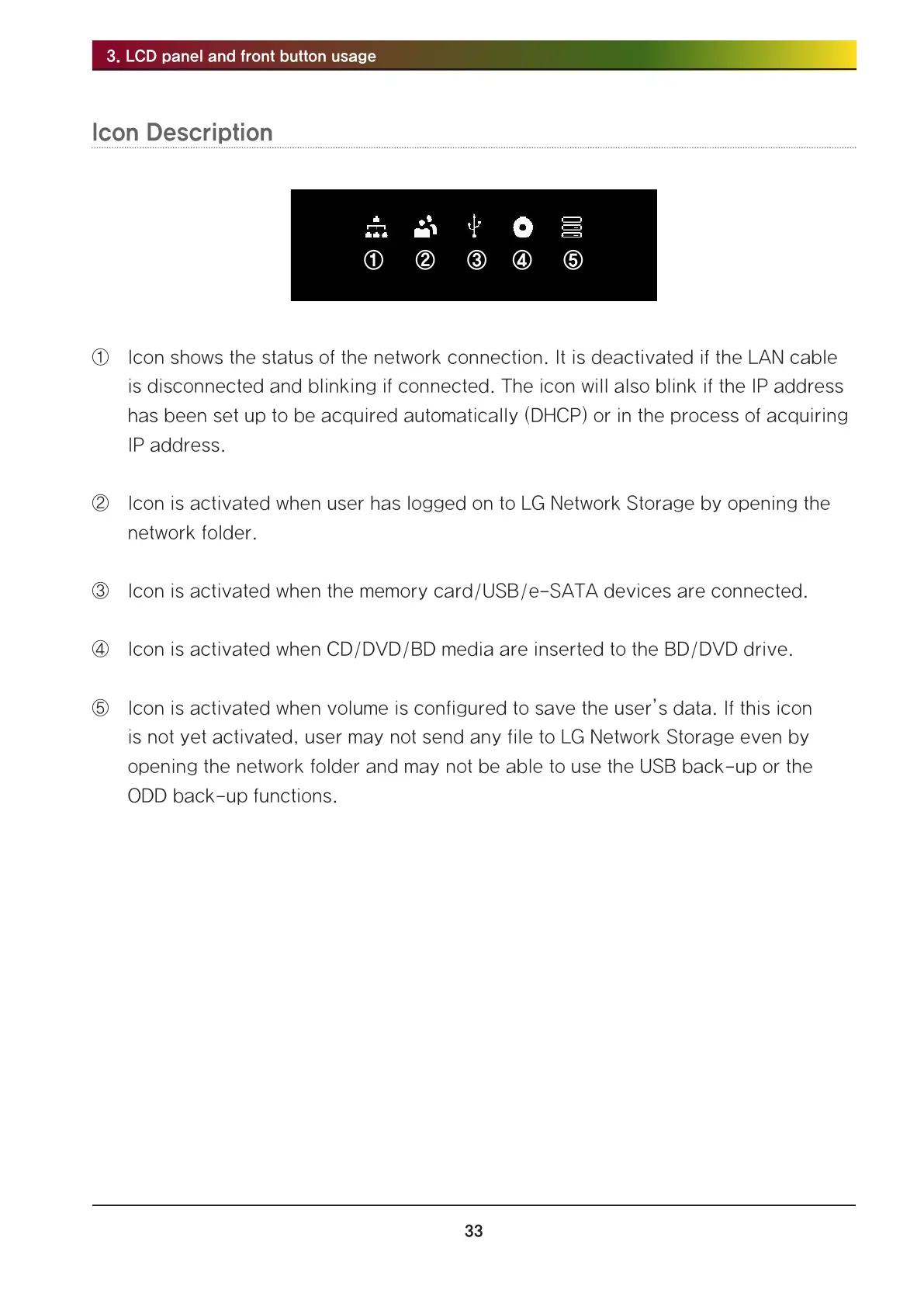
① ② ③ ④ ⑤
① Icon shows the status of the network connection. It is deactivated if the LAN cable
is disconnected and blinking if connected. The icon will also blink if the IP address
has been set up to be acquired automatically (DHCP) or in the process of acquiring
IP address.
② Icon is activated when user has logged on to LG Network Storage by opening the
network folder.
③ Icon is activated when the memory card/USB/e-SATA devices are connected.
④ Icon is activated when CD/DVD/BD media are inserted to the BD/DVD drive.
⑤ Icon is activated when volume is configured to save the user’s data. If this icon
is not yet activated, user may not send any file to LG Network Storage even by
opening the network folder and may not be able to use the USB back-up or the
ODD back-up functions.



 To Next Page