. LG Network Storage Web Menu Use (for LG Network Storage administrators)
Date & Time
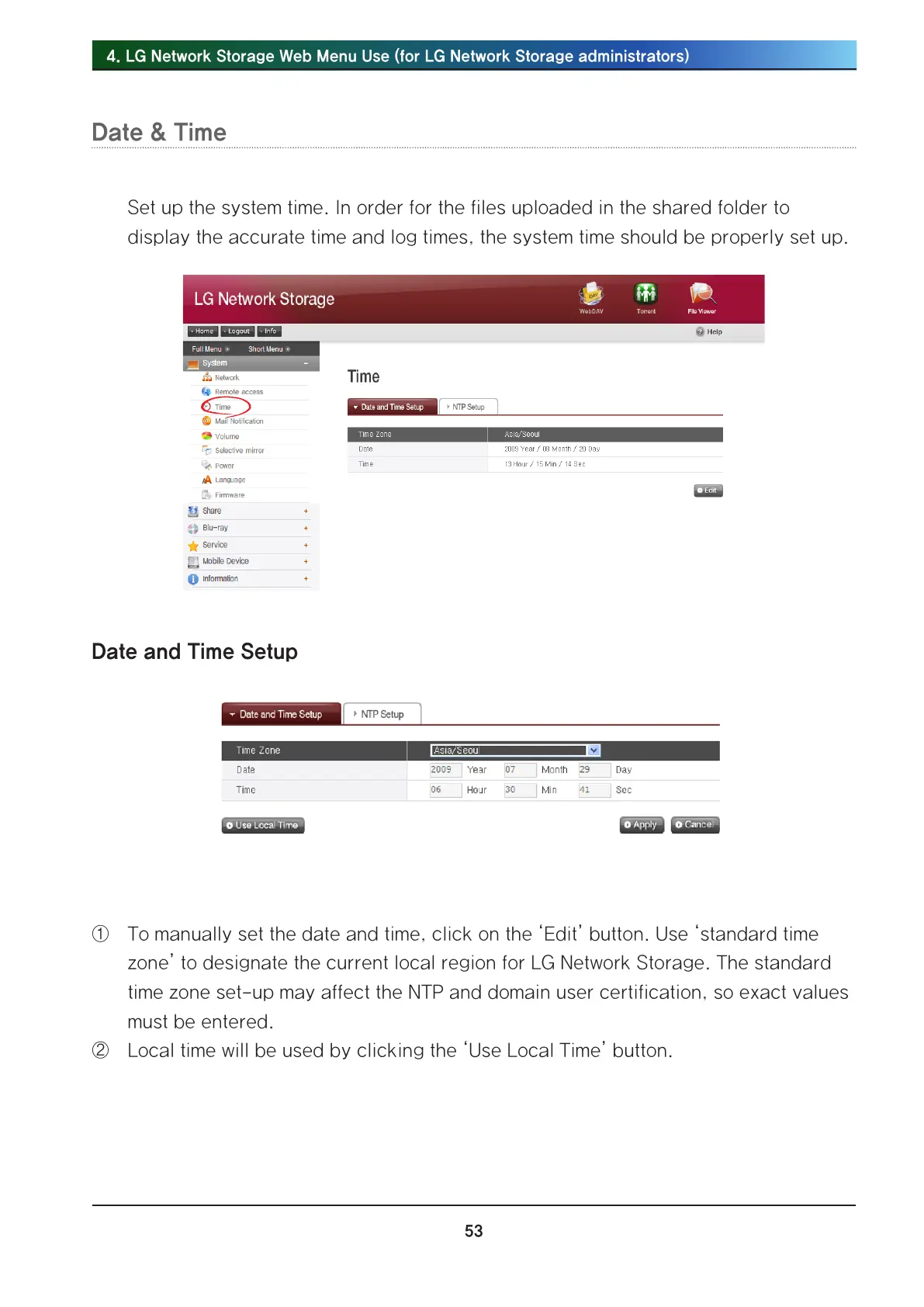
Set up the system time. In order for the files uploaded in the shared folder to
display the accurate time and log times, the system time should be properly set up.
Date and Time Setup
① To manually set the date and time, click on the ‘Edit’ button. Use ‘standard time
zone’ to designate the current local region for LG Network Storage. The standard
time zone set-up may affect the NTP and domain user certification, so exact values
must be entered.
② Local time will be used by clicking the ‘Use Local Time’ button.



 To Next Page