. LG Network Storage via network drive
1
Linux OS access
LG Network Storage supports Windows, MAC, and Linux OS, through the NFS service.
The Linux system connection is as follows. Ubuntu will be used as a reference.
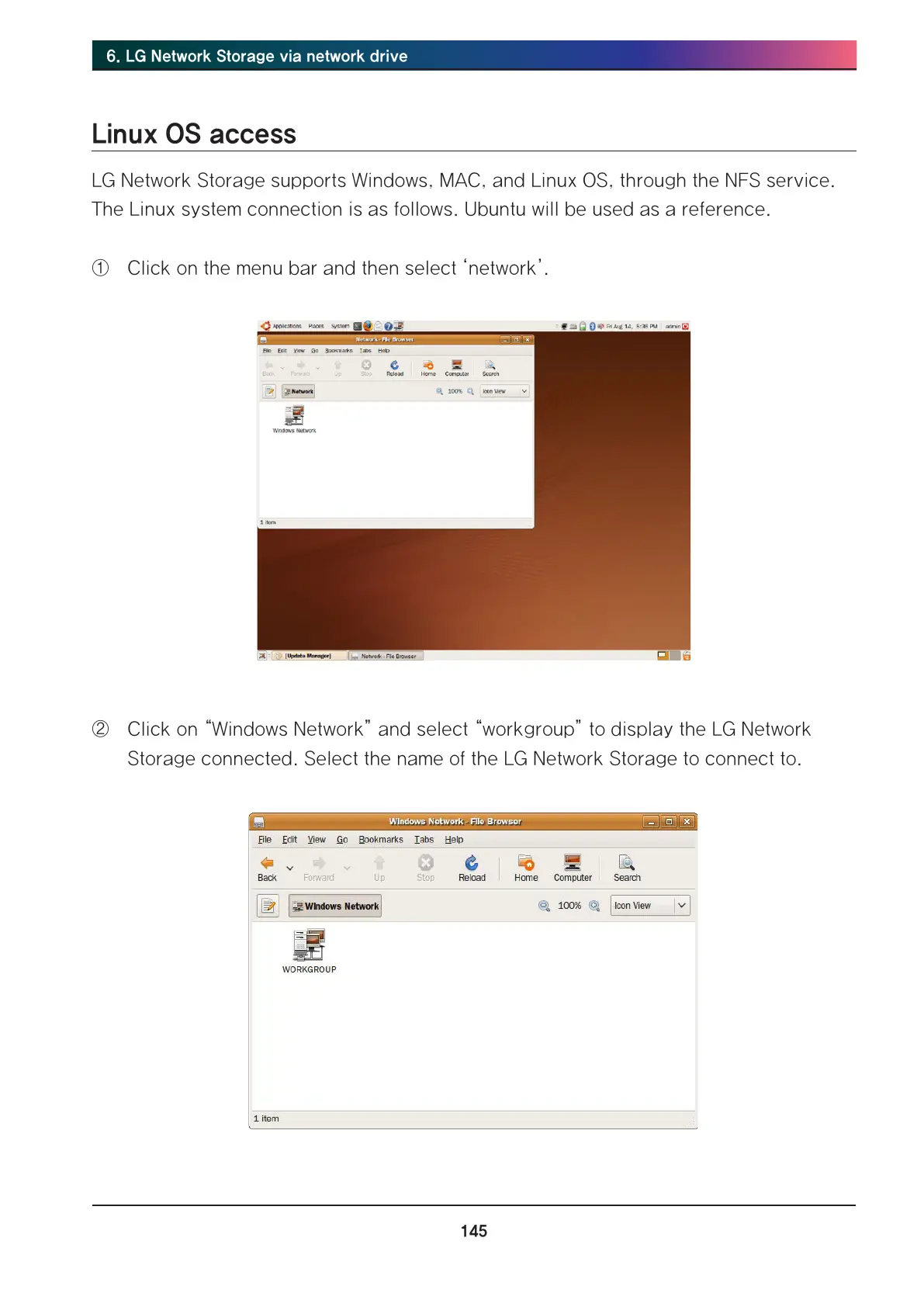
① Click on the menu bar and then select ‘network’.
② Click on “Windows Network” and select “workgroup” to display the LG Network
Storage connected. Select the name of the LG Network Storage to connect to.



 To Next Page