. LG Network Storage Web Menu Use (for LG Network Storage administrators)
Network Printer
The network printer can be used by connecting the USB printer to the LG Network
Storage.
① Select Service > Network Printer from the administrator’s web menu.
② Check “Enable”, click the “Apply” button.
[Windows users]
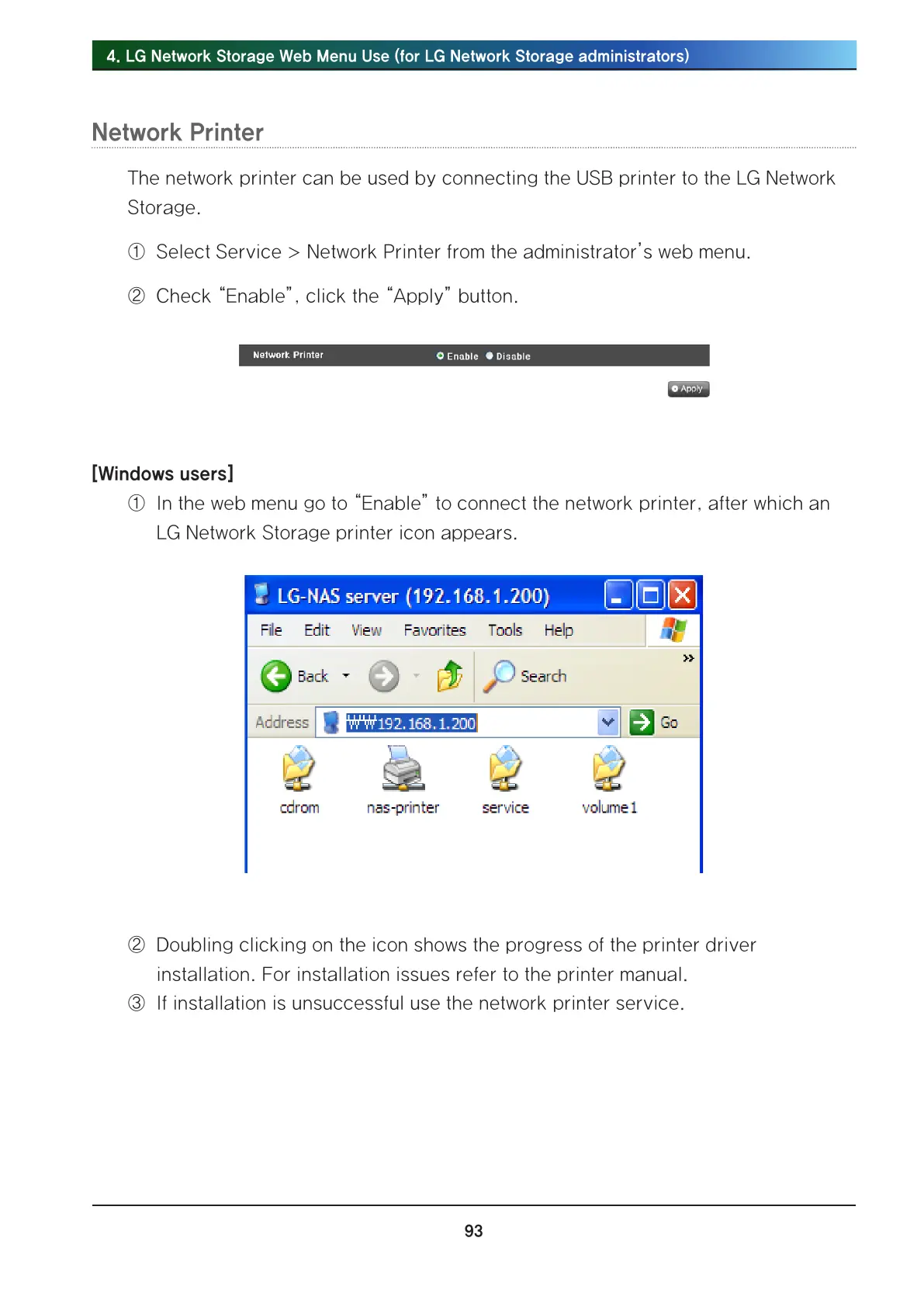
① In the web menu go to “Enable” to connect the network printer, after which an
LG Network Storage printer icon appears.
② Doubling clicking on the icon shows the progress of the printer driver
installation. For installation issues refer to the printer manual.
③ If installation is unsuccessful use the network printer service.



 To Next Page