. LCD panel and front button usage
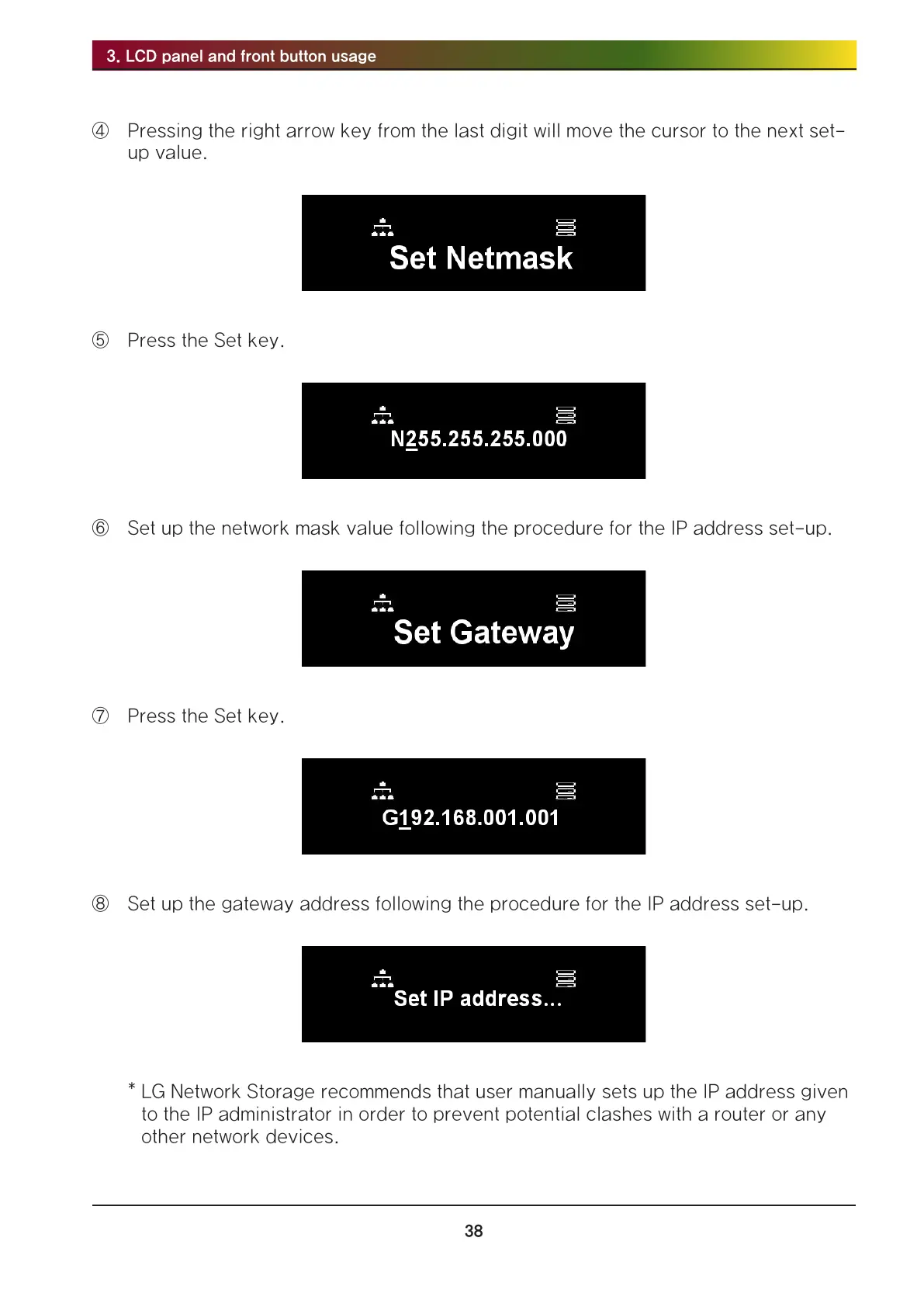
④ Pressing the right arrow key from the last digit will move the cursor to the next set-
up value.
⑤ Press the Set key.
⑥ Set up the network mask value following the procedure for the IP address set-up.
⑦ Press the Set key.
⑧ Set up the gateway address following the procedure for the IP address set-up.
* LG Network Storage recommends that user manually sets up the IP address given
to the IP administrator in order to prevent potential clashes with a router or any
other network devices.



 To Next Page