2. LG Network Storage Installation
2
<Using LG Network Storage Network Folder>
File share and store can be performed, similar to the internal or external HDDs
connected to the PC.
① Double click the LG Network Storage network folder shortcut.
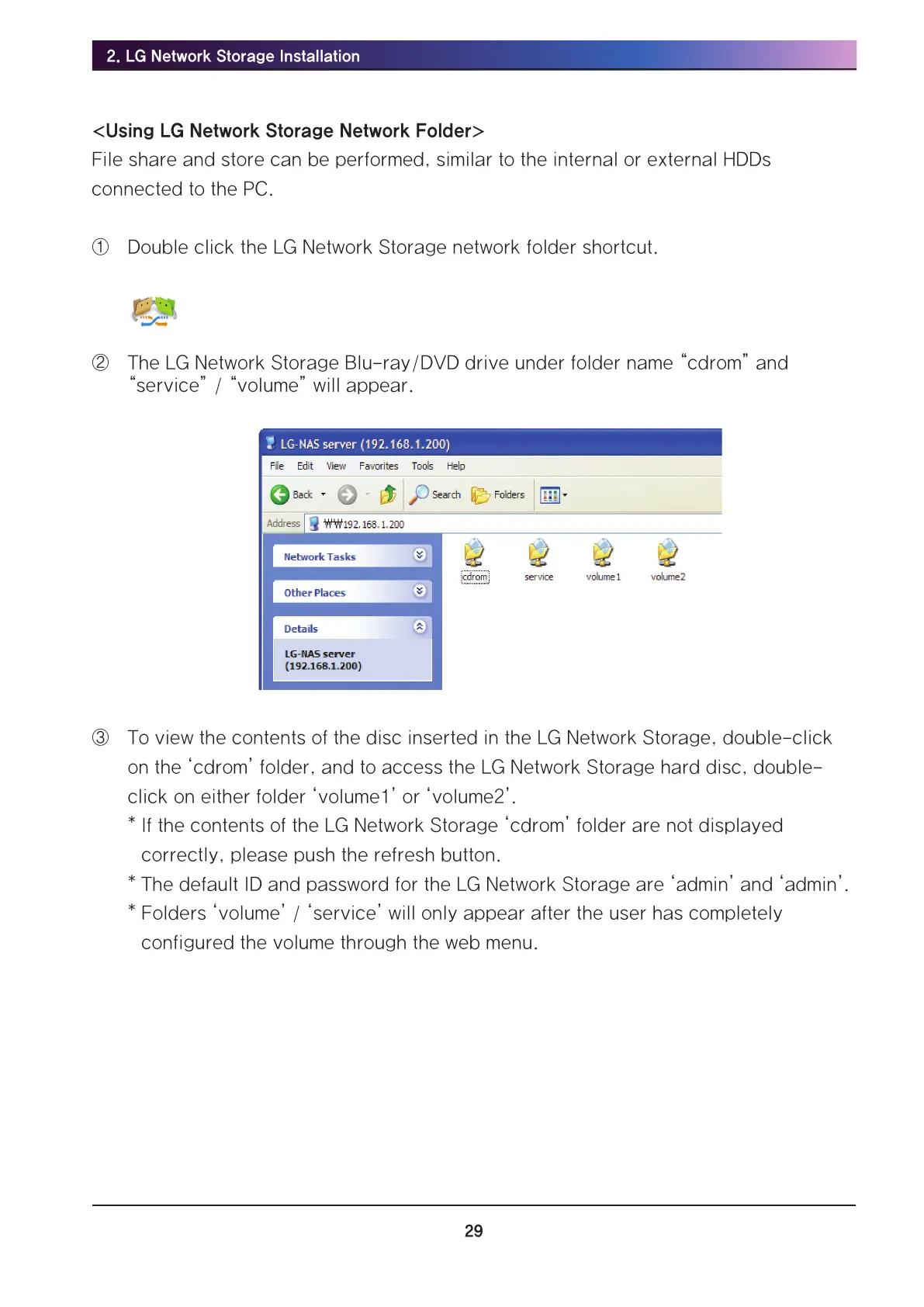
② The LG Network Storage Blu-ray/DVD drive under folder name “cdrom” and
“service” / “volume” will appear.
③ To view the contents of the disc inserted in the LG Network Storage, double-click
on the ‘cdrom’ folder, and to access the LG Network Storage hard disc, double-
click on either folder ‘volume1’ or ‘volume2’.
* If the contents of the LG Network Storage ‘cdrom’ folder are not displayed
correctly, please push the refresh button.
* The default ID and password for the LG Network Storage are ‘admin’ and ‘admin’.
* Folders ‘volume’ / ‘service’ will only appear after the user has completely
configured the volume through the web menu.



 To Next Page