. LCD panel and front button usage
0
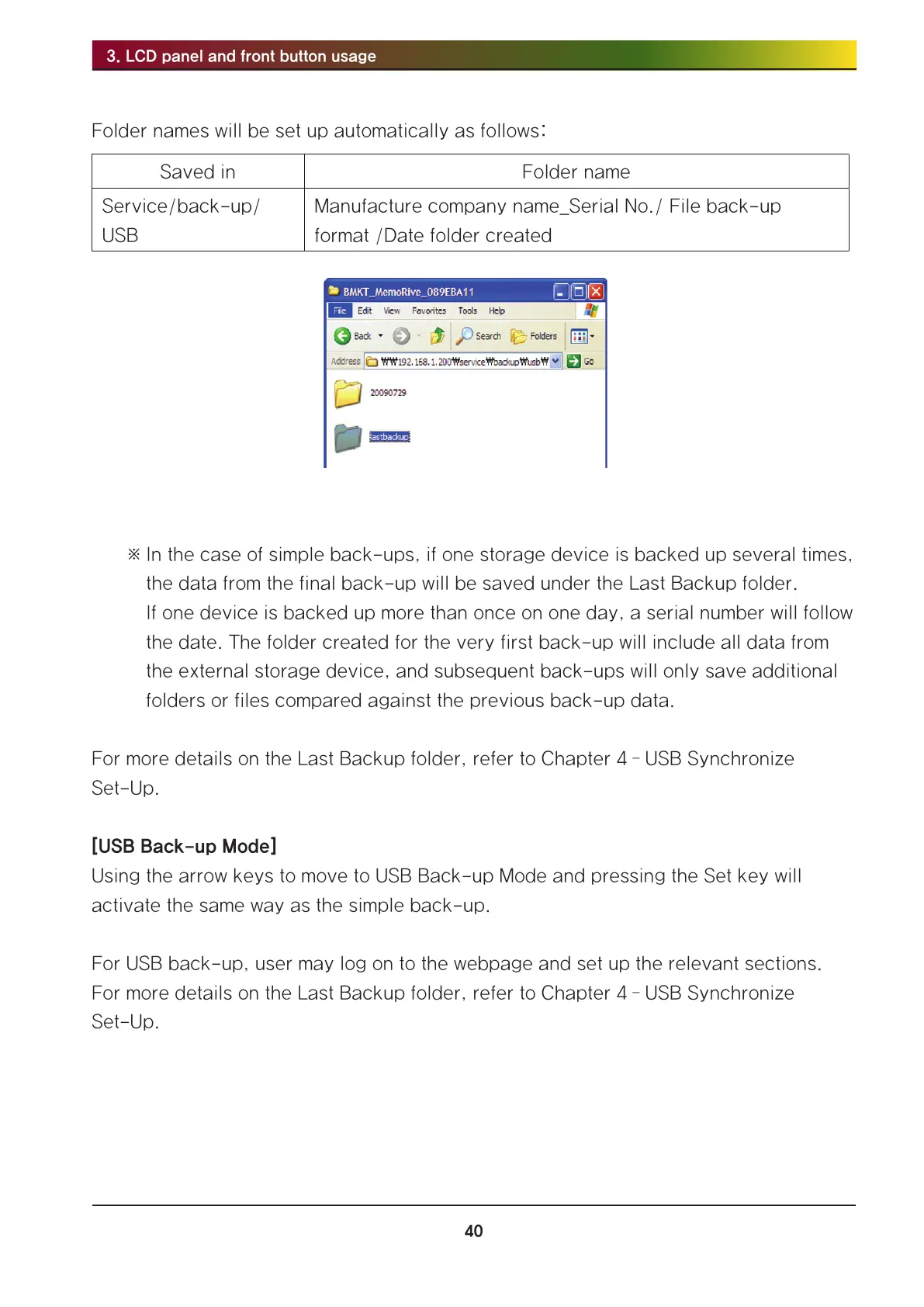
Folder names will be set up automatically as follows:
Saved in Folder name
Service/back-up/
USB
Manufacture company name_Serial No./ File back-up
format /Date folder created
※ In the case of simple back-ups, if one storage device is backed up several times,
the data from the final back-up will be saved under the Last Backup folder.
If one device is backed up more than once on one day, a serial number will follow
the date. The folder created for the very first back-up will include all data from
the external storage device, and subsequent back-ups will only save additional
folders or files compared against the previous back-up data.
For more details on the Last Backup folder, refer to Chapter 4 – USB Synchronize
Set-Up.
[USB Back-up Mode]
Using the arrow keys to move to USB Back-up Mode and pressing the Set key will
activate the same way as the simple back-up.
For USB back-up, user may log on to the webpage and set up the relevant sections.
For more details on the Last Backup folder, refer to Chapter 4 – USB Synchronize
Set-Up.



 To Next Page