. LCD panel and front button usage
2
⑦ Pressing ‘←’ button will cancel the job at any time.
⑧ Once back-up is completed, the following message will pop up:
[Data Copy]
This is a function to back up the content of the disk on to LG Network Storage just as it
was originally in the disk.
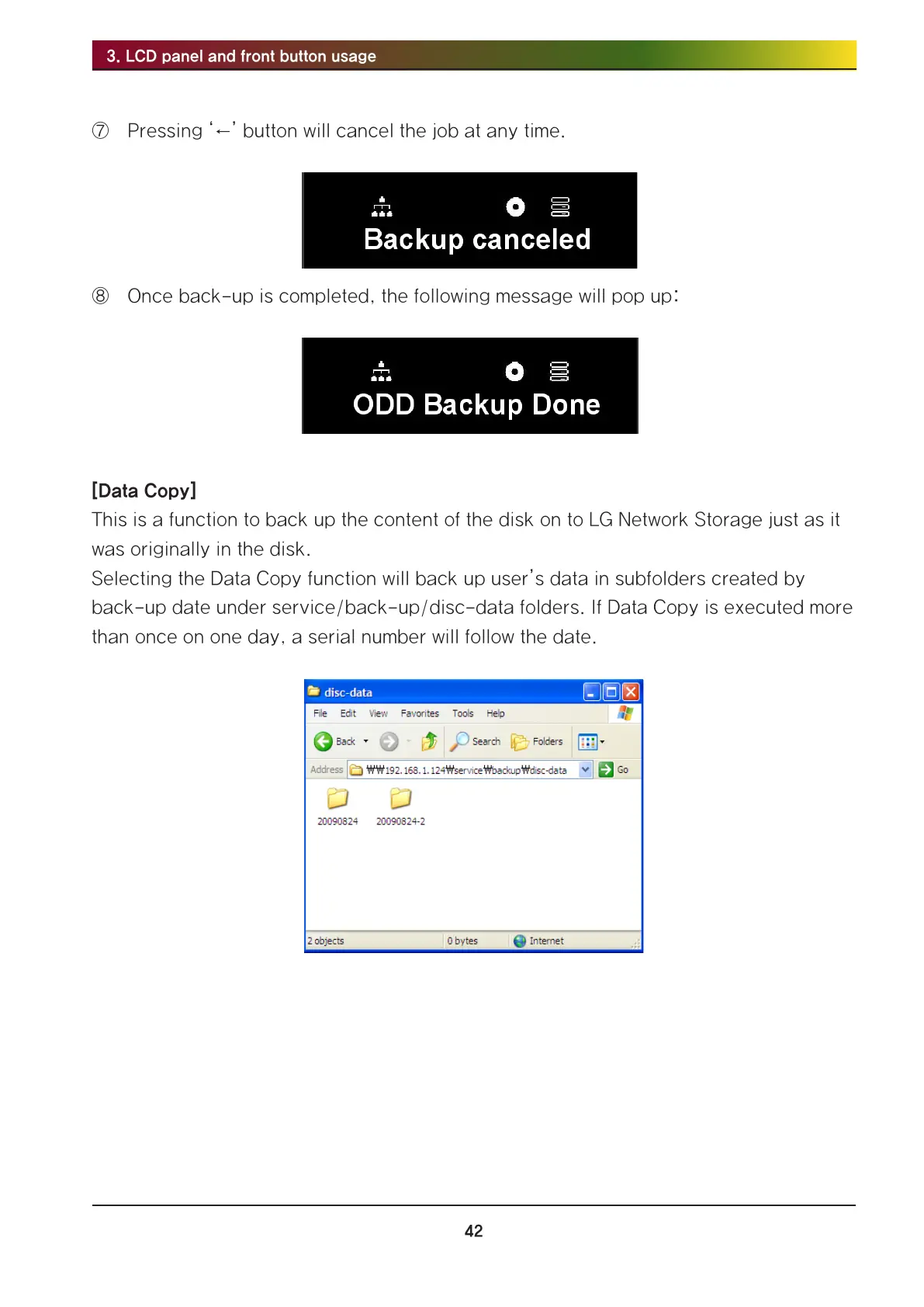
Selecting the Data Copy function will back up user’s data in subfolders created by
back-up date under service/back-up/disc-data folders. If Data Copy is executed more
than once on one day, a serial number will follow the date.



 To Next Page