. LG Network Storage Web Menu Use (for LG Network Storage administrators)
2
[System Firmware Upgrade]
① Verify connection to the Internet and download system firmware for the LG
Network Storage from the product site linked below.
☞ http://www.lge.com
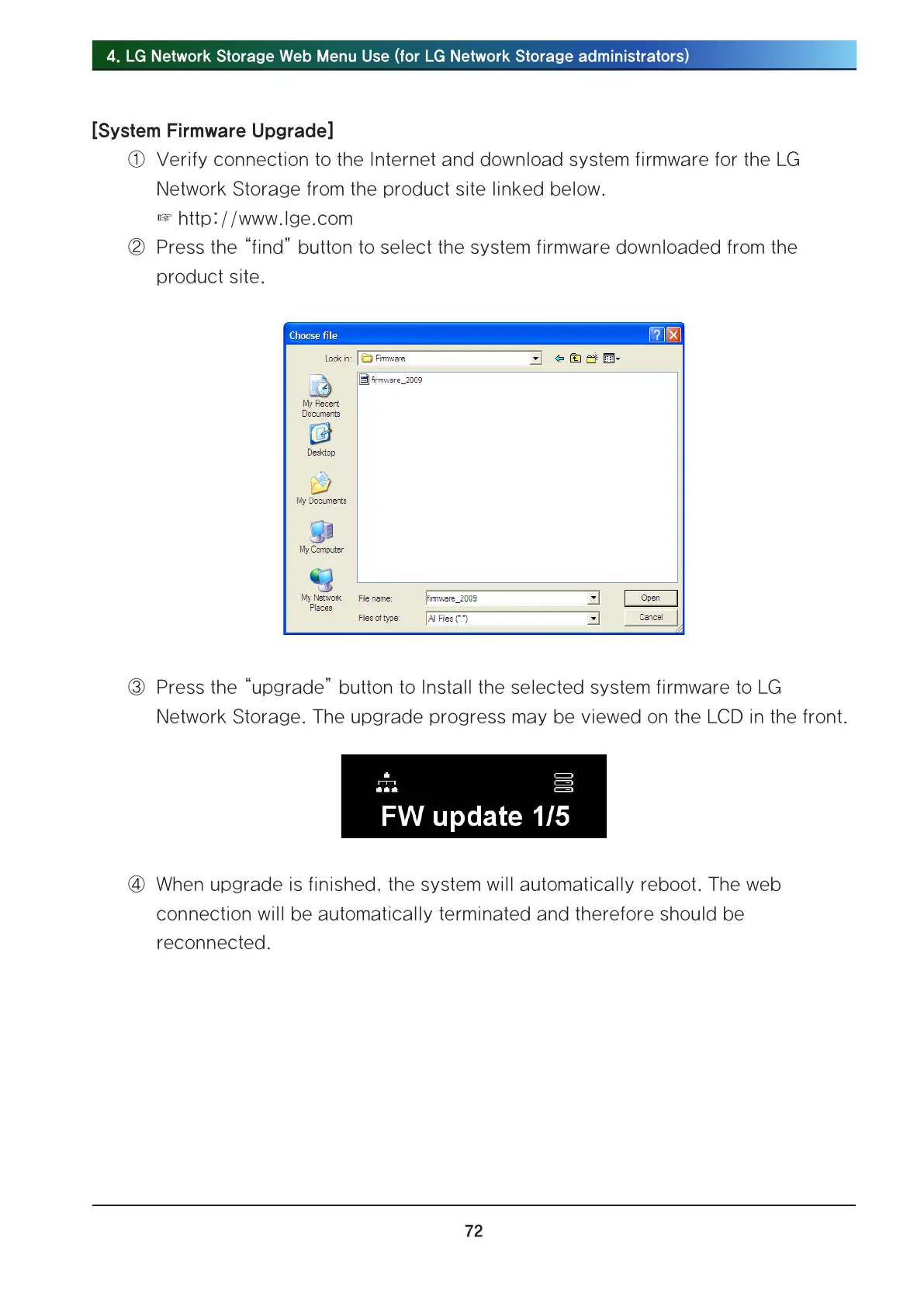
② Press the “find” button to select the system firmware downloaded from the
product site.
③ Press the “upgrade” button to Install the selected system firmware to LG
Network Storage. The upgrade progress may be viewed on the LCD in the front.
④ When upgrade is finished, the system will automatically reboot. The web
connection will be automatically terminated and therefore should be
reconnected.



 To Next Page