. LG Network Storage Web Menu Use (for LG Network Storage administrators)
1
* Using the DDNS service offered by LG Network Storage will log on to ftp://
myname.lgnas.com:port number. For more details, please refer to system remote
control <DDNS>.
* To use the default port value 21, user may log on without inputting the port
number through ftp://IP address or ftp://myname.lgnas.com.
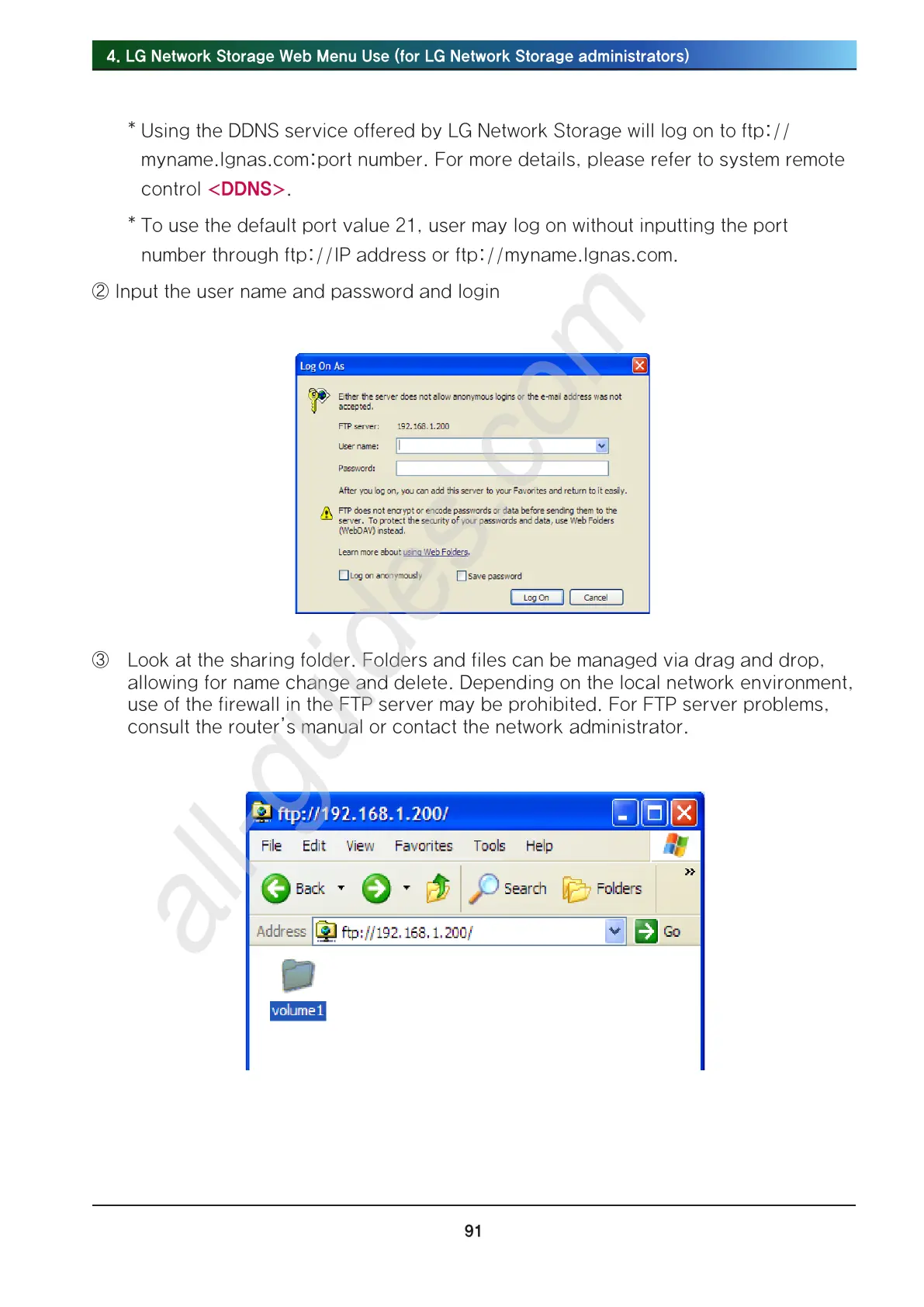
② Input the user name and password and login
③ Look at the sharing folder. Folders and files can be managed via drag and drop,
allowing for name change and delete. Depending on the local network environment,
use of the firewall in the FTP server may be prohibited. For FTP server problems,
consult the router’s manual or contact the network administrator.



 To Next Page