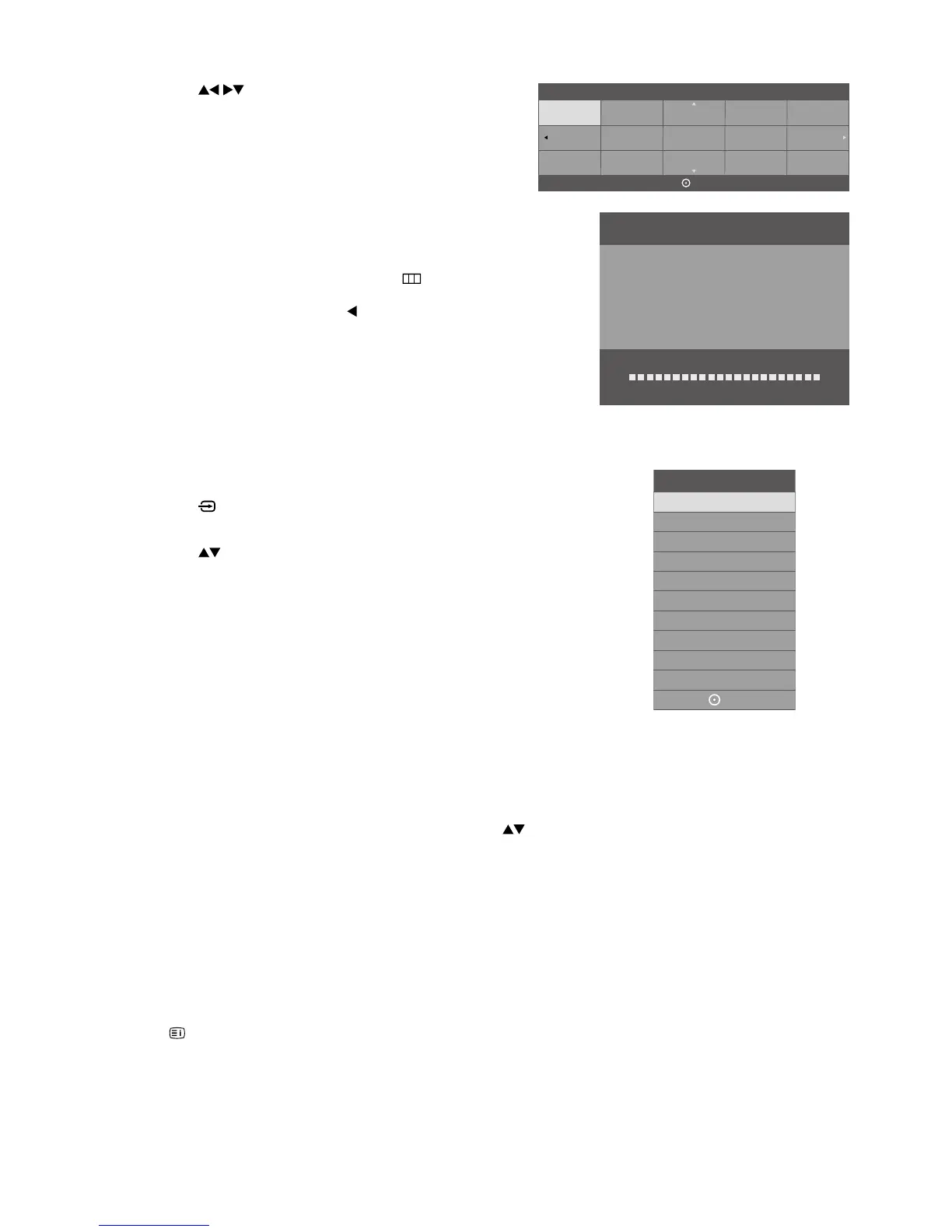
7. Press the buttons to select the country where you will
operate the TV. Press the OK button to confirm.
8. DTV Channel tuning will commence. This operation may take
a few minutes. The display will show the progress of the
tuning and the number of channels found.
9. If you want to skip the DTV tuning, press the
button on
the remote control to interrupt the tuning half way. A pop-up
screen will be displayed, press the
button to select YES
to confirm. If you want to go to ATV tuning, please refer to
page 19 for details on Auto Tuning.
10. After tuning is complete, the channels are arranged in a
preset order. If you wish to skip channels, modify the preset
order or rename channels, select Channel Edit under the
Channel menu (refer to page 21 for details).
Selecting the Input Source
1. Press the button on the remote control to display the Input source
list.
2. Press the
buttons to select the input source that you want: DTV /
ATV / HDMI1 / HDMI2 / HDMI3 / AV / USB.
3. Press the OK button to confirm your selection. If you do not press the
OK button to confirm, the TV will automatically confirm the selected
input source within 4 seconds.
Channel Tuning
DTV : 3 Channel(s)
Radio : 0 Channel(s)
TV : 0 Channel(s)
Data : 0 Channel(s)
36%... VHF CH 21 (DTV)
OK
Australia
Austria
Belgium
Bulgaria
Croatia
Czech
Denmark
Finland
France
Germany
Greece
Hungary
Italy
Ireland
Luxembourg
Country
Input Source
DTV
ATV
HDMI1
HDMI2
AV
USB
HDMI3
OK
Channel Selection
• Press the CH + / – buttons on the remote control repeatedly or the 0-9 buttons to select the channel.
• If a blocked channel is selected, the password screen will be displayed. Press the 0-9 buttons to enter the password, the
channel will then be unlocked (refer to page 33 for details on Block Channel).
• Press the FAV button to view the Favourite List. Then use the
buttons to highlight and select the channel. Press the
OK button to view the selected channel (refer to page 21 for details on Channel Edit).
• Press the RECALL button to return to the previously viewed channel.
Listening to the Radio (Radio Mode)
• Press the CH + / – buttons on the remote control repeatedly to change the radio stations.
• Press the EPG button to see all the stations in the Programme Guide (refer to page 35 for details on EPG).
Display Channel Information
Press the button to view the current information.
Volume Adjustment
• Press the VOL + or – button on the side panel of the TV or on the remote control to adjust the volume.
• If you wish to switch the sound off, press the MUTE button. You can turn the volume down while your TV is in mute mode.
Press the VOL – button, you will see the volume level reduce, but you won’t hear anything at the moment. To listen to your
TV at the new lower level, press the MUTE button again or VOL + button.



 To Next Page