42
Advanced Features
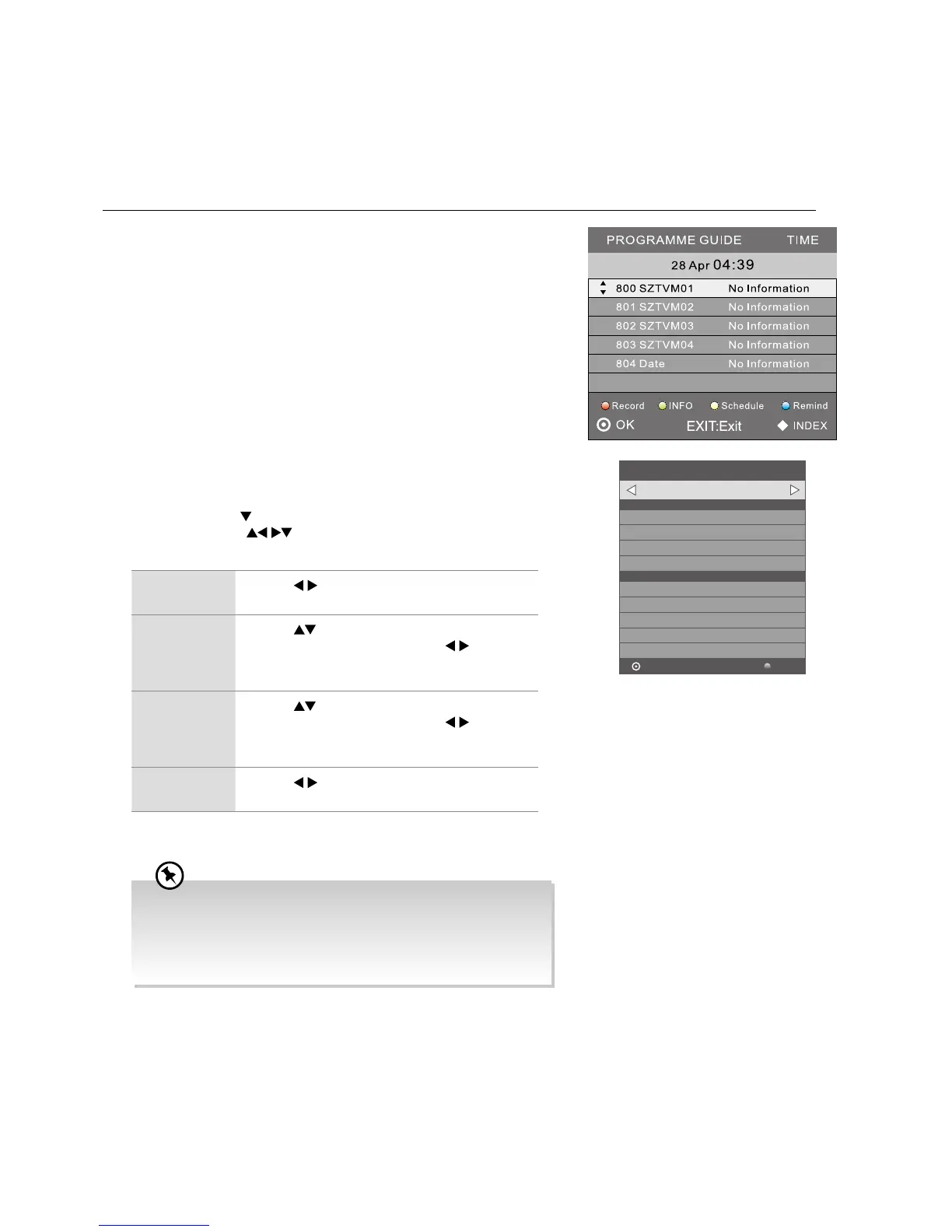
2. Press the RED button on the remote control while on the selected
programme, the RECORDER menu will be displayed. The recording time
for the selected programme will be automatically set. If you want to adjust
the time, press the
button to set the mode to Once / Everyday / Weekly
first. Then press the
buttons to select the settings in the RECORDER
menu for the Channel, Start time, End time and Mode.
Channel Press the buttons to select the channel that you
want to record.
Start time
(for Mode
Once, Every
Day, Weekly)
Press the
buttons to select the Minutes / Hour
/ Month / Date and then press the
buttons to
adjust the start time.
End time
(for Mode
Once, Every
Day, Weekly)
Press the
buttons to select the Minutes / Hour
/ Month / Date and then press the
buttons to
adjust the end time.
Mode Press the
buttons to select the Auto / Once /
Every Day / Weekly.
3. After finishing all the recorder adjustments, press the OK button to confirm
your settings.
Timer Programming
This function is used to perform scheduled recording.
The recording from timer programme or direct recording may have a little bit of delay when it starts to record the broadcast
programme.
Please make sure the USB device is inserted. If not, a warning message will pop up.
1. Press the EPG button on the remote control. The EPG menu will
appear.
101 BBC ONE HD
Start Time
End Time
35 Minute
5 Hour
Oct. Month
27 Date
RECORDER
BACKOK
40 Minute
6 Hour
Oct. Month
27 Date
Once Mode
– +
• After confirmation, you can press the YELLOW button in the
EPG menu to view your scheduled recording in the Schedule
List.
• If a programme recording starts when the TV is in standby mode,
the LED indicator will flash green.



 To Next Page