26
Advanced Features
Time Settings
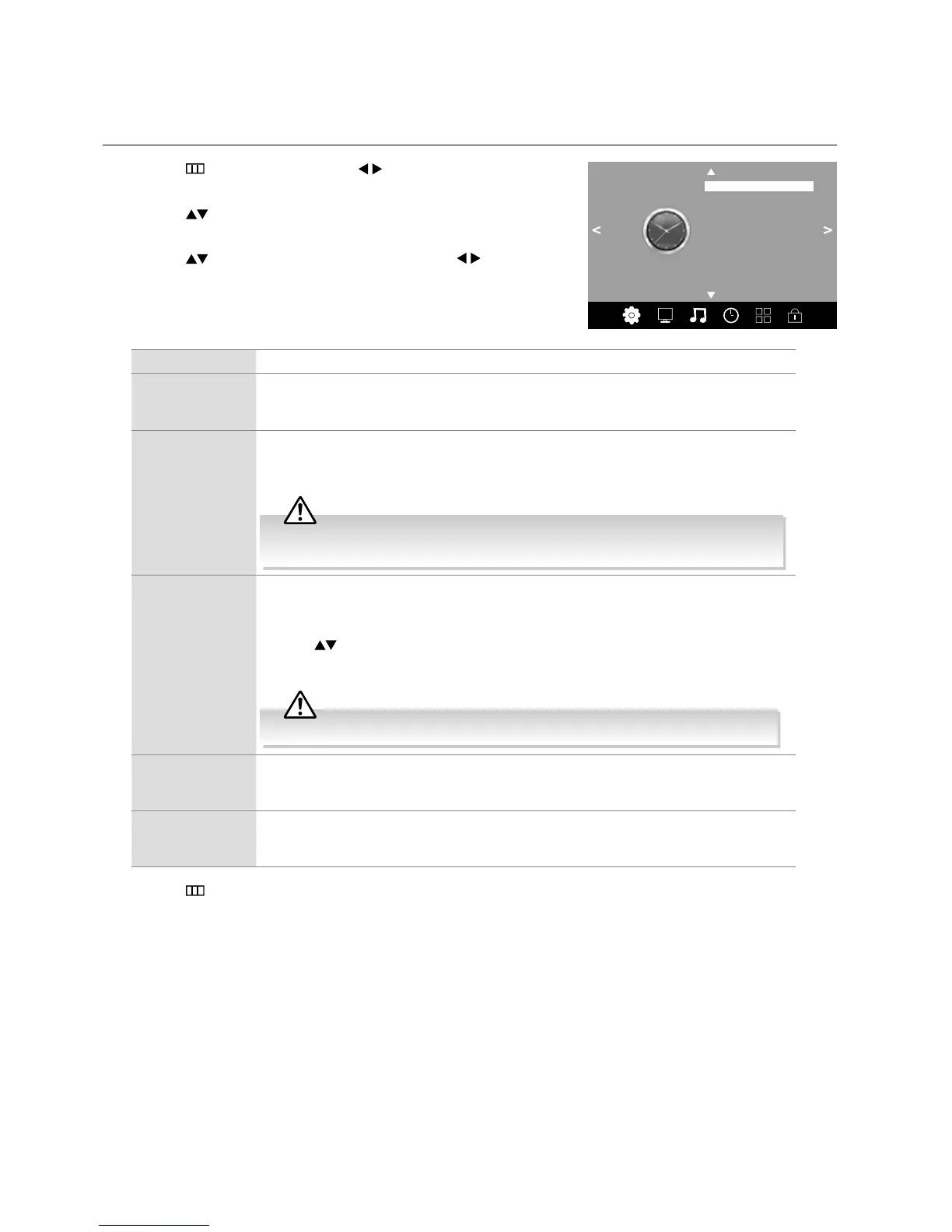
Allows you to adjust power on / off time, sleep timer, auto standby, OSD Timer and time zone.
1. Press the
button and then press the buttons to select the TIME
menu.
2. Press the
buttons to select the following time options and then press
the OK button.
3. Press the
buttons to select the options and press the buttons to
adjust each option’s setting.
TIME
Clock 13:46
Off Time
On Time
Time Zone
OSD Display Timer
Sleep Timer
Clock The clock is set automatically when receiving a digital signal in DTV mode.
Off Time Allows you to set the off time that will automatically switch off the TV. Select from the
following off time options: Off / Once / Every Day / Mon.~Fri. / Mon.~Sat. / Sat.~Sun. /
Sunday.
On Time Allows you to set the on time that will automatically switch on the TV and tune to the source,
channel and volume you select. Select from the following on time options: Off / Once /
Every Day / Mon.~Fri. / Mon.~Sat. / Sat.~Sun. / Sunday.
Ensure your SCART device is turned off before entering the On Time menu. If your
SCART device is turned on, the On Time menu will default to the SCART device.
Sleep Timer The sleep timer automatically switches the TV to standby after the preset time has elapsed.
The clock will be set automatically when receiving a digital signal. Time must be set before
using Sleep Timer function.
Press the
buttons to select a period of time after which the TV automatically switches
to standby mode: OFF / 10 / 20 / … / 180 / 240 min. The timer begins to count down
from the number of minutes selected.
If you turn the TV off after setting the sleep timer, the sleep timer setting will be erased.
Time Zone When you select a Time Zone city, the TV time is set by the time offset information based on
Time Zone and GMT (Greenwich Mean Time) which is received with the broadcast signal
and the time is set automatically by a digital signal.
OSD Display
Timer
You can select a time that your on-screen menus will be displayed: 10 / 20 / 30 / 60
seconds / Off. If you select Off the menu will remain on the screen until you press a button
to remove it.
4. Press the
button to return to the previous menu or the EXIT button to exit the menu.



 To Next Page