29
Advanced Features
3. Press the buttons to select the following PVR File System options
and then press the OK button. Press the
button to return to the
previous menu.
Select Disk Selects the disk where you want to store your recorded content.
Check PVR File
System
Checking the file system of your USB storage or hard disk and check the recording speed
capability of the connected device.
Once SUCCESS is shown after checking, you will then be able to begin recording or use
the Time Shift function.
If FAIL is shown after checking, you will need to format your USB drive or Hard Disc
before being able to record or use the Time Shift feature. Use of the High Speed format
option is recommended.
USB Disk Selects the PVR file system type. FAT32 is best for high speed USB storage devices. High
Speed FS is best for low speed USB. If you select Hi Speed FS, you can select the PVR file
System Size from 1GB to maximum size of USB disk.
Format Press the
button to select "Yes" and then press the OK button to start formatting.
WARNING: Please note no matter which size is booked for recording, all the data
in the allocated partition of the hard disk will be lost after formatting. During Hi-Speed
formatting of some USB drives, you may need to select a smaller Time Shift size than
the maximum capacity of the drive, as some storage capacity is used in the PVR set-up
process.
Time Shift Size Selects your preferred file size then press the OK button to confirm.
Always
Timeshift
Press the OK button to switch the Always Timeshift function to on or off status.
Speed Shows the spported speed of recording, and whether your storage device can support
HD DTV recording.
Free Record
Limit
Shows approximate time to record on your USB storage device.
4. Press the
button to return to the previous menu or the EXIT button to
exit the menu.
Restore Factory Default
Restores all settings to the factory defaults.
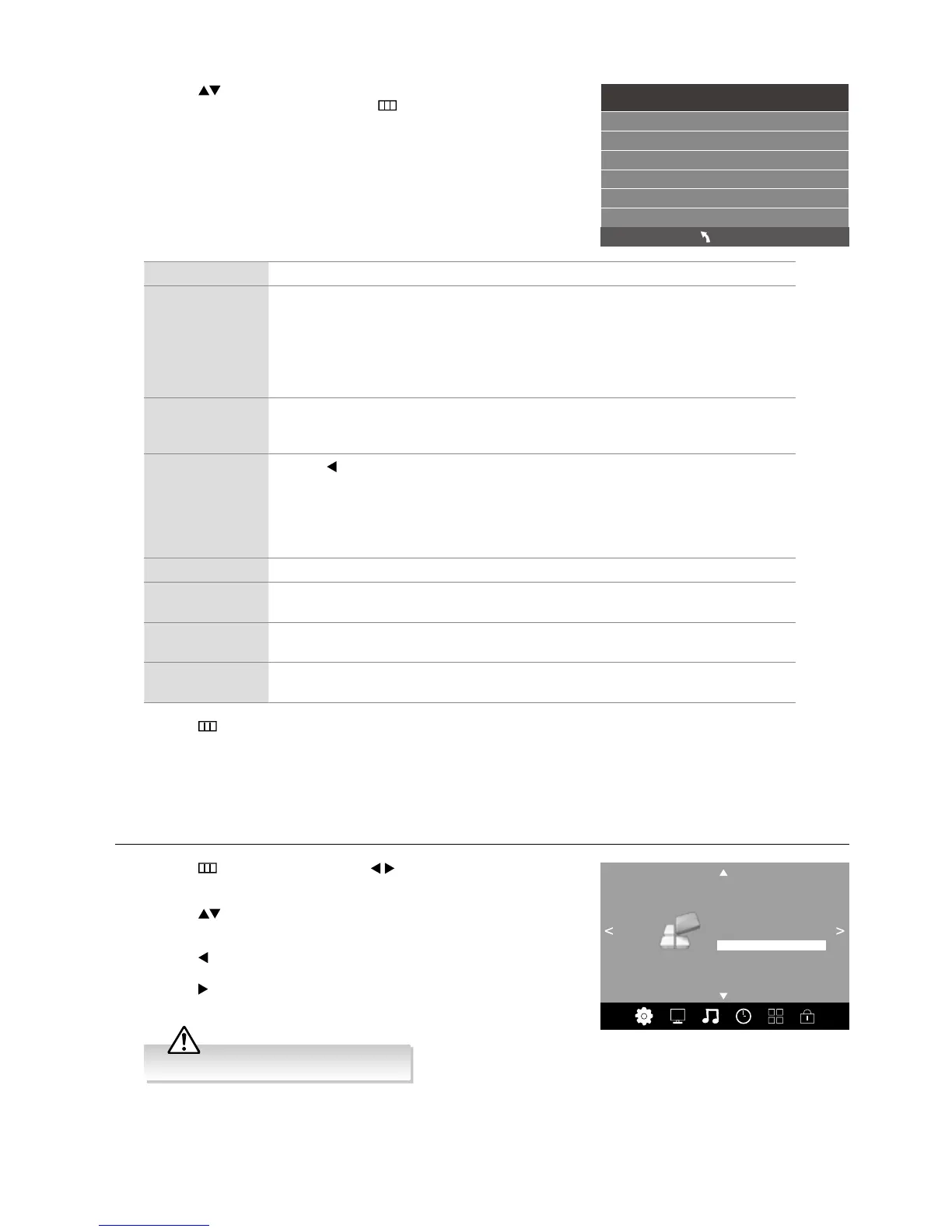
1. Press the
button and then press the buttons to select the
OPTION menu.
2. Press the
buttons to select Restore Factory Default and then
press the OK button.
3. Press the
button to select “Yes”. The TV will turn off and restart after
a few seconds.
Press the
button to select "No" to cancel and return to the previous
menu.
OPTION
OSD Language
Audio Languages
Subtitle Languages
Hearing Impaired
Restore Factory Default
HDMI CEC
EDID Switch
Shop Mode Off
PVR File System
All channel and user settings will be lost.
Check PVR File System Start
USB Disk
Format
Time Shift Size
Speed
Free Record Limit 6 Hr.
Select Disk C:
MENU



 To Next Page