21
Advanced Features
Channel Edit (ATV / DTV Mode)
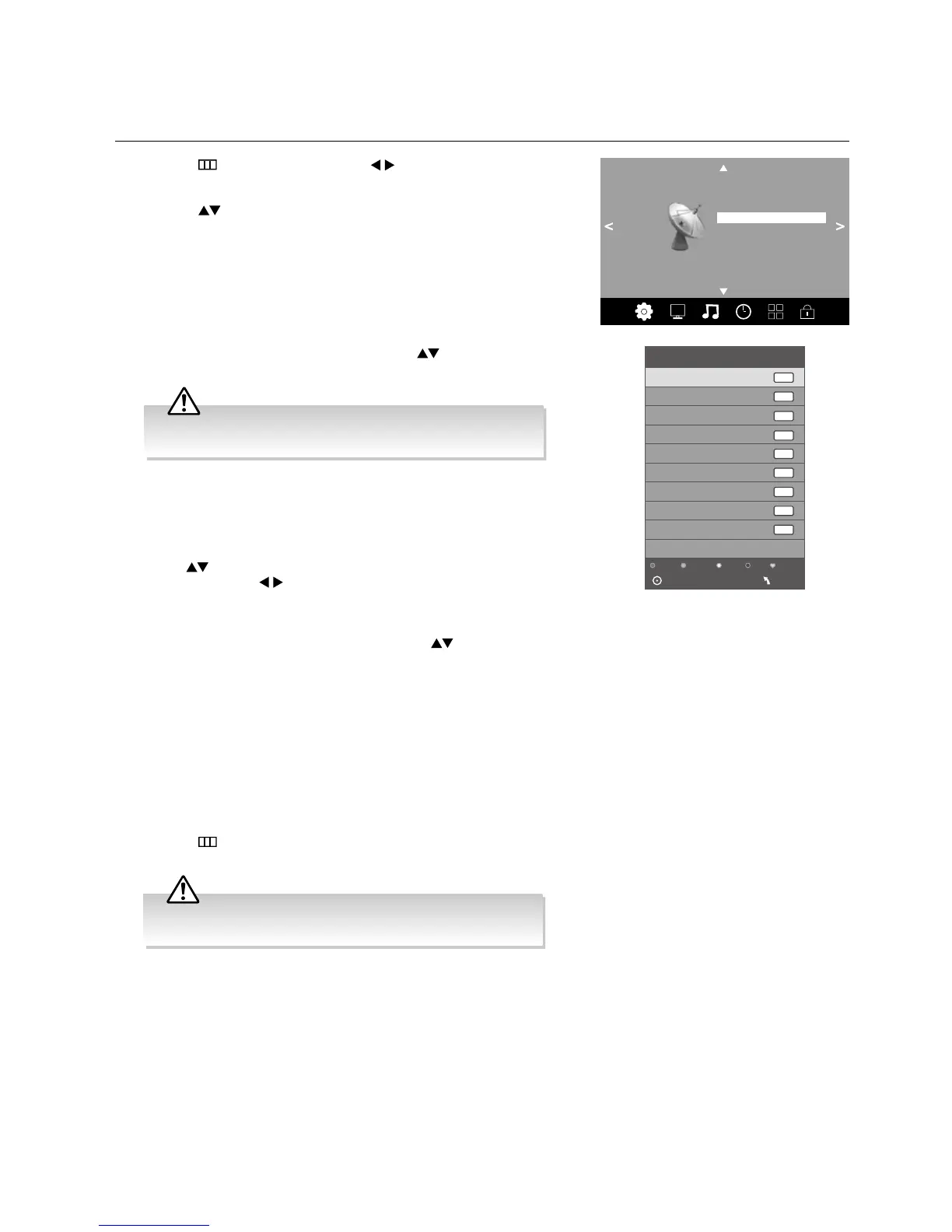
Allows you to edit TV channel information in the Channel List.
1. Press the
button and then press the buttons to select the
Channel menu.
2. Press the
buttons to select Channel Edit and then press the OK
button.
a. Delete
Press the RED button to delete the selected channel.
b. Rename (ATV channels)
Press the GREEN button to rename the selected channel. Press
the
buttons to select the characters to represent the station
name. Press the buttons to move to the next character and
then press the GREEN button again to confirm the new name.
c. Move
Press the YELLOW button and then press the
buttons to
move to the selected channel. Press the YELLOW button to
confi rm.
d. Skip
Press the BLUE button to select the channels that you want to skip
when you are selecting channels. Press the BLUE button again to
undo it.
e. FAV (Favourite)
Press the FAV button to set the selected channel as one of the
favourite programmes. Press the FAV button again to undo it.
4. Press the
button to return to the previous menu or the EXIT button to
exit the menu.
3. A Channel Edit screen will pop up. Press the
buttons to
select the programme you want to edit.
Channel
Auto Tuning
DTV Manual Tuning
ATV Manual Tuning
Signal Information
Software Update (OAD) Off
OAD Tuning
Software Update (USB)
Channel Edit
Channel Edit
Delete
Skip
Favourite
1 BBC ONE
DTV
2 BBC TWO
1 C-24
7 BBC THREE
9 BBC FOUR
70 CBBC Channel
71 CBeebies
724 Capital FM
117 The Space
DTV
DTV
DTV
DTV
DTV
Radio
Data
ATV
OK
MENU
Rename
Move
All channels (DTV and ATV) are listed, please ensure that you
edit the correct channel.
Care should be taken when editing the position of digital
channels as this may affect EPG and reminder settings.



 To Next Page