30
Advanced Features
3. Press the buttons to select the following options and then press the
OK button.
HDMI CEC Select On to enable CEC, or select Off to
disable the function. This will allow you to
control other CEC enabled devices (connected
via HDMI) using your TV remote control.
HDMI ARC When HDMI CEC is set to On, press the
buttons to select On to enable to send audio
to ARC-compliant audio devices or select Off
to disable the function.
Auto Standby When HDMI CEC is set to On, press the
buttons to select On to enable ARC-compliant
audio devices switch to standby automatically
when the TV is switch to standby mode or
select Off to disable the function.
Device List Display the connected HDMI devices with
CEC.
4. Press the
button to return to the previous menu or the EXIT button to
exit the menu.
EDID (Extended Display Identification Data) Switch (HDMI Mode)
EDID (Extended Display Identification Data) is an industry standard for AV source and display devices which automatically
communicates manufacturer specification and data between devices.
This allows the HDMI source to send the best compatible signal data to the TV to ensure the best possible picture results.
1. Press the
button and then press the buttons to select the
OPTION menu.
2. Press the
buttons to select EDID and then press the OK button.
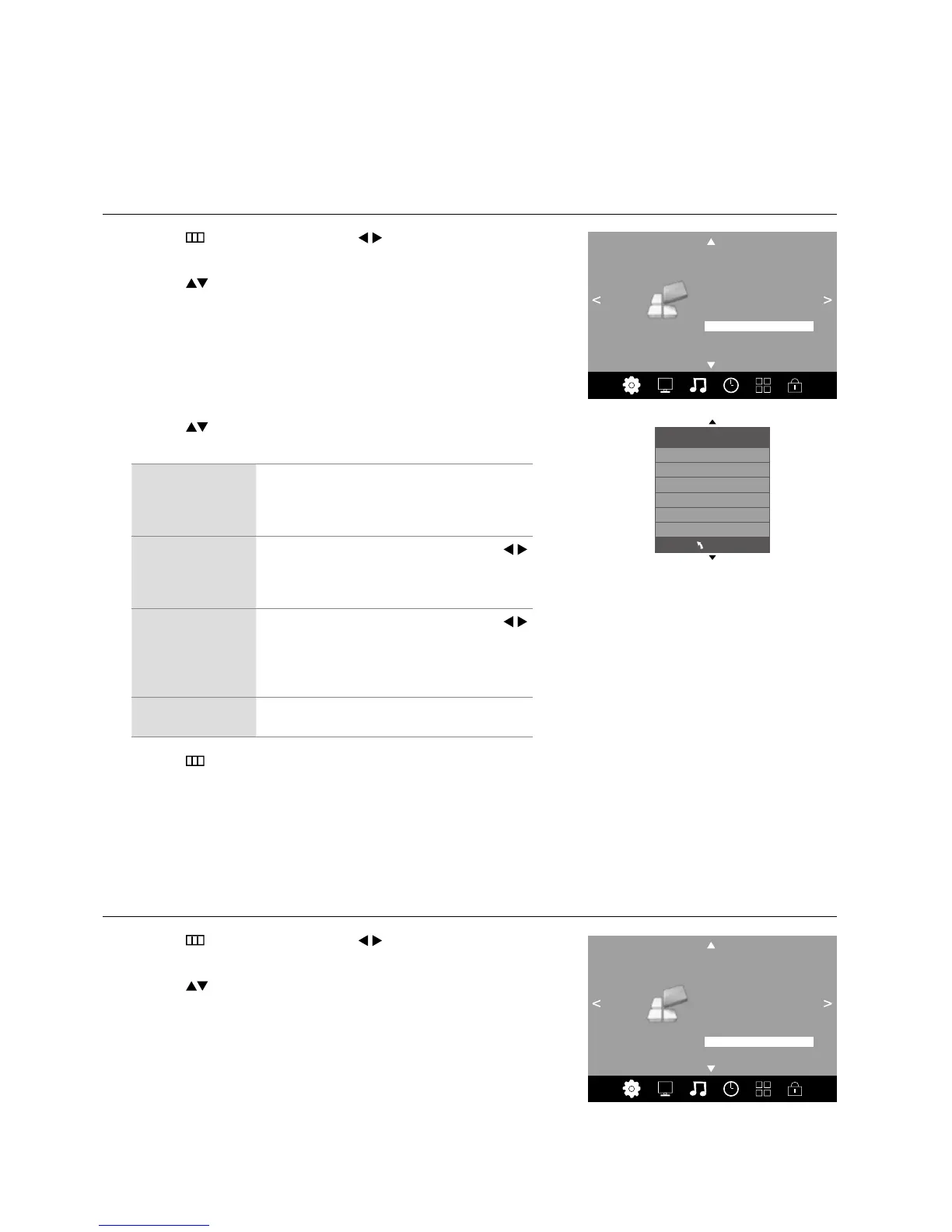
HDMI CEC (Consumer Electronics Control)
Allows you to command and control two or more CEC-enabled devices, that are connected through HDMI, by using only one
of the remote controls (e.g. controlling a TV set, set-top box and DVD player using only the remote control of the TV). CEC also
allows individual CEC-enabled devices to command and control each other without user intervention.
Make sure that your CEC-compliant device is connected to your TV using a HDMI cable and the correct HDMI input source is
selected prior to using this function. (Some HDMI cables may not support HDMI-CEC functions.)
1. Press the
button and then press the buttons to select the
OPTION menu.
2. Press the
buttons to select HDMI CEC and then press the OK
button.
HDMI CEC
HDMI CEC
HDMI ARC
Auto Standby
Device List
On
Off
Off
MENU
OPTION
OSD Language
Audio Languages
Subtitle Languages
Hearing Impaired
Restore Factory Default
HDMI CEC
EDID Switch
Shop Mode Off
PVR File System
OPTION
OSD Language
Audio Languages
Subtitle Languages
Hearing Impaired
Restore Factory Default
HDMI CEC
EDID Switch
Shop Mode Off
PVR File System



 To Next Page