25
Advanced Features
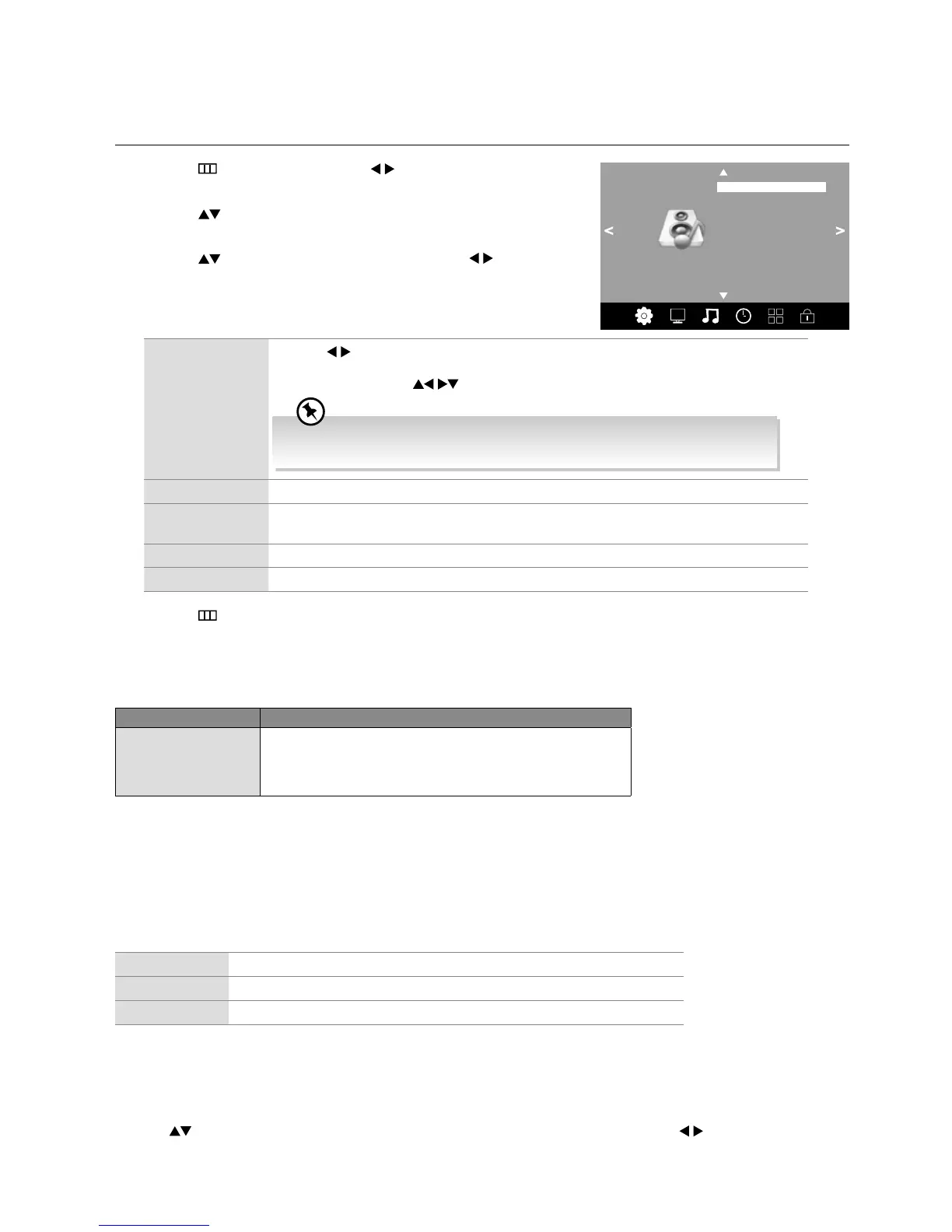
Sound Setting
Allows you to select an audio-enhancement technique.
1. Press the
button and then press the buttons to select the
SOUND menu.
2. Press the
buttons to select the following sound options and then
press the OK button.
3. Press the
buttons to select the options and press the buttons to
adjust each option’s setting.
SOUND
Sound Mode Standard
Balance
Auto Volume Off
Spdif Mode PCM
Surround Sound
Sound Mode Press the buttons to select an audio-enhancement technique: Standard / Music / Movie
/ Sports / User.
In User mode, press the
buttons to adjust the Treble and Bass.
To get a better sound effect, you may need to adjust the sound settings depending
on the type of program you are watching.
Balance Adjusts the relative volume of the speakers in a multiple speaker system.
Auto Volume Volume levels are automatically controlled (e.g., advertisements tend to be louder than the
programmes).
Surround Sound Select to turn surround sound On / Off.
Spdif Mode Selects the digital audio output mode: PCM / Auto.
4. Press the
button to return to the previous menu or the EXIT button to exit the menu.
Stereo / Dual Sound Reception (ATV Mode)
When a programme is selected, press the AUDIO button to display the sound information for the selected station.
Broadcast On Screen Display
Mono
Stereo
Dual
MONO / NICAM MONO
MONO / NICAM STEREO
MONO / NICAM DUAL I, NICAM DUAL II, NICAM DUAL I+II
Mono sound selection
If the stereo signal is weak, you can switch to mono by pressing the AUDIO button. In mono reception, the clarity of sound is
improved. To switch back to stereo, press the AUDIO button again.
Language selection for dual language broadcast
If a programme can be received in two languages (dual language), you can switch to NICAM DUAL I, NICAM DUAL II,
NICAM DUAL I+II or MONO by pressing the AUDIO button repeatedly.
NICAM DUAL I
Sends the primary broadcast language to the loudspeakers
NICAM DUAL II
Sends the secondary broadcast language to the loudspeakers
NICAM DUAL I+II
Sends the primary and secondary broadcast languages to the loudspeakers
Speaker Sound Output Selection (DTV Mode)
While watching a DTV programme, you can press the AUDIO button to display the audio language list (only applicable when
the TV programme has this feature).
Press the
buttons to select an audio language or audio format if available and then press the buttons to select sound
track between L/R (Stereo), L/L (Mono Left) and R/R (Mono Right). Press the OK button to confirm and exit.



 To Next Page