6 | Operation LINXON
40 / 90 LX218-Operating-Manual-en1-04-(1908)
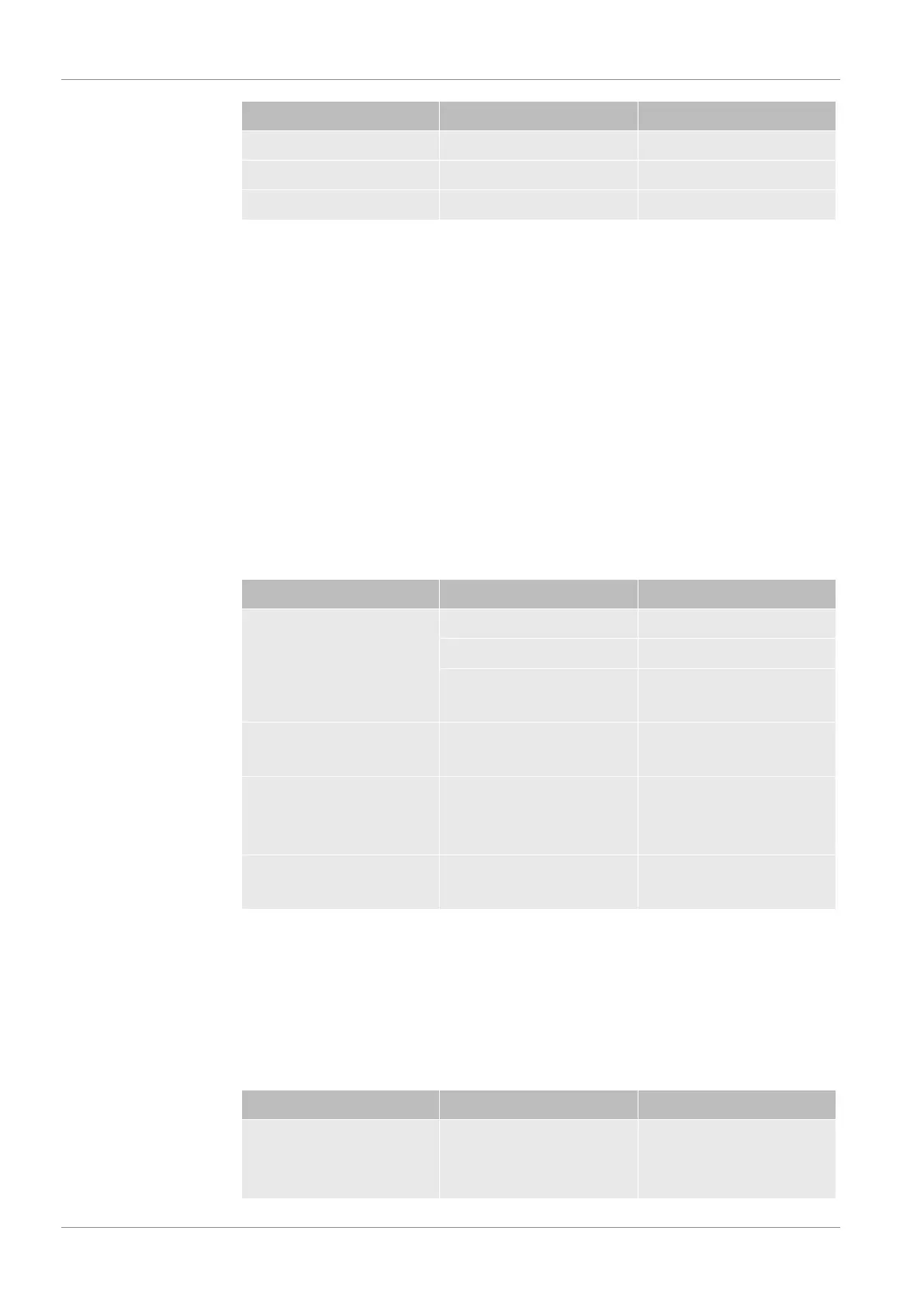
Settings Measurement units Comments
Pa
atm
Torr
Standby > Configuration > Global settings > Display settings > Units
1. In order to define the respective measurement units, press "Leak rate" or
"Pressure".
Date and time
• Date in the format DD.MM.YYYY
• Time in the hh:mm format
Standby > Configuration > Global settings > Display settings > Date and time
Display area
Specify how the measurement results are to be displayed.
Option Value range (min./max.) Comments
Scaling
Dec.
linear Linear display
Log Logarithmic display
2 … 9 Number of decades for the
log. display
Range Automatic Automatic measuring
range selection
Manual Manual measuring range
selection using functions in
the display
Time axis 16 … 960 Time axis and time scale in
seconds
Standby > Configuration > Global settings > Display settings > Display area
Lower display limit
Standby > Configuration > Global settings > Display settings > Lower display limit
In the measuring mode, you can set a lower limit for the display of the leak rate. The
setting is only effective for the "Vacuum" operation mode.
Options Value range (min./max.) Comments
Lower display limit With the units mbar*l/s:
1E-12 mbar*l/s
The display limit only
affects the operation mode
"Vacuum".


 To Next Page