LINXON Operation | 6
LX218-Operating-Manual-en1-04-(1908) 39 / 90
• Load/save parameters
• Volume & beeping
6.3.1.1 Setting the display
In the "Display" menu, you change the display type by selecting the following:
• Contrast
• Units
• Date and time
• Display area
• Lower display limit
• Language
Contrast
Standby > Configuration > Global settings > Display settings > Contrast
1. You can increase or decrease the contrast with the "+" and "-" buttons. If you keep
the buttons pressed, the values change continuously.
2. In order to adjust the contrast to the device temperature automatically, select
"Automatic".
3. To make the background of the display darker and the lettering lighter, select
"Invert display".
Units
The following options can be selected:
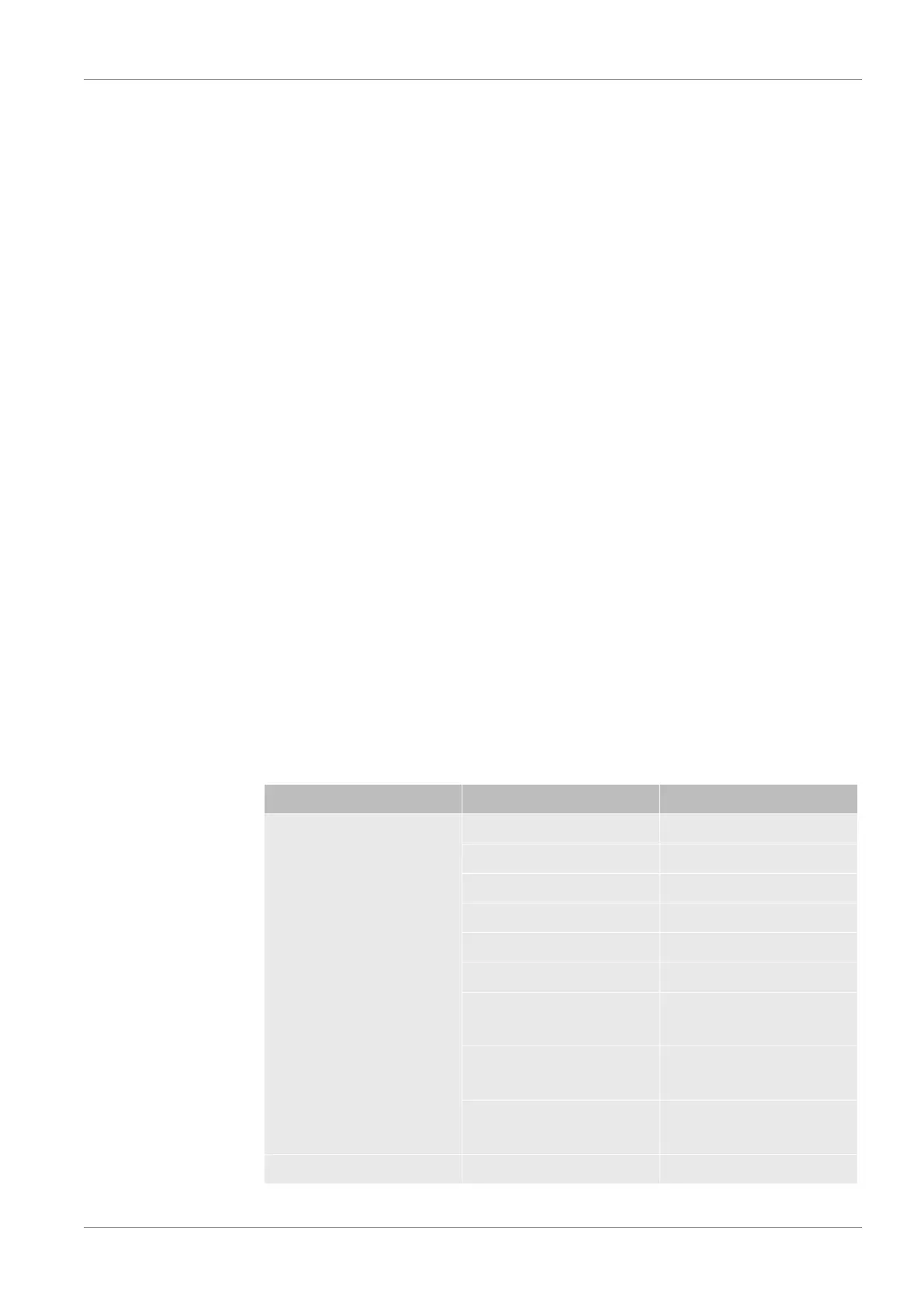
Settings Measurement units Comments
Leak rate mbar*l/s
Pa*m3/s
Torr*l/s
sccm
sccs
atm*cc/s
ppm Only available in the
operation mode "Sniffing"
g/a Only available in the
operation mode "Sniffing"
oz/yr Only available in the
operation mode "Sniffing"
Pressure mbar


 To Next Page