LINXON Operation | 6
LX218-Operating-Manual-en1-04-(1908) 43 / 90
The menu PIN is requested when accessing the menus. If you enter the incorrect PIN,
the message "Incorrect PIN" is displayed. Only the menu "Configuration> Information"
is accessible without restrictions (see chapter entitled Calling up information about the
device [}57]).
Permission for the menu is activated if the current menu PIN is not 0000. After
activating the user permission for the menu, the function is activated after 2 minutes.
The setting can be changed during this time. The correct menu PIN must then be
entered to access all the menus.
If you activate permission for the menu, be sure to save the menu PIN.
If you have forgotten the menu PIN, contact Linxon.
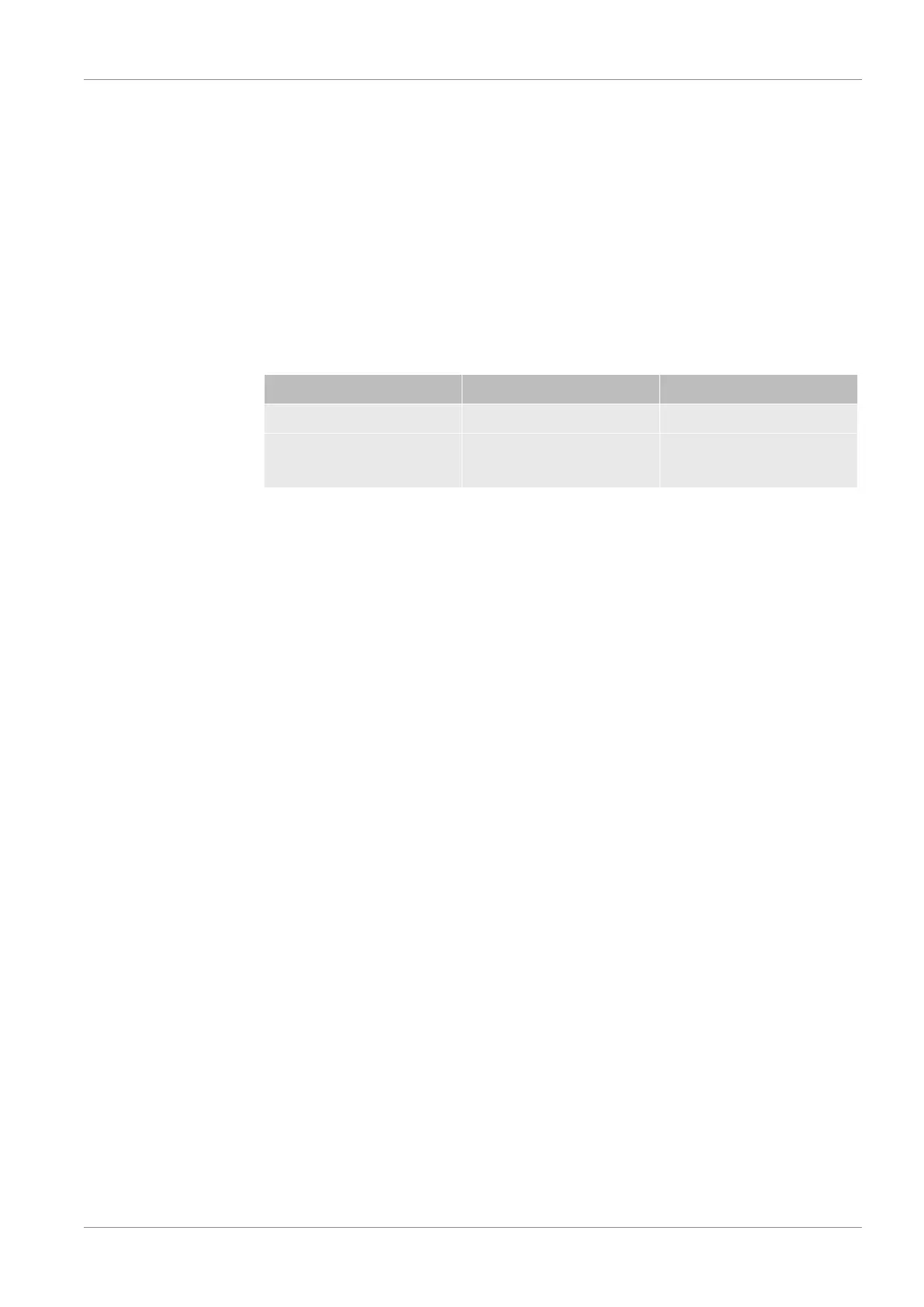
Options Value range (min./max.) Comments
New PIN 0000 – 9999 New menu PIN
New PIN (confirmation) 0000 – 9999 New menu PIN. Repeat to
confirm.
Standby > Configuration > Global settings > Access control > Change menu PIN
6.3.1.3 Loading/saving parameters
You can save the parameters for a measurement task. To quickly set up the device for
a measurement task, you can load saved parameter sets.
Standby > Configuration > Global settings > Load/save parameters
Load Para Set 1 or 2
The save date of the parameter set is displayed.
• The "Display parameter set" function lists all saved settings.
• "Load" activates the saved parameter set after confirming.
Save as Para Set 1 or 2
The current parameters are saved as a specified set name. Any parameter set that
was saved under this name will be overwritten.
Load the factory settings
The factory settings are loaded. For more information, see Chapter C, "List of
Defaults".


 To Next Page